v1.16
What's new in Total Family 1.16.
Version 1.16 makes the resource library navigable by tag, and turns the numbers on the partner dashboard into something you can click through.
For Families
New Features
Content Tags and Tag-Based Search
Finding the right article is now as simple as following a tag.
- Every card carries tags. Featured, latest, and article views all show clickable ones
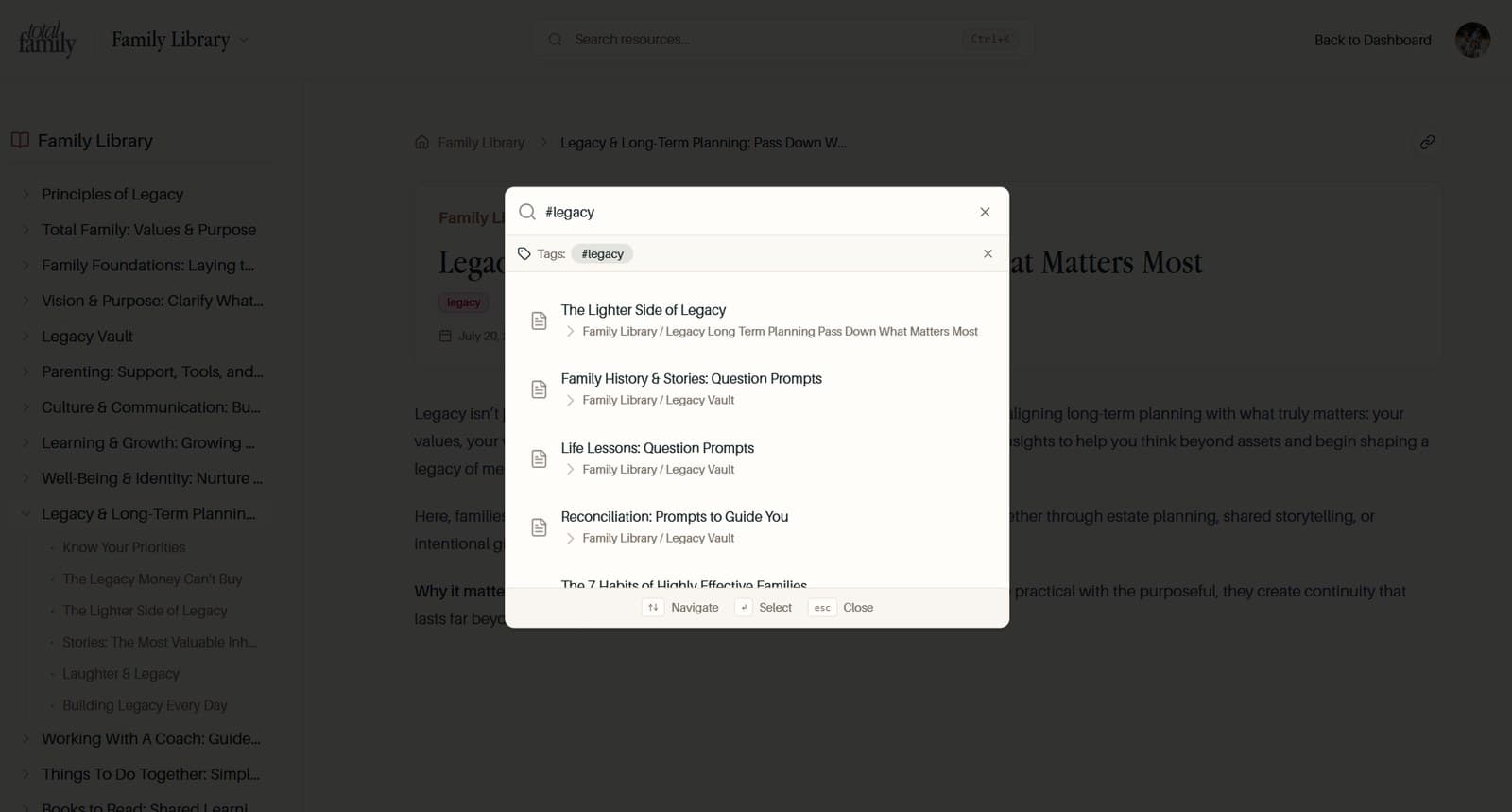
- Click a tag to search it. The search panel opens pre-filtered, with no typing
- Type
#to explore. Tag suggestions appear as you type, and you can stack several to narrow things down - Capitalisation does not matter. Tags match regardless of how they are written
Improvements
Copy and Punctuation
Punctuation has been smoothed out across the product for a more consistent read. Every user-facing mention of the old product name now reads Total Family across invitations, legacy flows, guest access, and chat.
Legacy Letter Titles
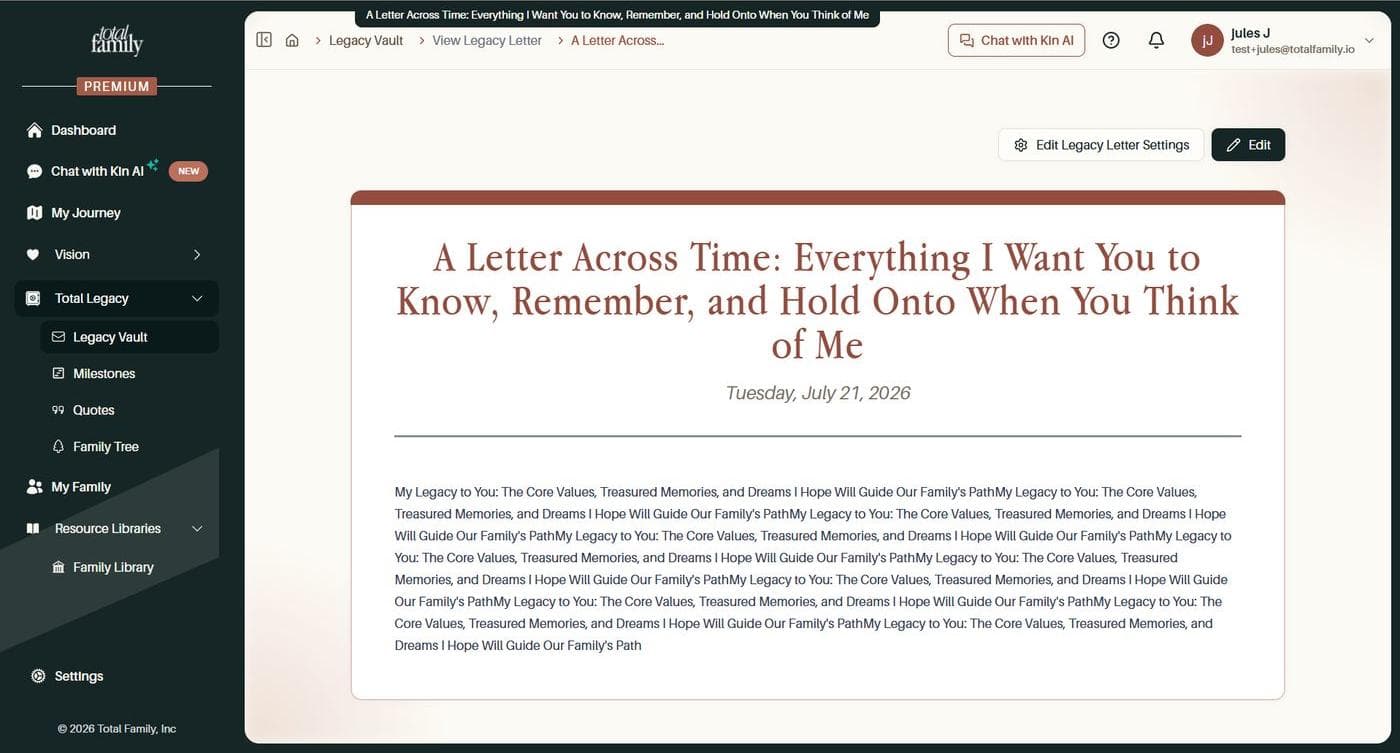
A long title used to run away with the page. It stretched the breadcrumb across the top and crowded out everything beside it, and nothing told you the title was getting unwieldy until you had already saved it.
Titles now have a 100 character limit, and the editor says so as you reach it, so you find out while you're still writing.
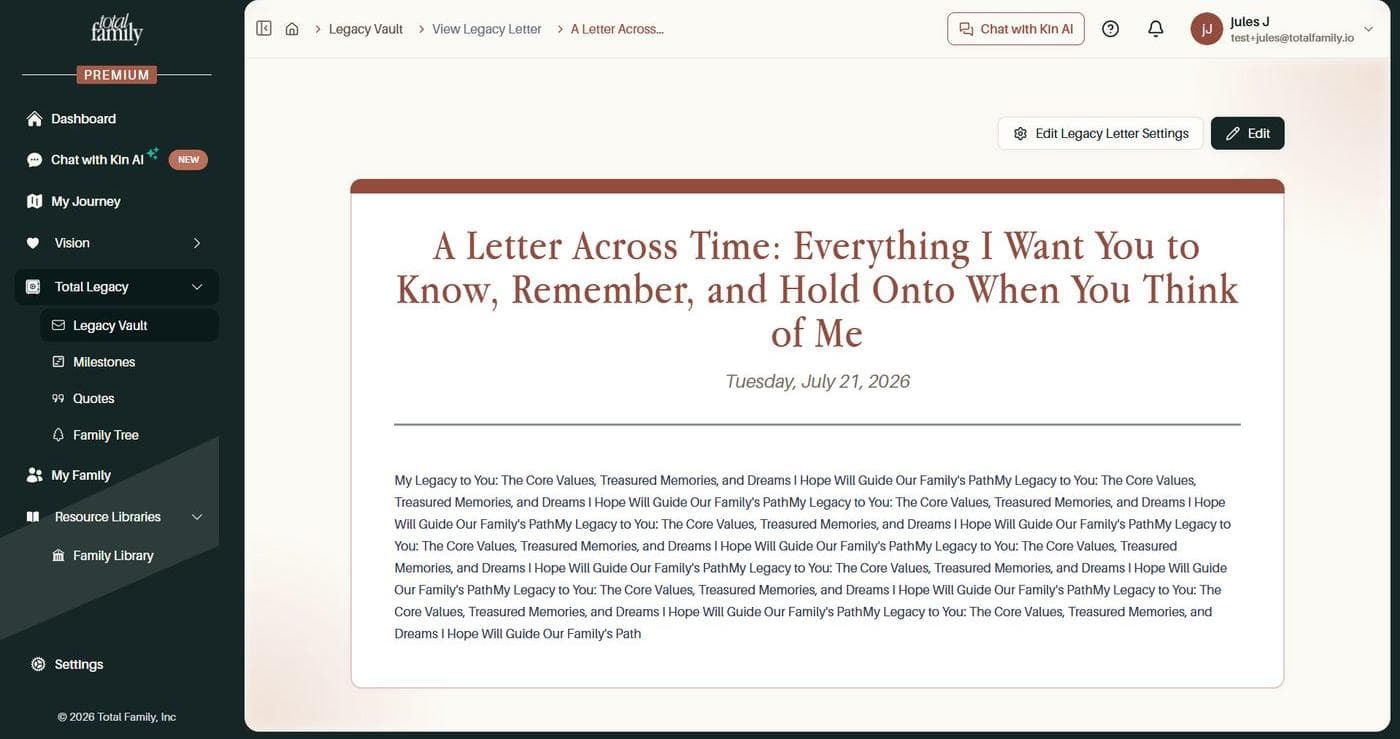
Where a title still runs long, the breadcrumb shortens it to fit rather than letting it take over the row. Hover over it and the full title appears, so nothing is actually lost.
Bug Fixes
- Signing in after a few days away works. Sessions expired the moment your code was verified, so you were bounced back with a "session expired" message and had to start the whole login again
For Partners
Improvements
Investigation Drilldowns
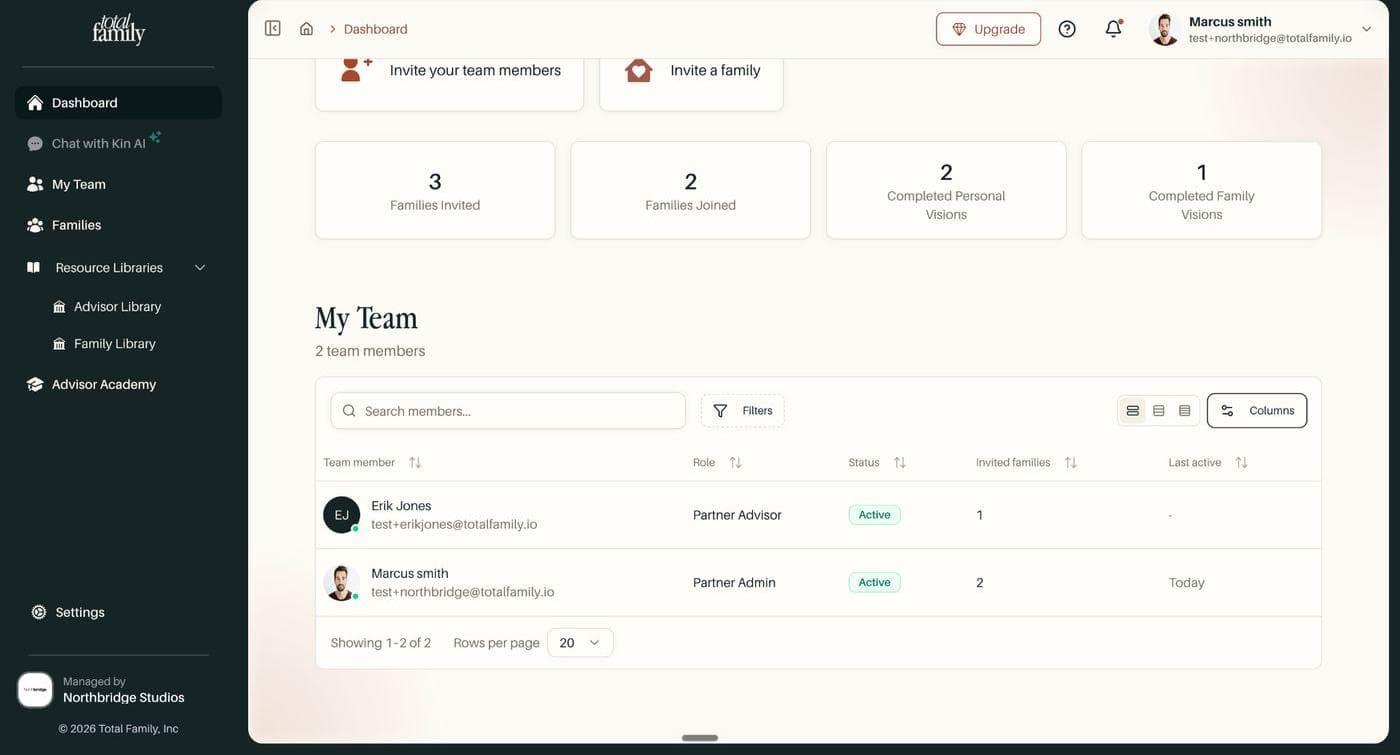
Partner admins could see the numbers on their dashboard but not what sat behind them. A member's client count was a figure with no way to ask which households it meant. Every count is now something you can open.
- Open a count to see the families behind it. They appear in a side drawer, so you keep your place instead of navigating away and finding your way back
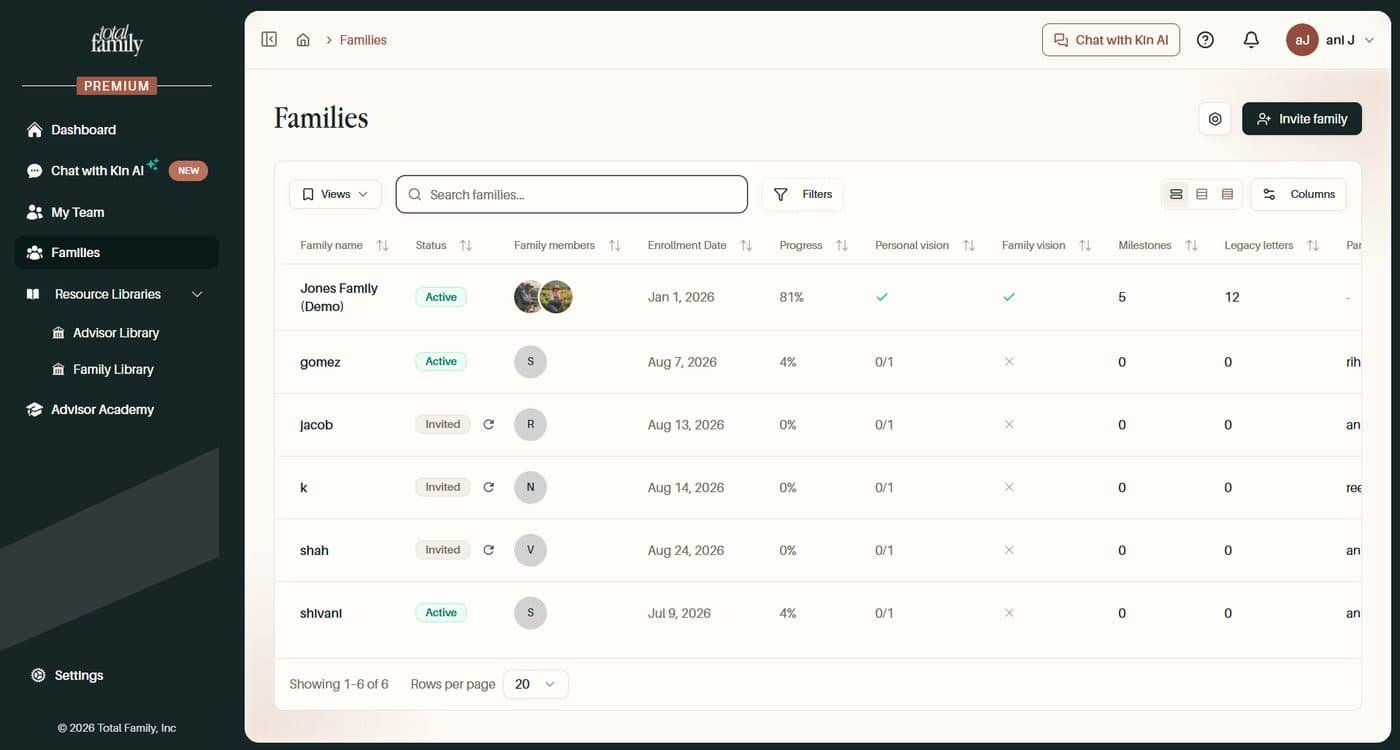
- See who is supporting whom. A Partner member column on the families list, and a partner members section on each family, so coverage is visible without cross-referencing two screens
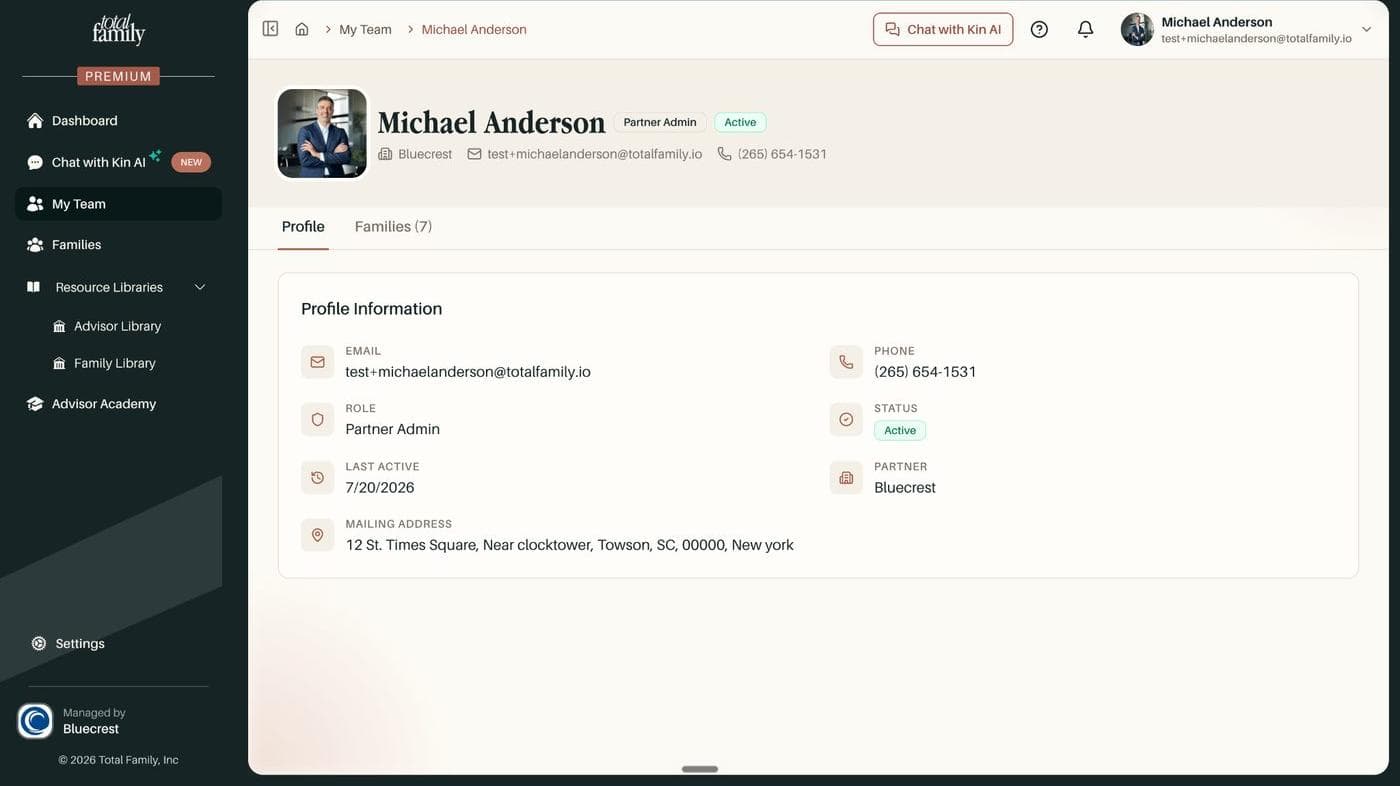
- Tell a lapsed member from one who never started. Each member now shows status, whether their account is linked, when they were last active, and a "No login yet" flag
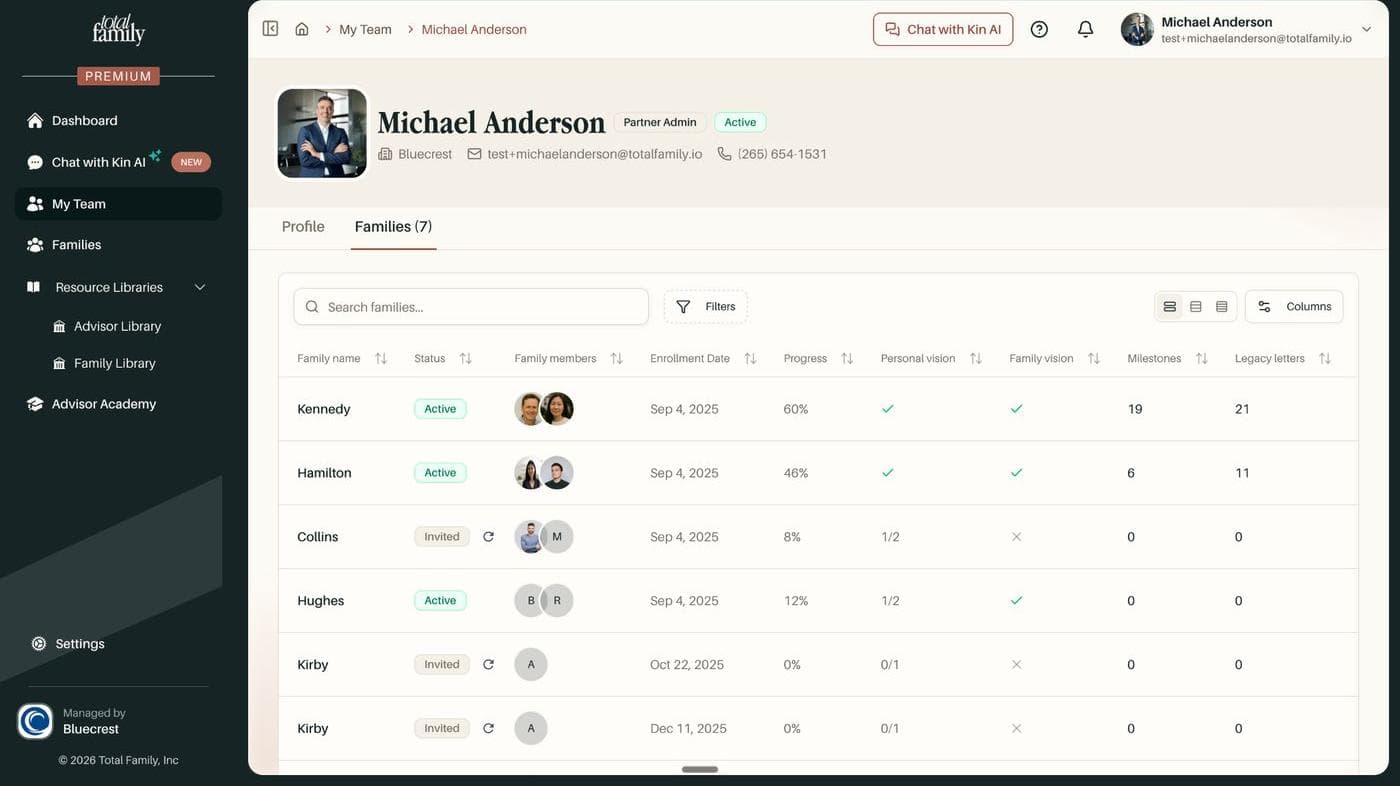
- See an advisor's whole book at once. A Families tab on the member profile lists every household they support
Bug Fixes
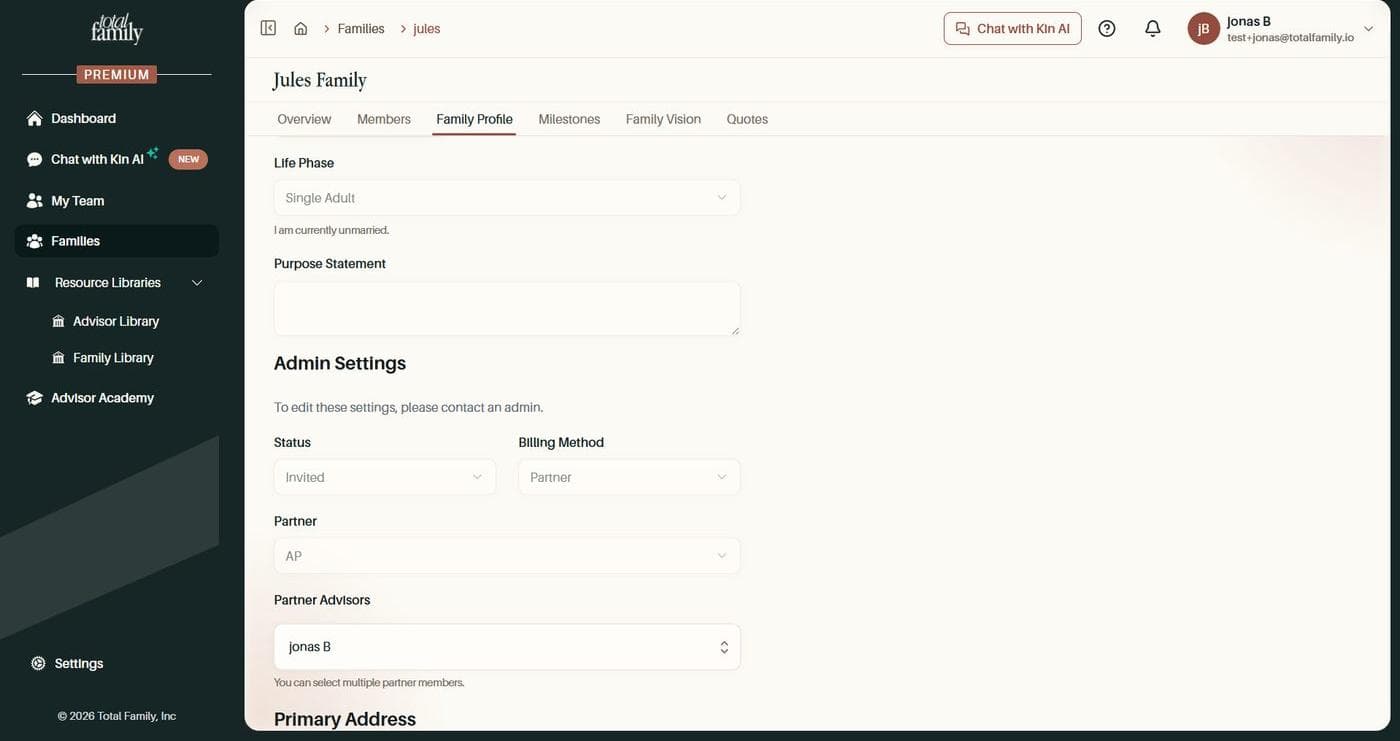
- Advisor assignments stick. Assigning an advisor on a family profile looked like it reverted the moment you refreshed. The assignment was saving correctly all along; the page was redrawing from a stale cache. It now shows what was saved
- Tables behave the same everywhere. Search, pagination, row numbers, and saved views were unreliable across the partner tables, and are now consistent
- A trailing space no longer empties your search. Catching a stray space at the end of a query used to return nothing at all
- Filters return what you picked. The Families "Personal Vision" and "Family Vision" filters, and the Families Invited and Partners Free status filters, now match the rows they should
- Last active shows real dates. The column on the partner dashboard team table sat blank for every member; it now tells you when each was last in