v1.17
What's new in Total Family 1.17.
Version 1.17 opens a direct line to us, and lets the Legacy Vault hold the documents your family already has rather than only the ones you write here.
For Families
New Features
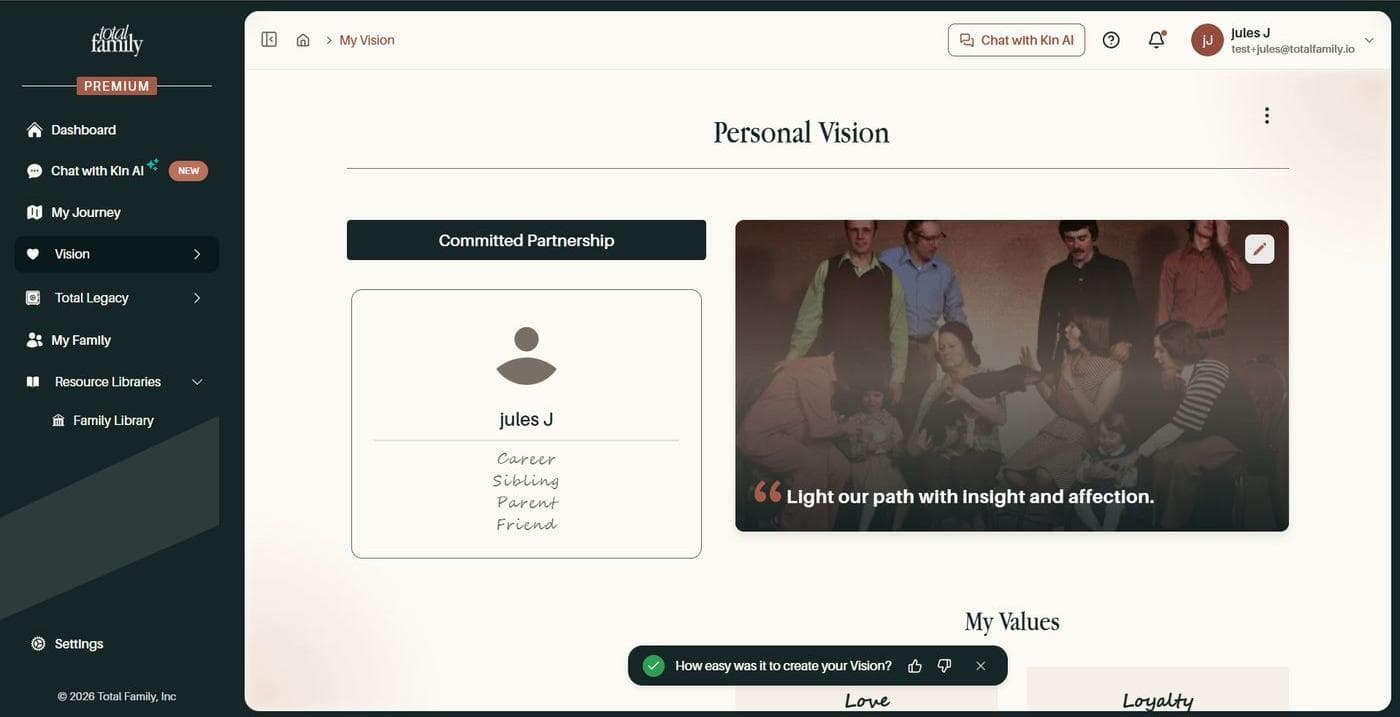
Tell Us How a Task Went
Finish something and a small prompt asks how easy it was. A thumbs up or down is a complete answer if that is all you have time for.
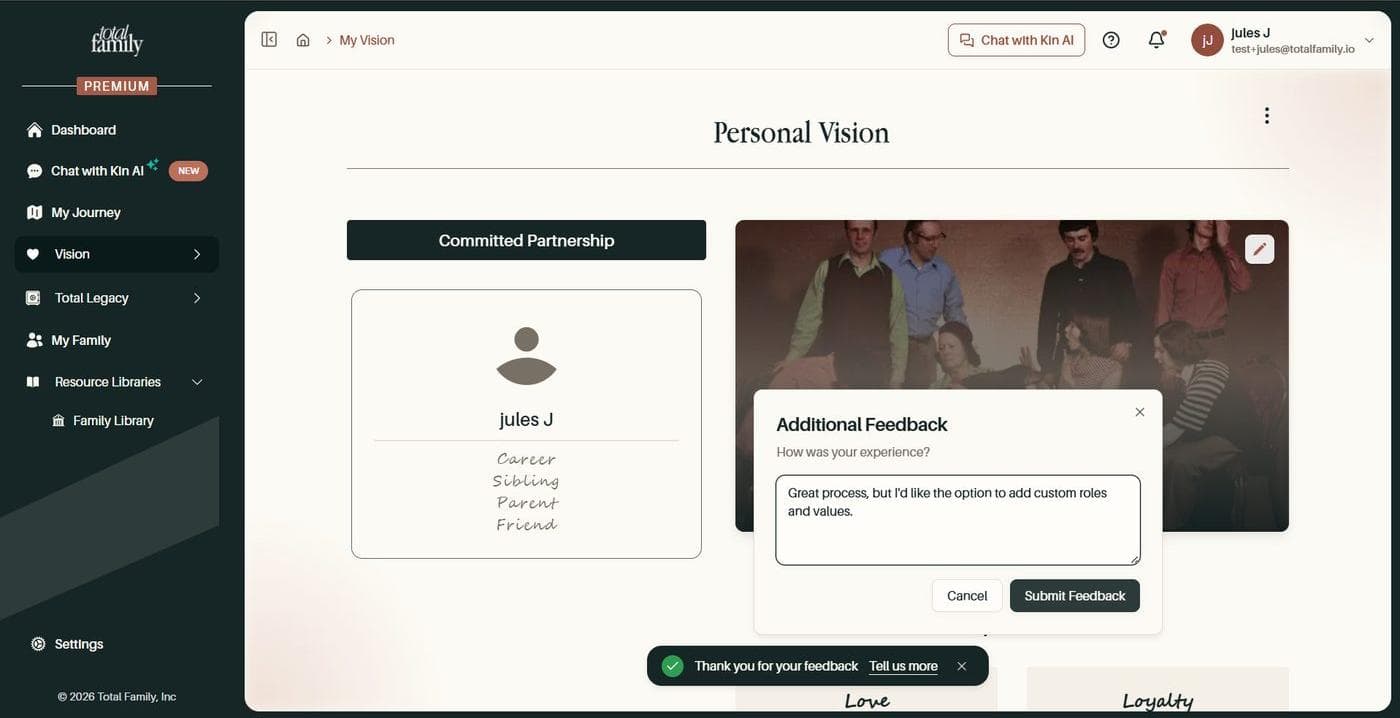
Answer it and you can add detail if you want to. This is the quickest way to tell us something specific about a step while it is still fresh, rather than trying to remember it later.
Report a Problem, or Ask for Something
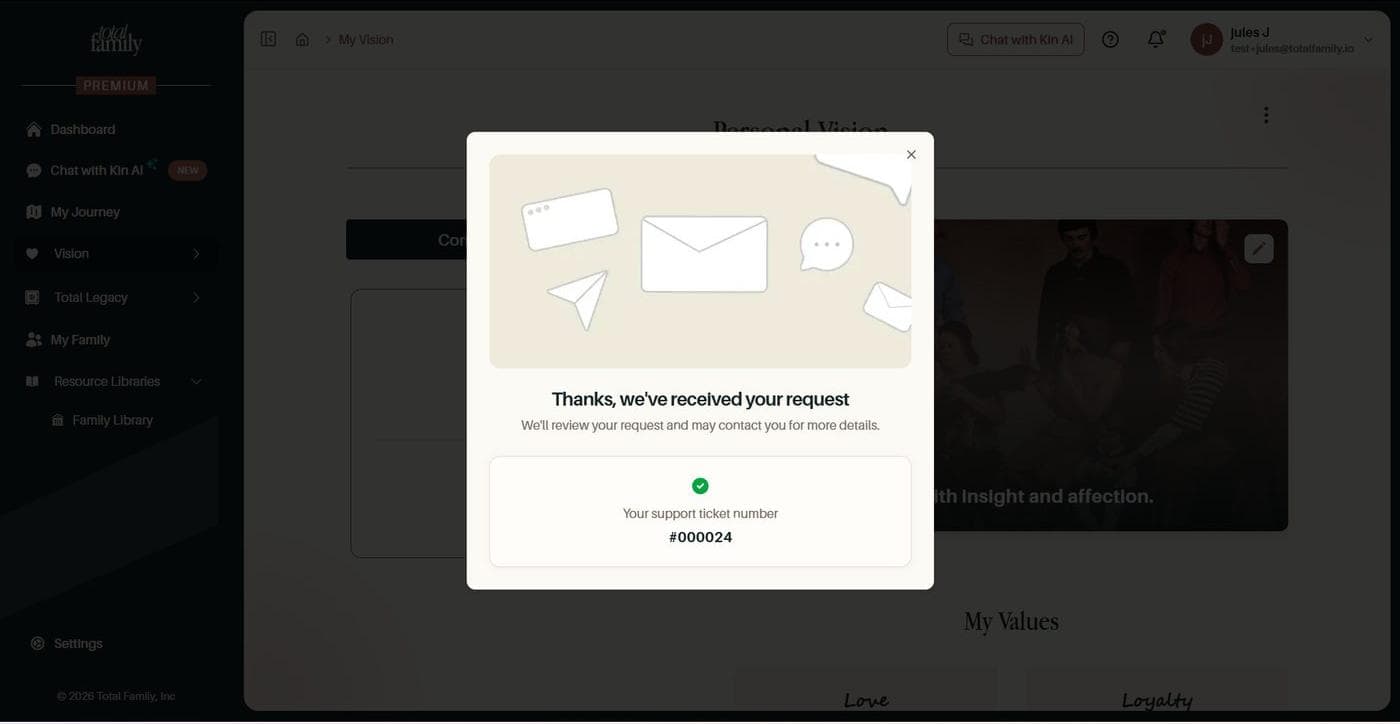
The help panel now reaches us directly. Say whether you are reporting a problem or suggesting an improvement, describe it, and attach a screenshot when that explains the thing faster than words do.
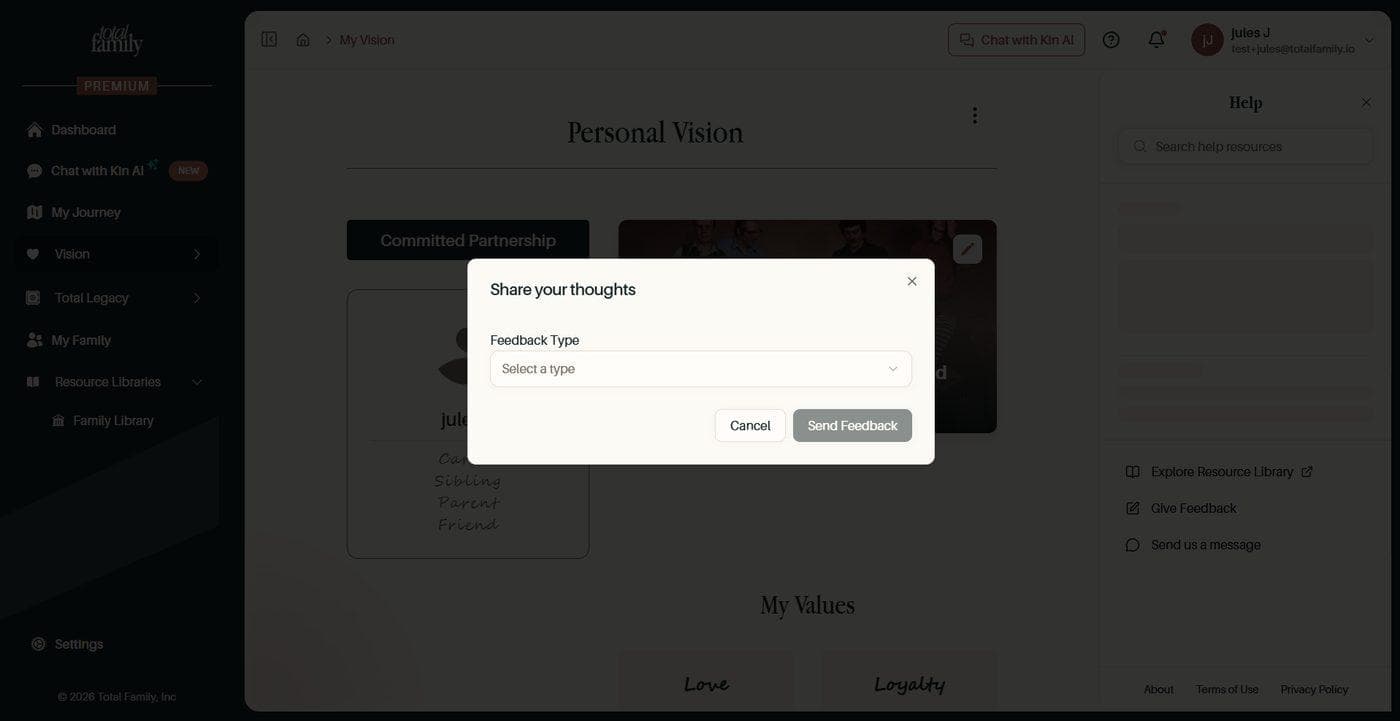
There is a box to tick if you are happy for us to come back to you with questions. Either way you get a support ticket number, so what you sent is something you can refer to rather than a message into the void.
Upload Documents Into the Legacy Vault
Not everything worth keeping was written in Total Family. Handwritten letters, scans, documents you already hold: Upload a Letter now appears in every category, and takes several files at once.
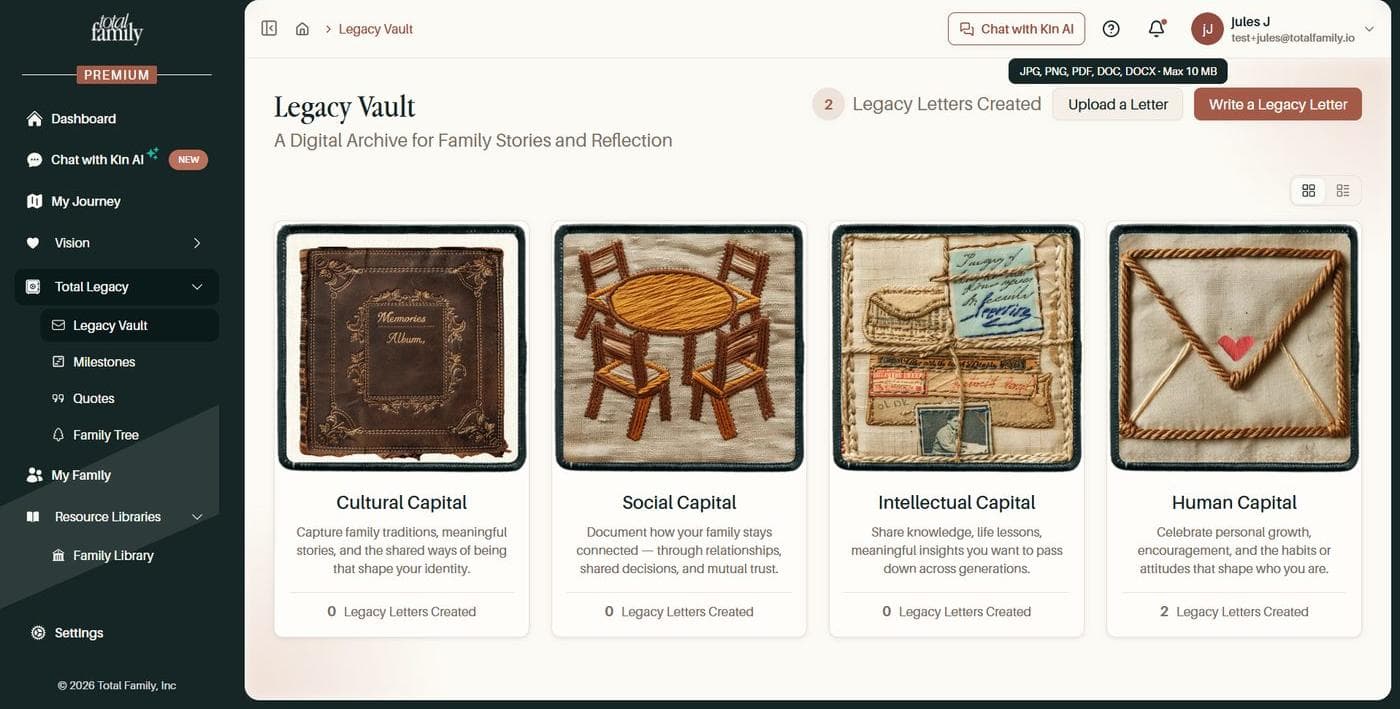
It takes the formats families actually have: JPG, PNG, PDF, DOC and DOCX, up to 10 MB each.
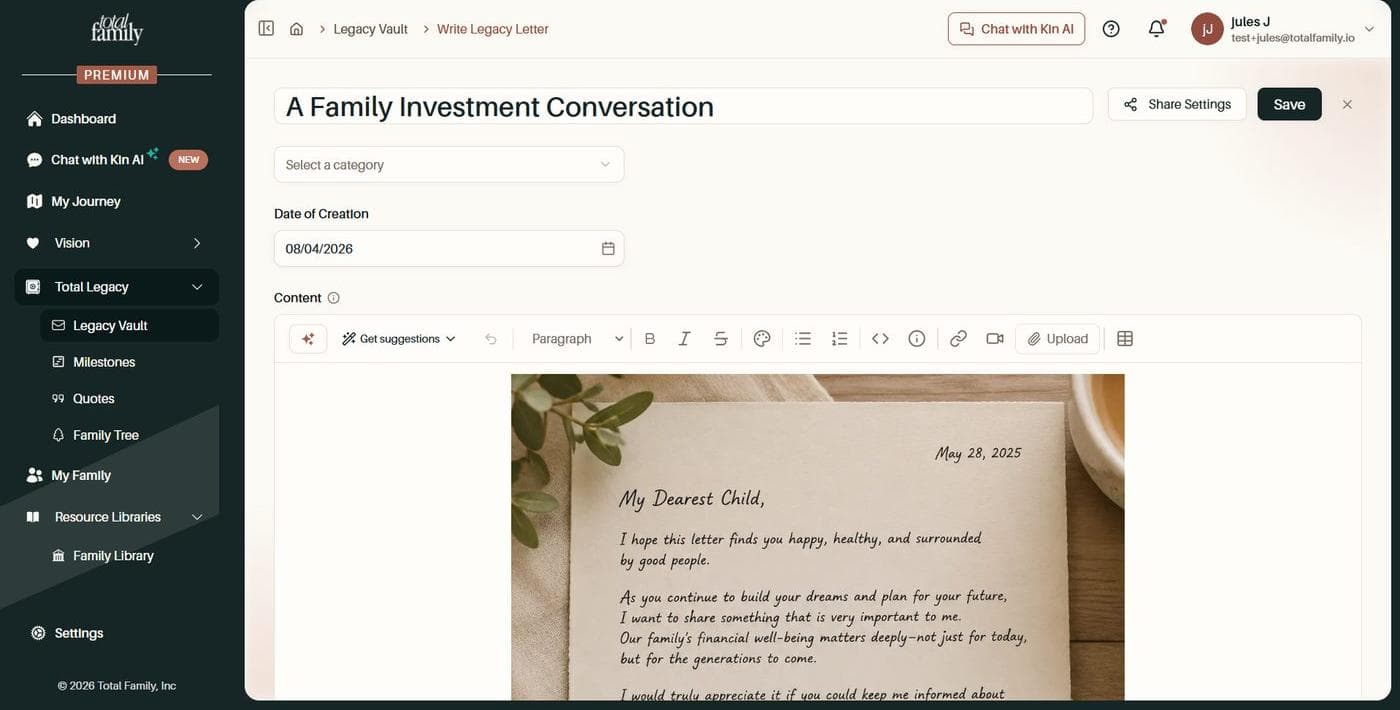
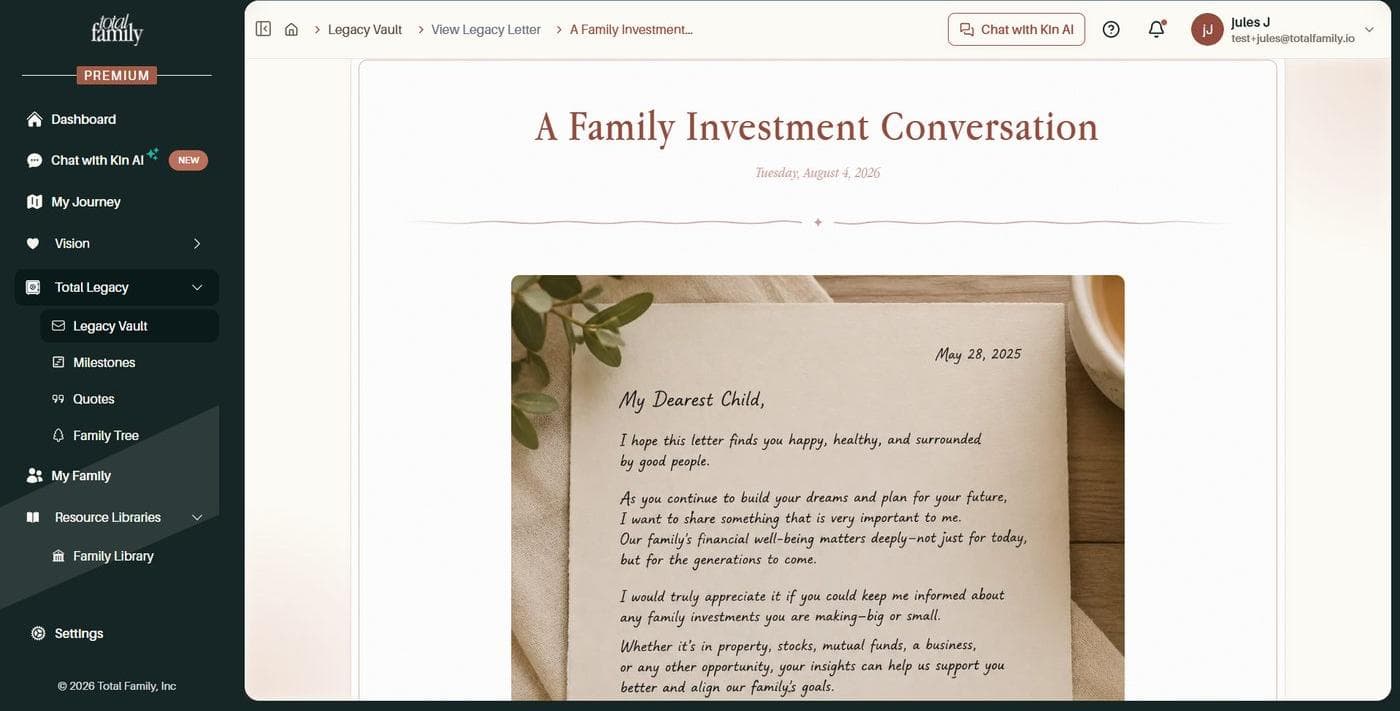
An upload becomes part of the letter rather than something clipped to the side of it, so whatever you write and whatever you bring in arrive together.
Improvements
One Way In
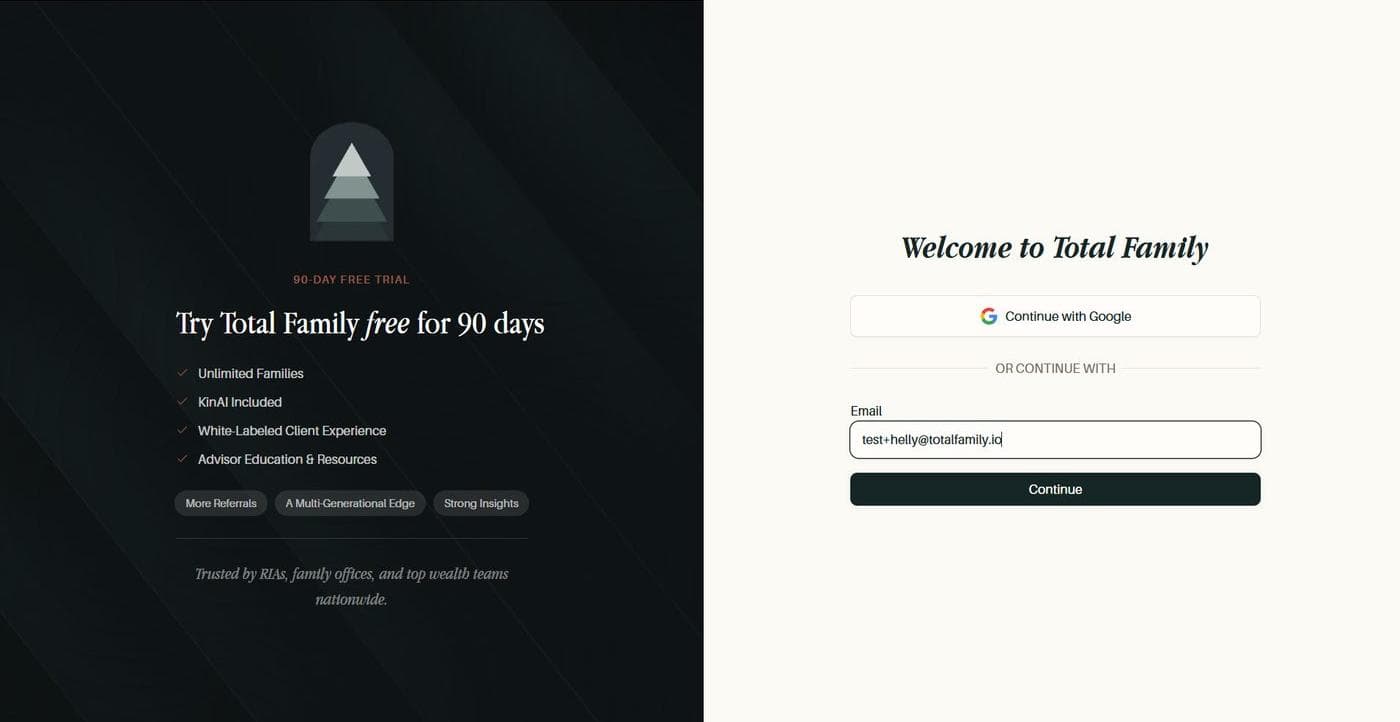
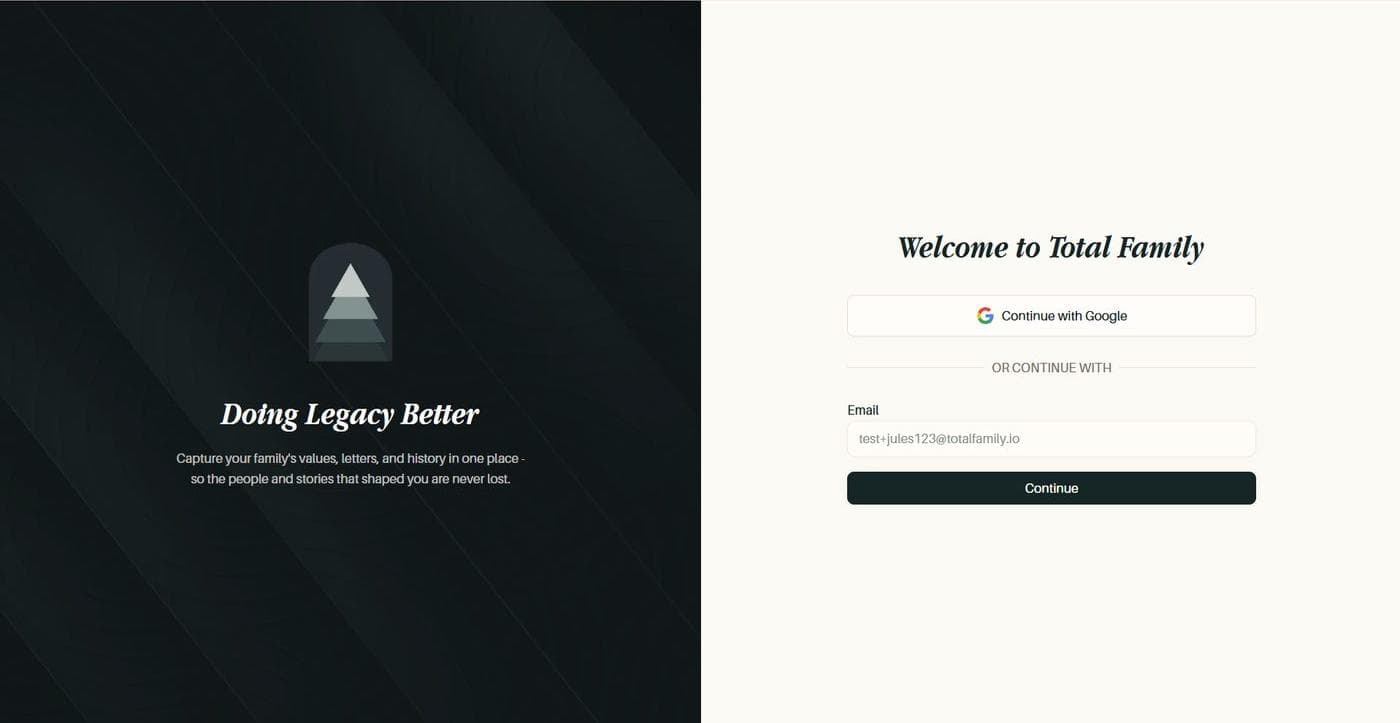
The separate join page is retired. Everyone now arrives at the same sign-in screen, old join links redirect to it, and an invitation is still recognised if you sign in directly instead of following the link in the email.
Safer Legacy Access Requests
Requesting access to the account of someone who has died means uploading a death certificate, which is about as sensitive as an upload gets. That upload now has a size limit, sign-in redirects are checked before being followed, and the libraries underneath have been patched.

Bug Fixes
My Journey Now Marks Finished Work as Done
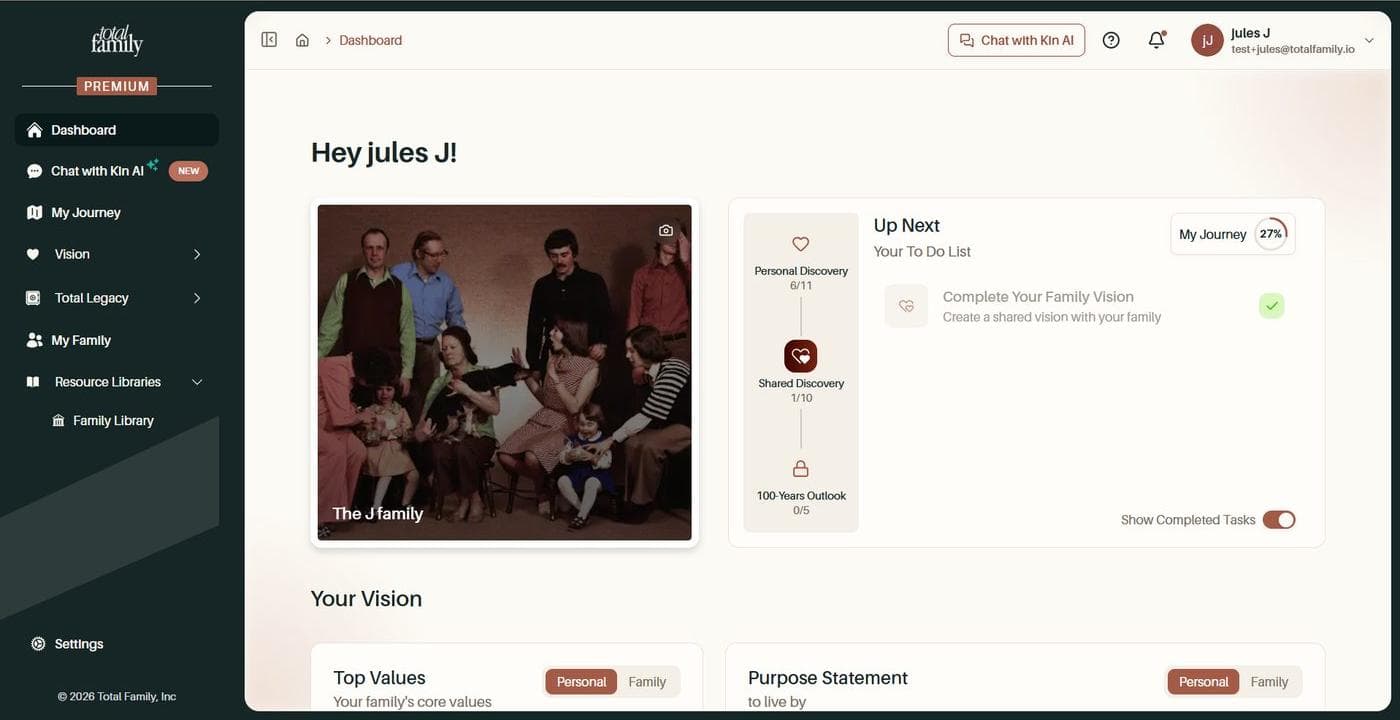
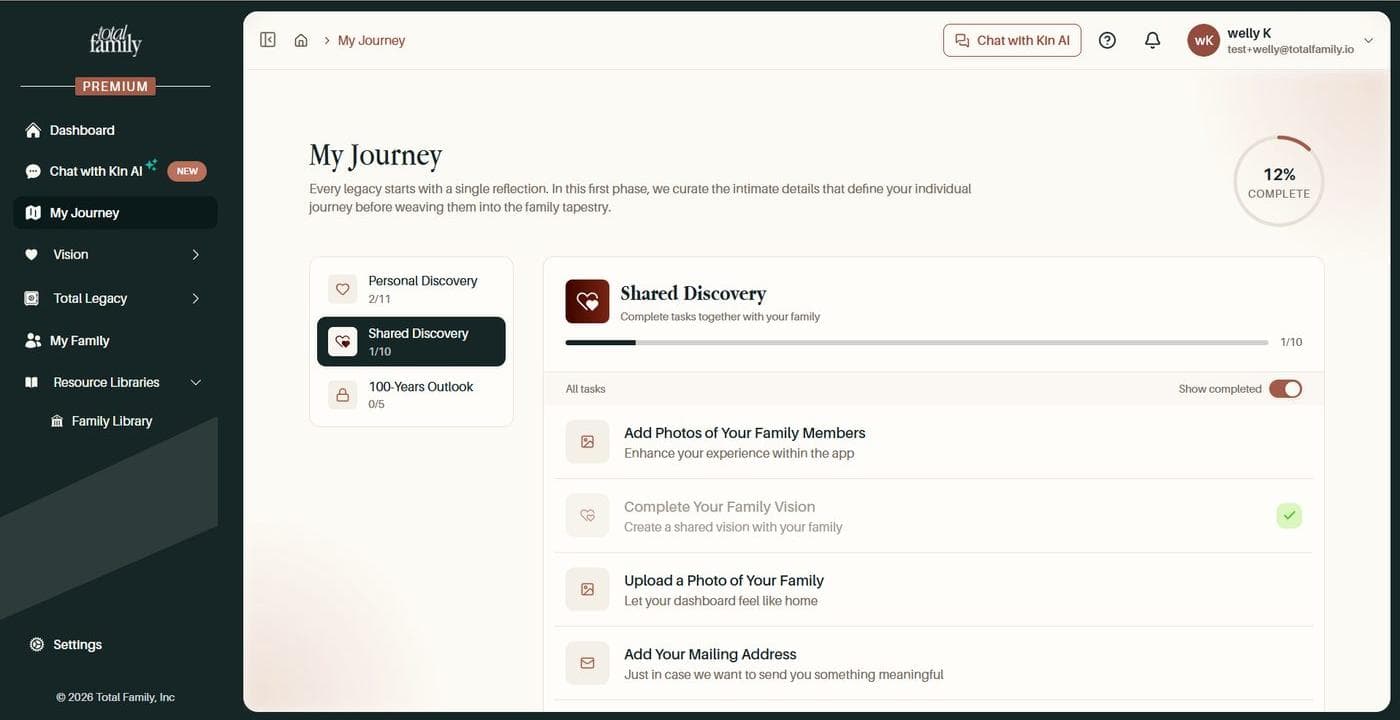
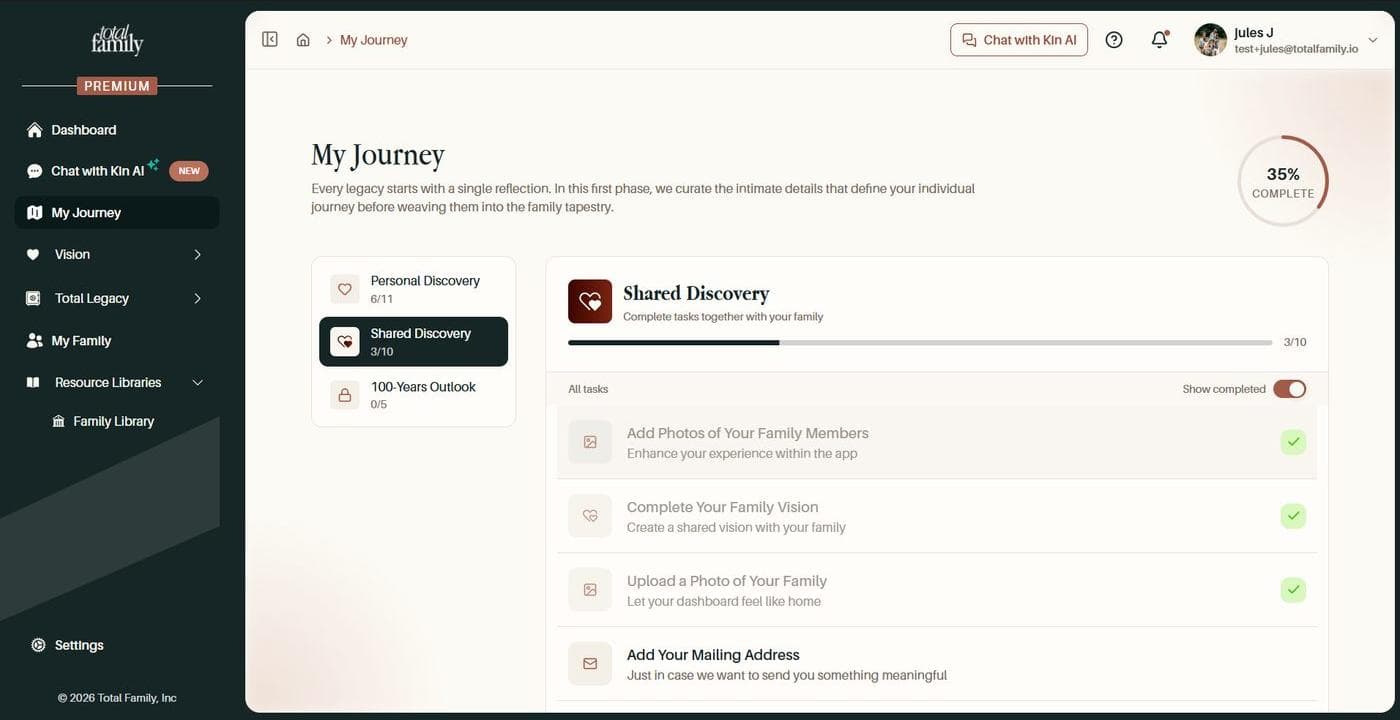
Two situations left tasks looking outstanding after they had actually been finished, which dragged the whole journey percentage down with them.
A second head of household joining a family saw Complete Your Family Vision as incomplete even when the first had already done it. The vision existed; only that person's copy of the task had not caught up.
Add Photos of Your Family Members stayed incomplete for any family that included a guest or a Legacy Contact, because those people were being counted as members who still owed a photo.
Both now settle correctly, and the completion percentage moves with them.
UI Fixes
- Pages no longer cut off on mobile, where the browser toolbar was overlapping the bottom of the page
- Legacy Vault letters render properly on mobile across the category, reading, and loading screens
For Partners
New Features
A Periodic Check on How We Are Doing
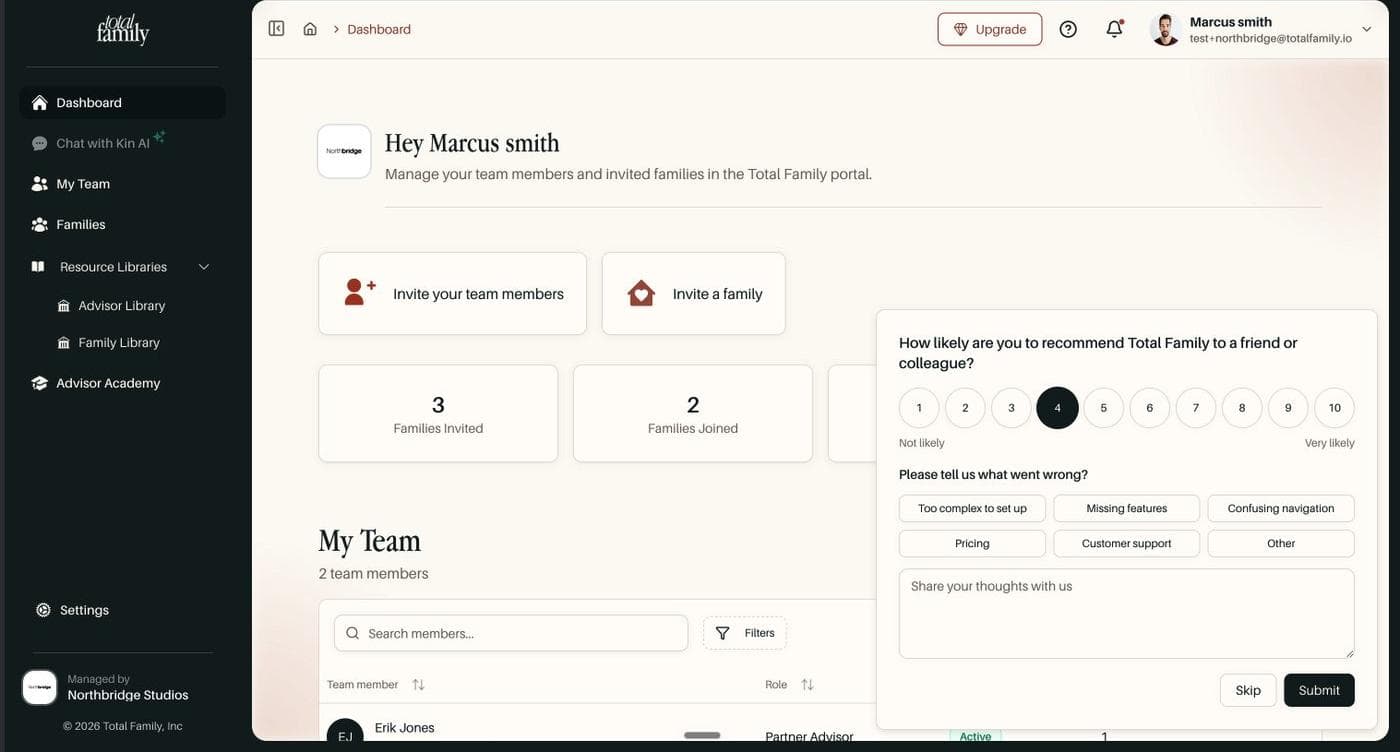
Every so often your dashboard asks how likely you are to recommend Total Family, and if the answer is low, what is getting in the way. Choose from the common reasons, write your own, or skip it.
Start a Trial in Minutes
Starting a free trial from the website now runs straight through. You land on a trial page, complete your firm profile, and go into checkout automatically. There is no second button to hunt for.