
v1.25
What's new in Total Family 1.25.
Version 1.25 lets partner firms try Premium with no card, makes sign-up a few short steps, and explains a missed payment kindly to everyone it affects.
There is no separate v1.24. Its changes shipped as part of this release.
For Families
New Features
Sign-Up in a Few Short Steps
Setting up your profile is now a few short steps instead of one long form.
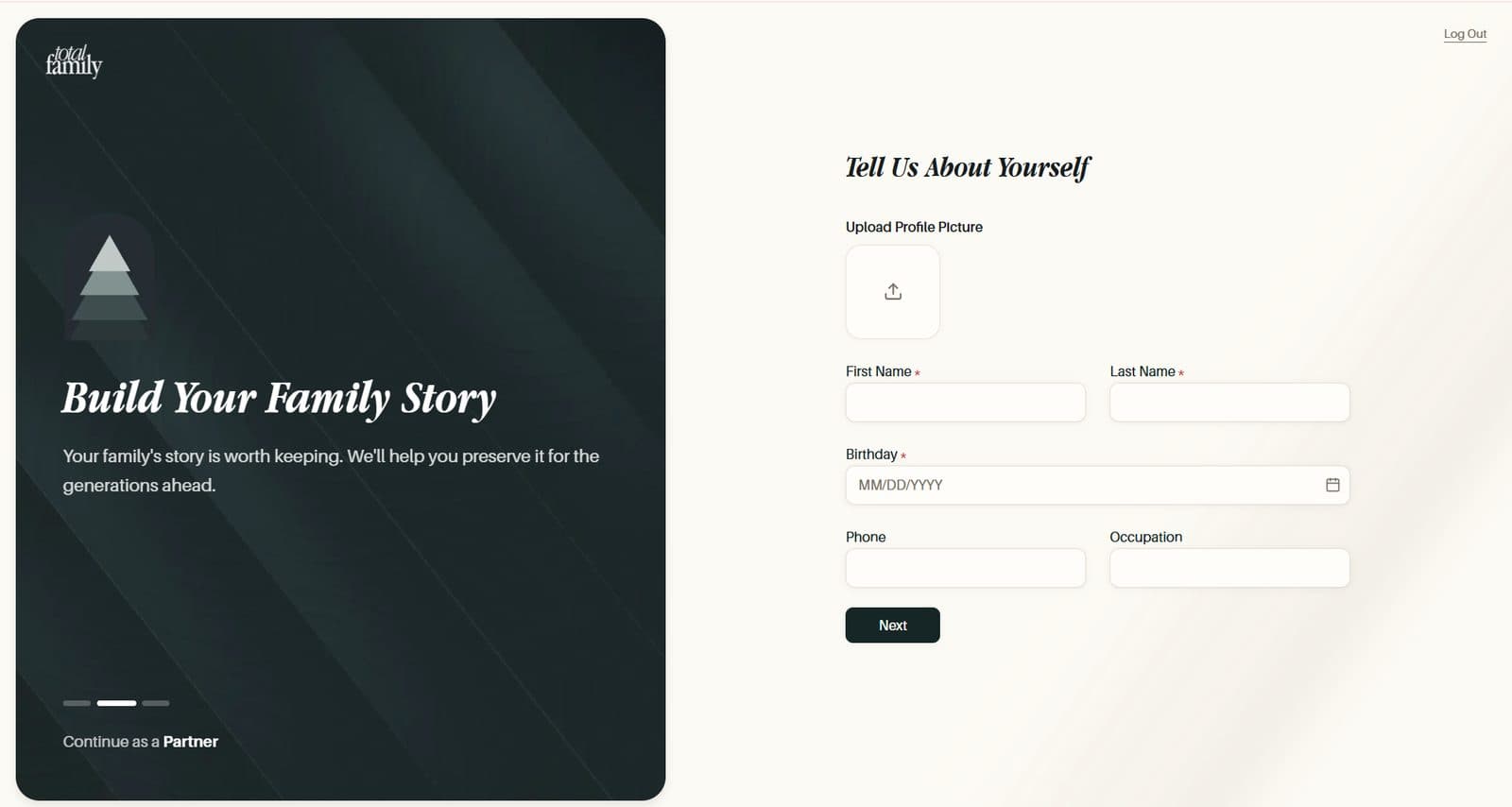
- Tell Us About Yourself. Your photo, name, birthday, phone, and occupation. Birthday is required and occupation is optional
- About Your Family. An optional family photo, your life phase, and a referral code if you have one. Select Get Started
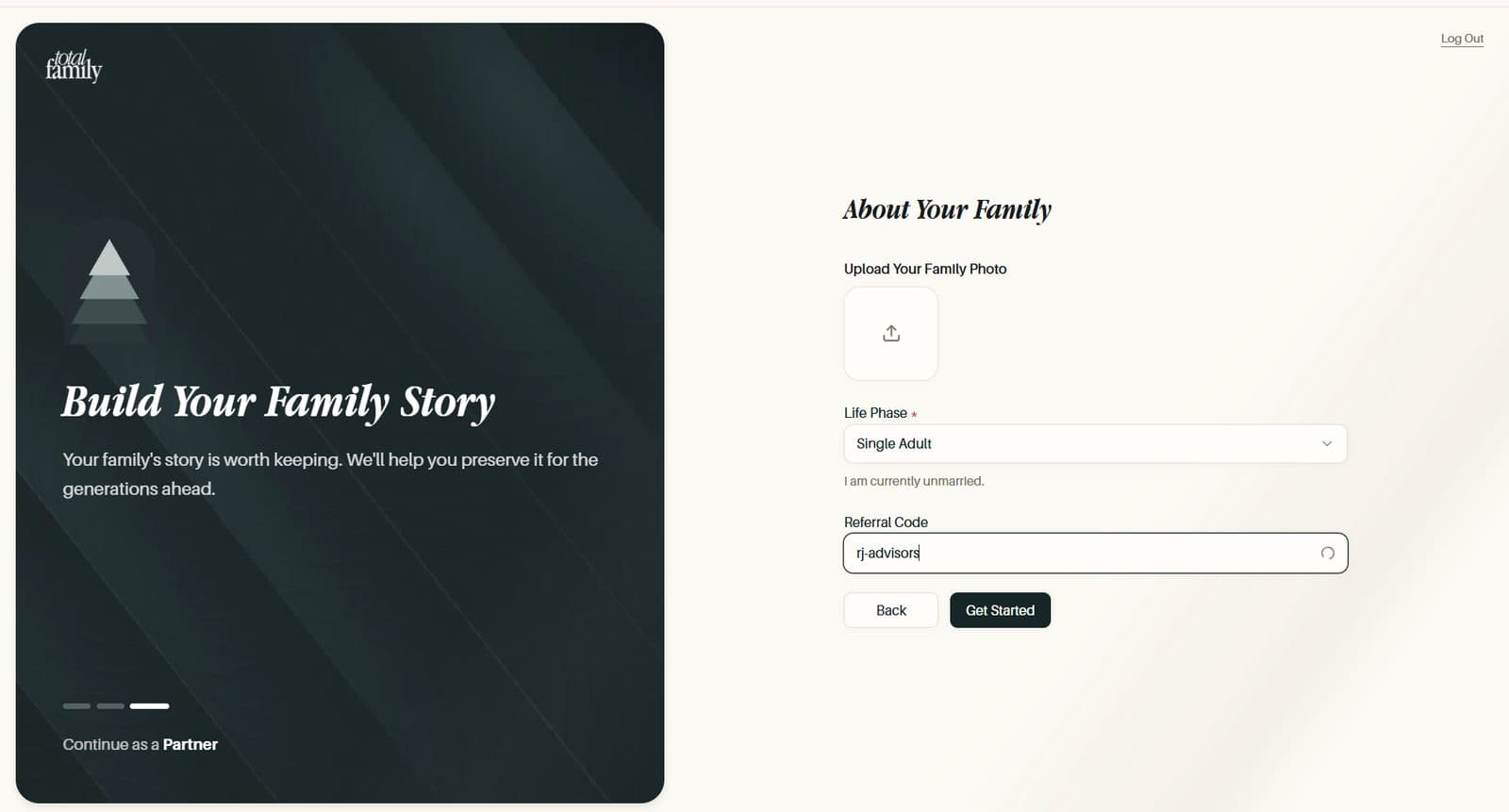
Next checks each step before moving on, so anything missing is flagged where you are, and Back keeps everything you have typed. Your initials fill your profile picture until you upload a photo. A referral code is checked as you type, with a tick when it is valid.
Log In and Sign Up covers each step.
A Missed Payment Pauses Premium Clearly
If a card payment fails, you now hear about it plainly, with one way to fix it.
- While the card is being retried, a notice offers Update Payment Method and Premium keeps working
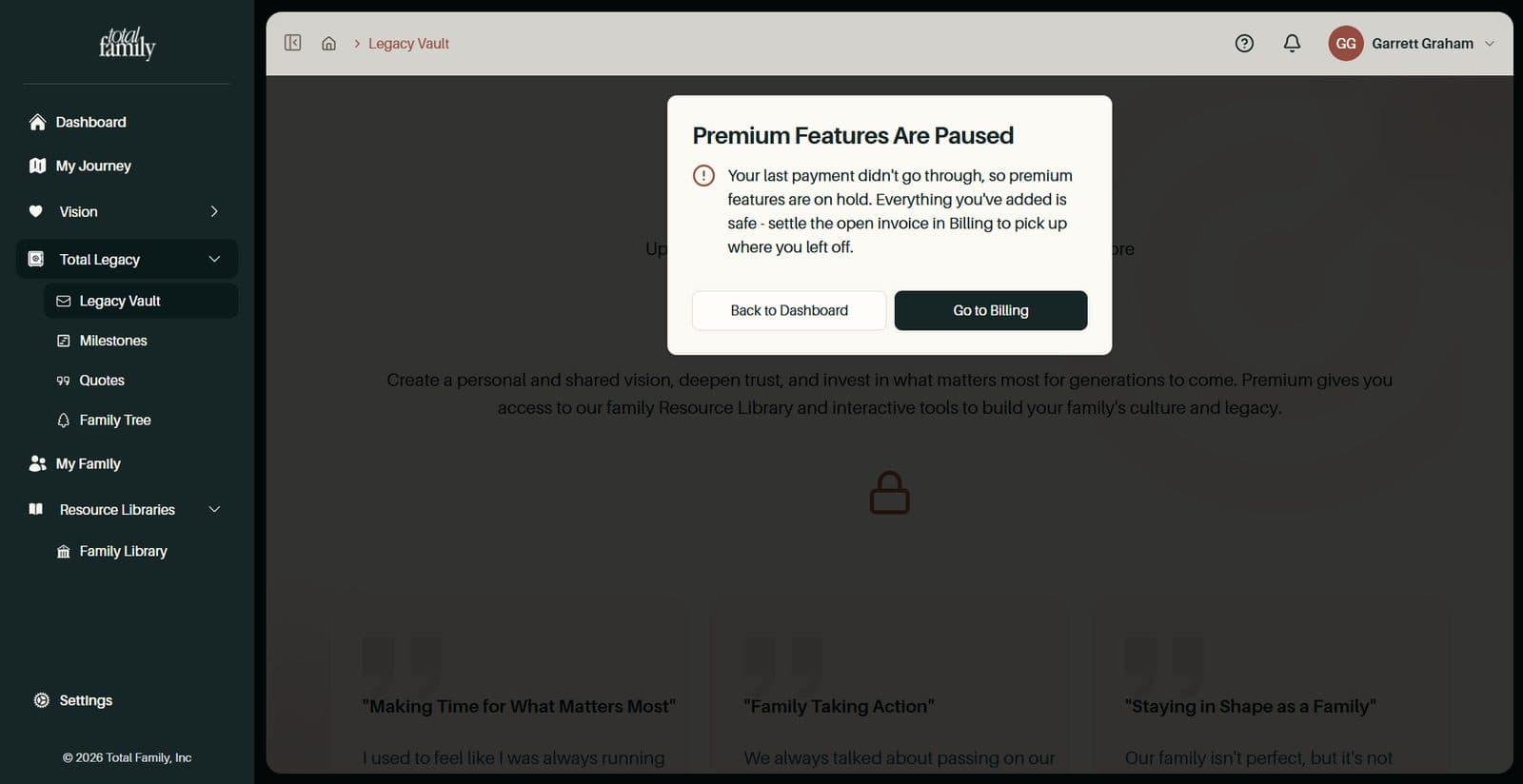
- If payment stops, Premium pages show Premium Features Are Paused. The sidebar still works, and nothing you have added is lost
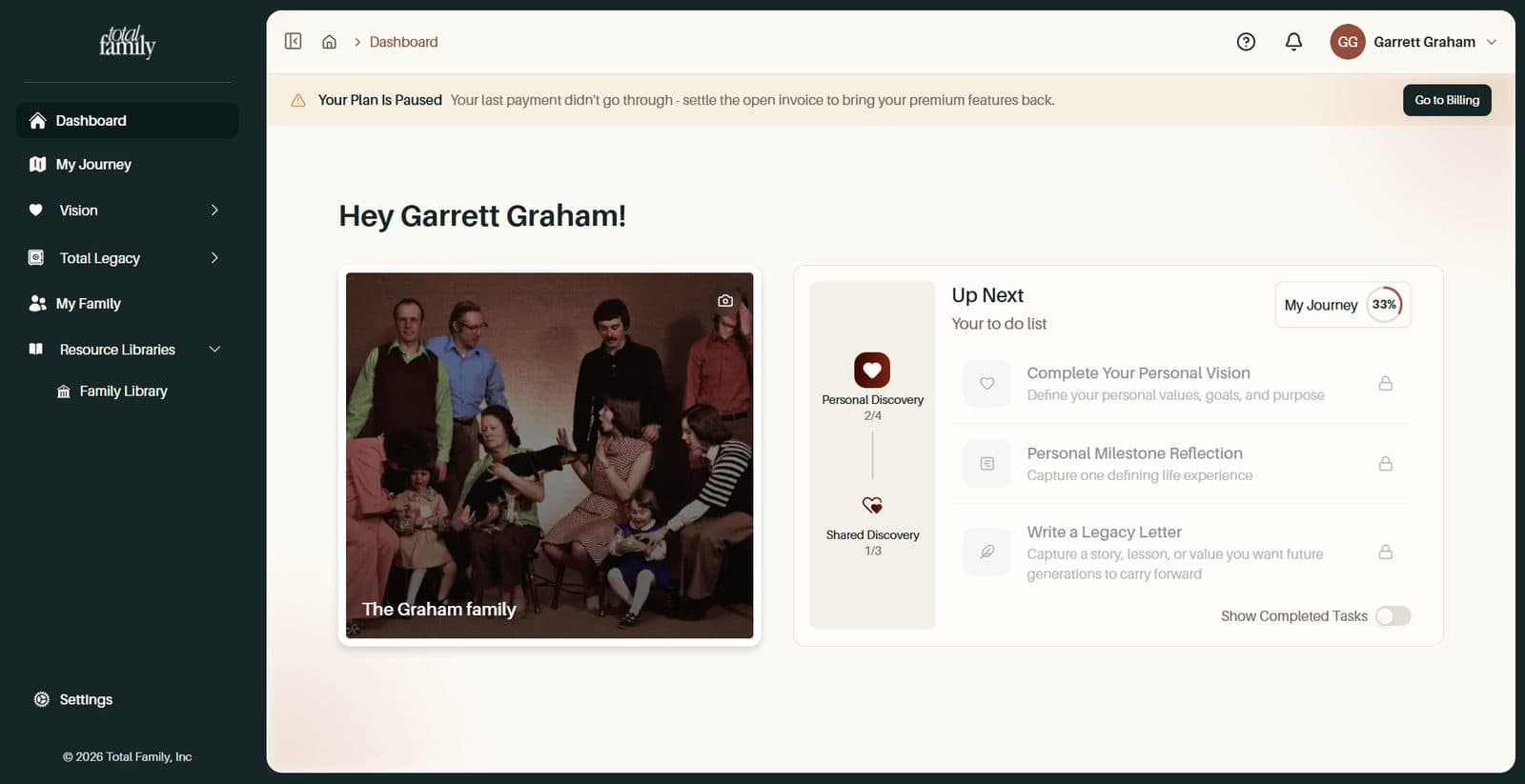
- A bar on your dashboard says whose plan is paused: Your Plan Is Paused, Your Family's Plan Is Paused, or Shared Access Is Paused for guests
- Only the person who pays sees Pay Now or Go to Billing. Everyone else gets Back to Dashboard
- If your firm's plan is paused, you can choose Start Your Own Plan and carry on
Paying the open invoice brings Premium straight back, exactly as it was. Payment Problems has the details.
Improvements
A Focused My Journey
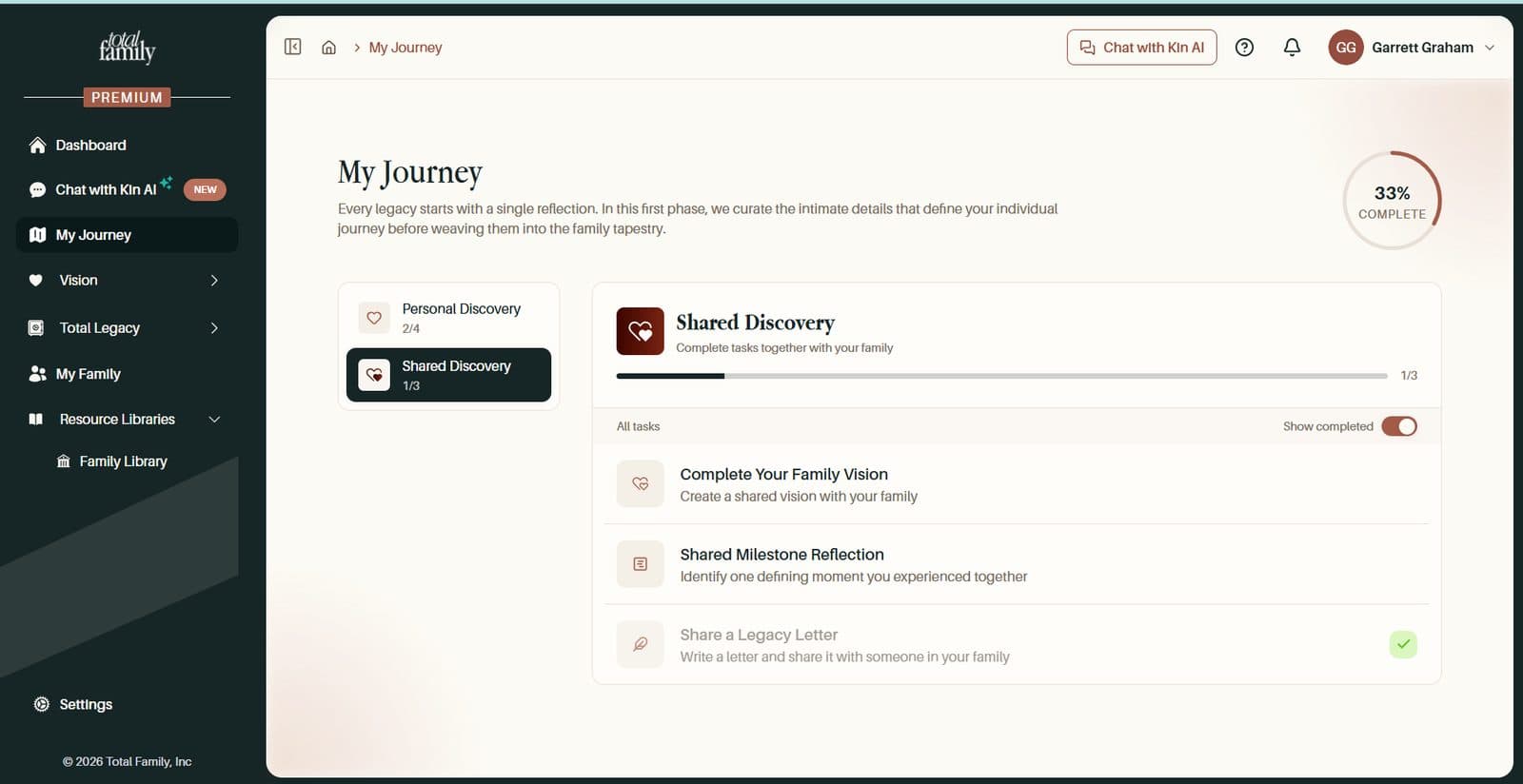
My Journey now centers on seven tasks, and your progress reflects how much each one matters.
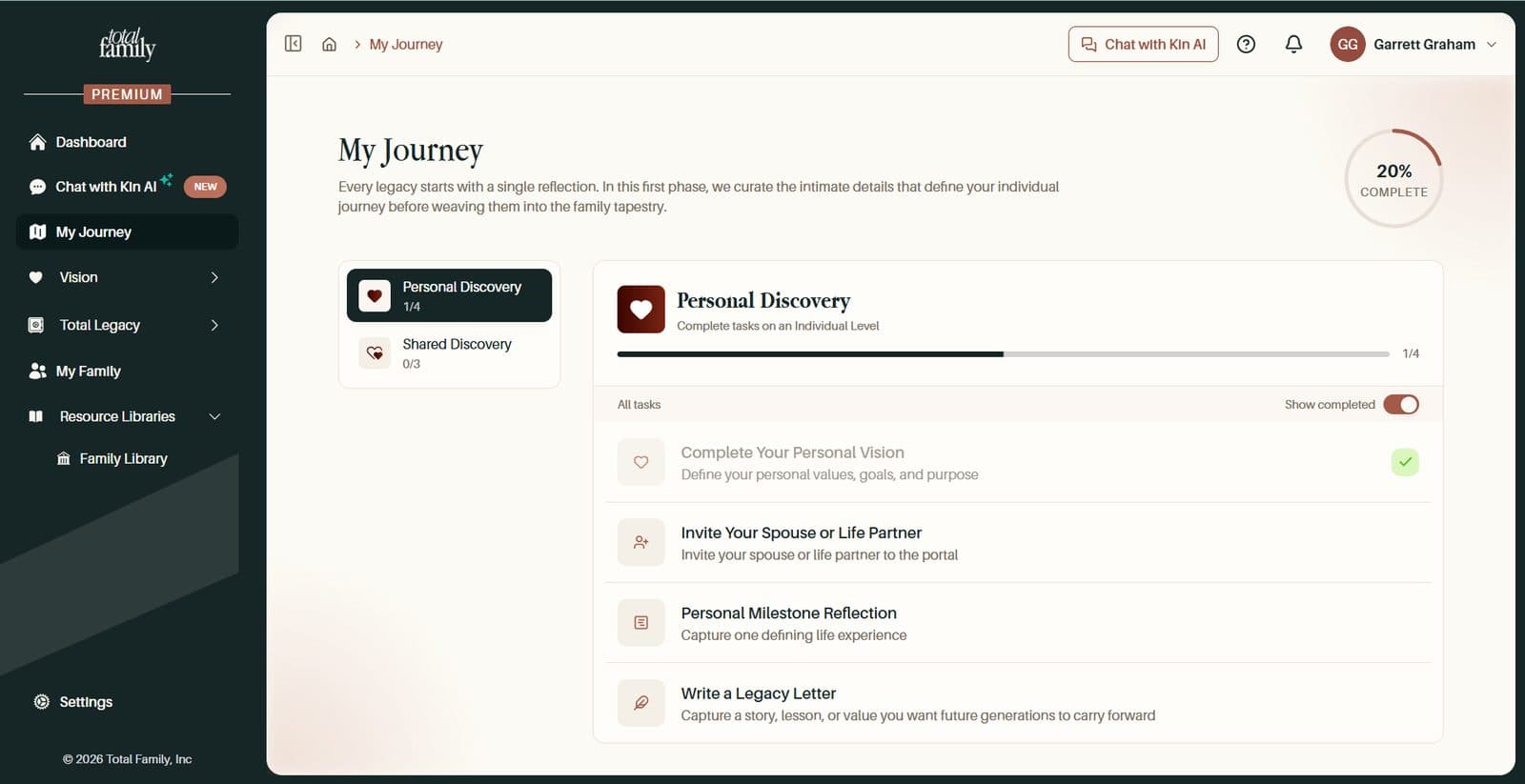
- Seven tasks worth 24 points. Complete Your Family Vision is worth 10 points and Complete Your Personal Vision 5, so finishing both takes you well past halfway
- Two new tasks: Write a Legacy Letter, done when you write a letter in any Legacy Vault category, and Share a Legacy Letter, done when you share one
- Nothing is lost. Retired tasks are hidden, and anything you already completed is kept
More Improvements
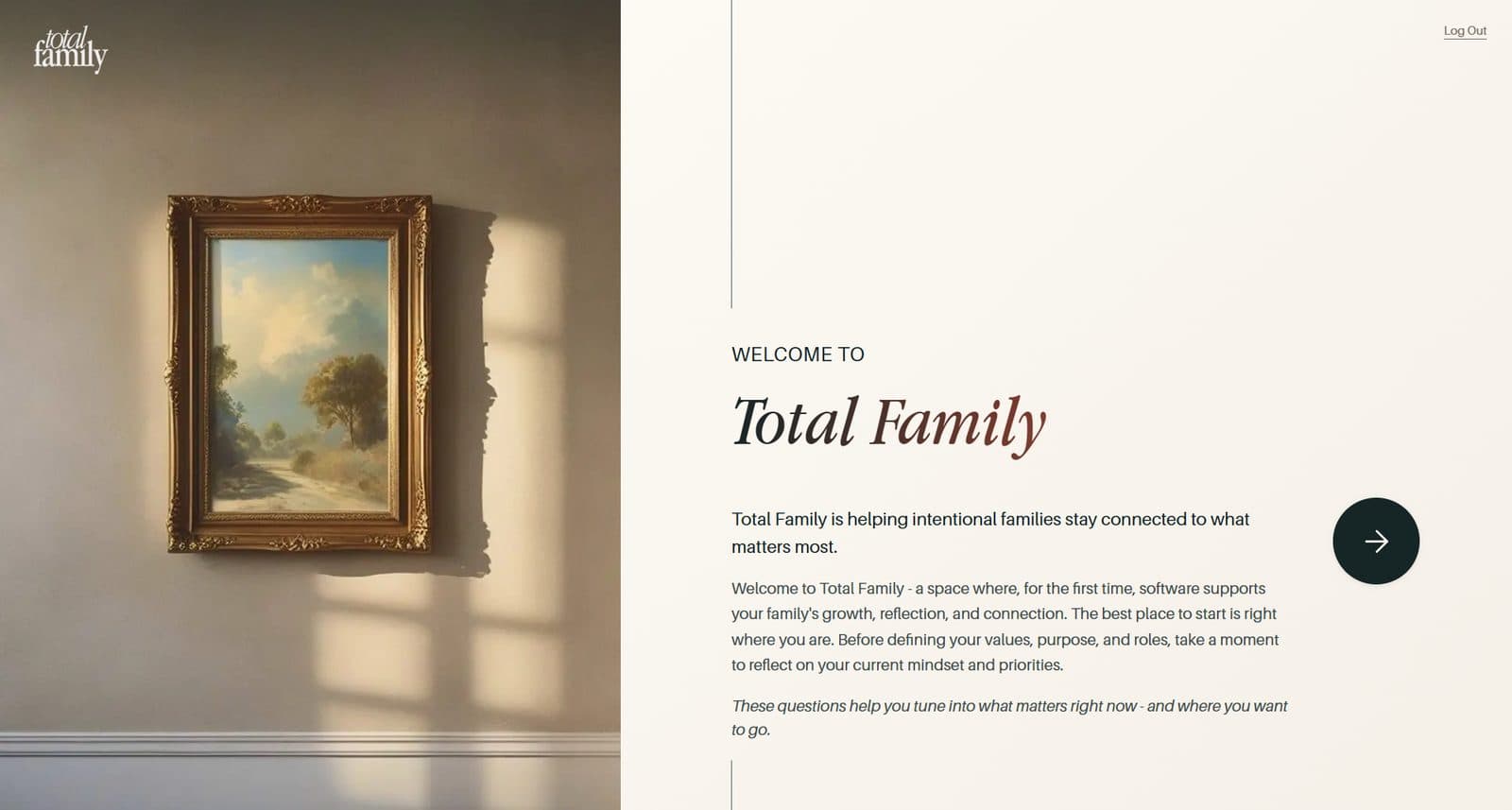
- A warmer welcome page. The page you see after signing up has a new look and a clear Let's Get Started button. Finishing the assessment takes you straight to My Vision
- Buying your own plan. Only the person who pays is offered a purchase. Everyone else is told who to ask, such as their Head of Household. Families billed by a firm can buy their own membership again
- The Help panel opens instantly. It remembers the articles for each page, so they appear straight away, and still refresh quietly in the background
Bug Fixes
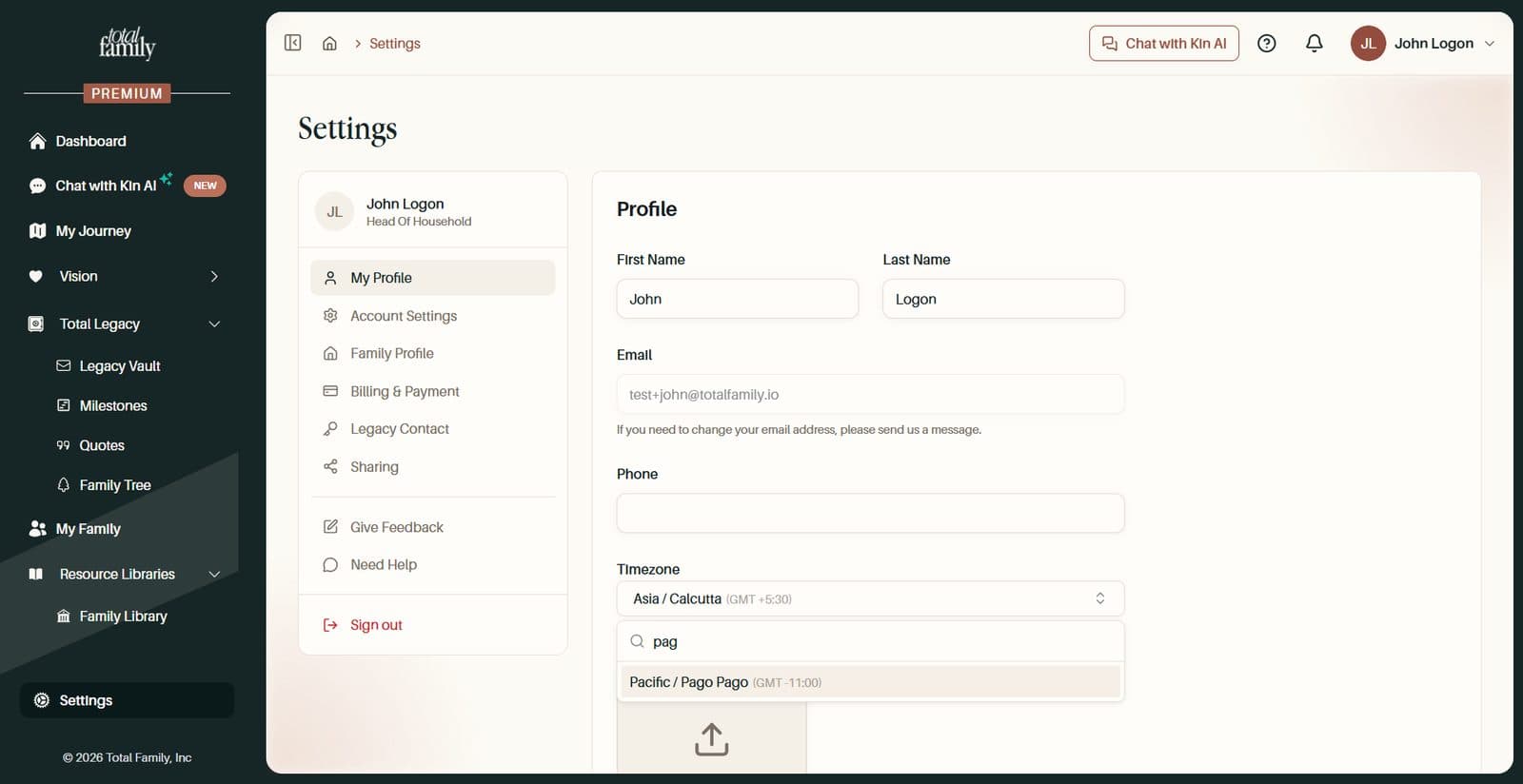
- Dates follow your timezone. Date pickers could show yesterday as today, or say today's date "cannot be in the future", if you live far from UTC. Today now comes from the timezone in your profile, or your device if you have not set one. This covers Quotes, Milestones, Legacy Letters, and family member dates
- Your profile picture stays still. The avatar in the top bar no longer flickers when you move between pages
For Partners
New Features
A Premium Trial With No Card Needed
Your firm can now try everything Premium offers before adding a card. The trial starts the moment you finish firm setup, and Your Premium Trial Has Started is waiting on your dashboard.
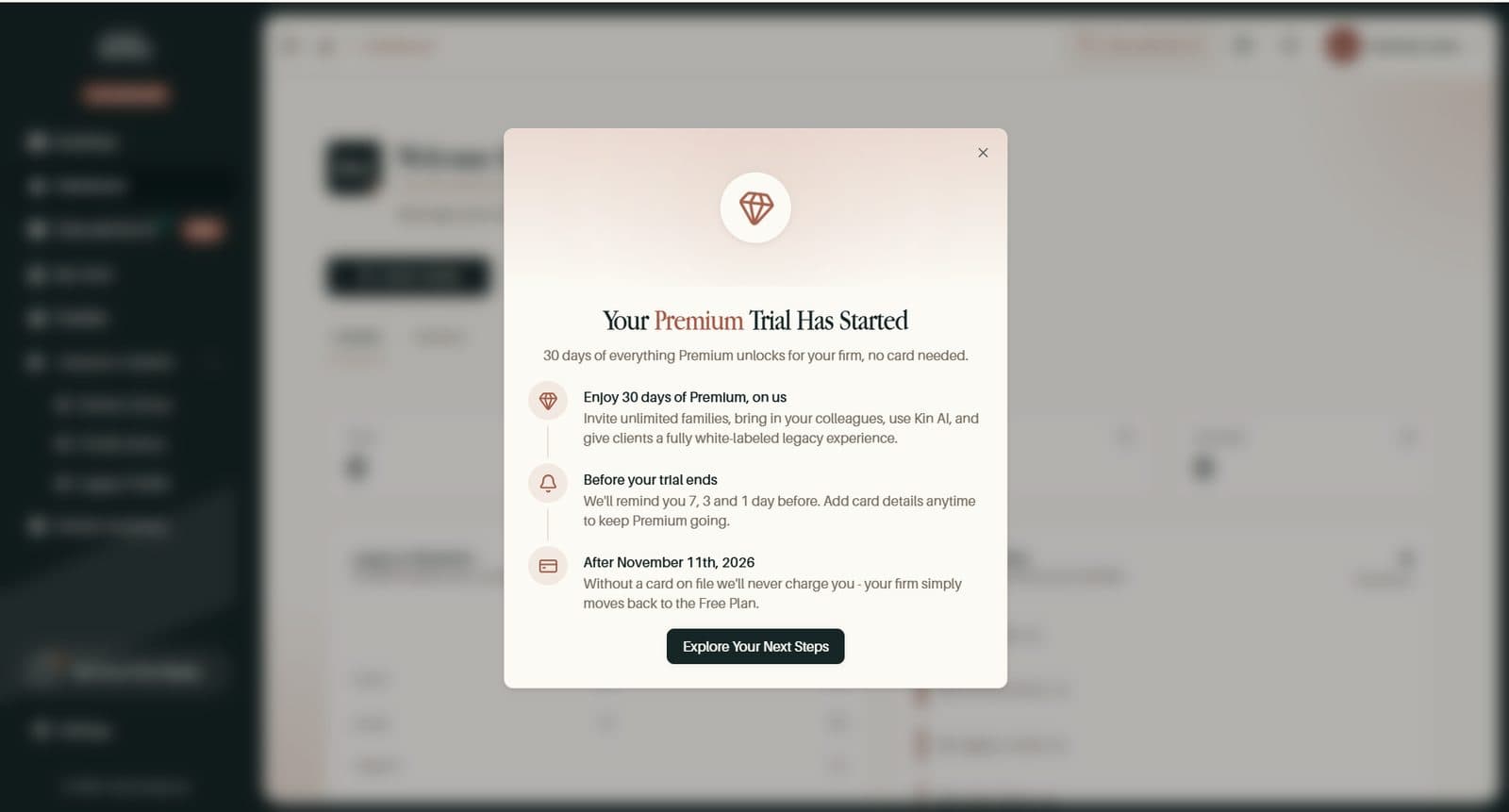
- A countdown badge shows how much of your trial is left
- Reminders 7, 3, and 1 days before it ends show the amount and date of your first charge, in your own timezone
- Add Card Details at any time to keep Premium. If you do not, the trial ends on the Free plan and nothing is billed
A Clearer Plans Page and Checkout
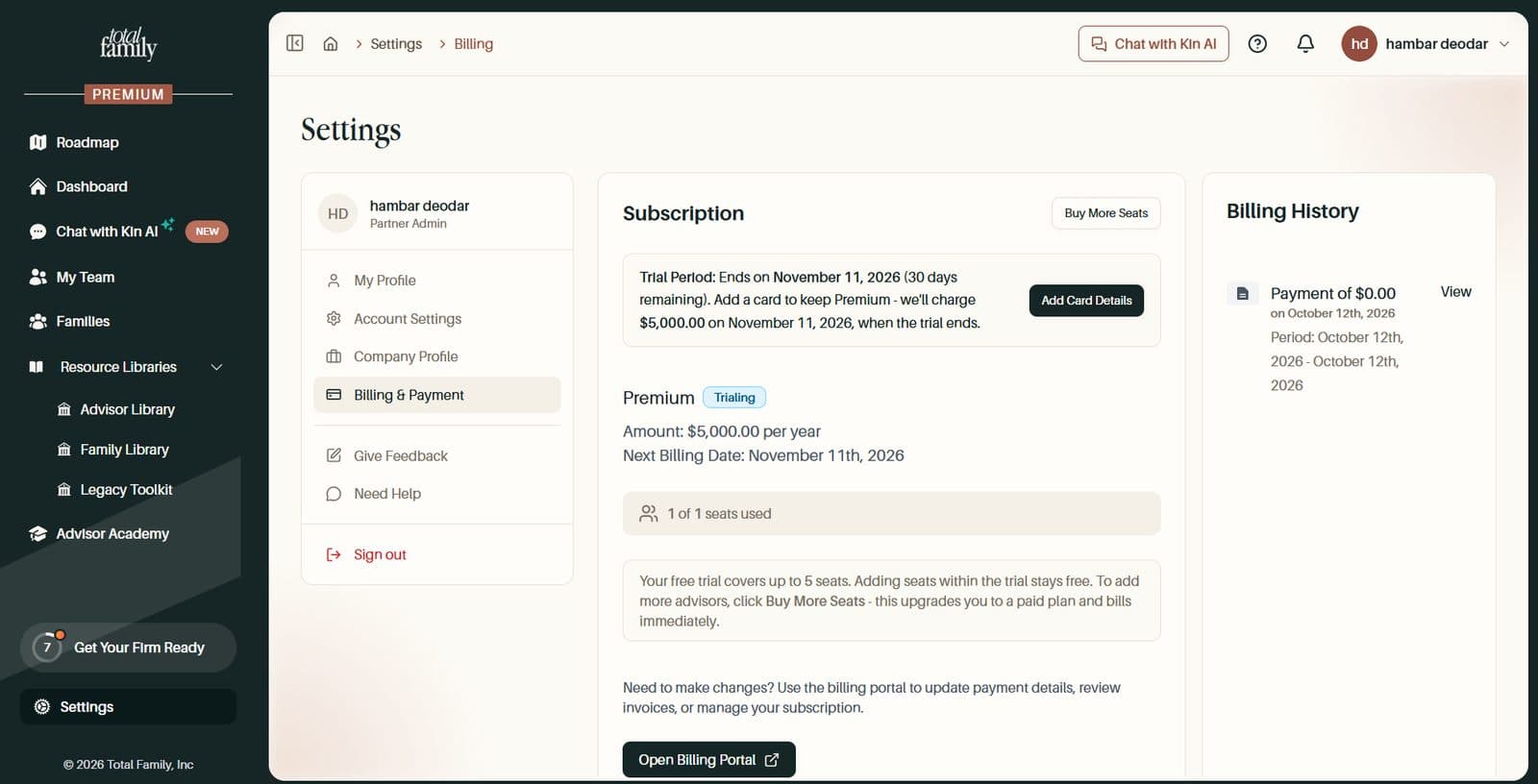
- A refreshed Plans page, with a trial option when your network offers one, Add Card Details while you are on trial, and checkout at your network's price
- Confirmation waits for your payment to go through before welcoming you to Premium
- Left checkout halfway? You can pick it up where you left off
- Billing settings show your trial and its upcoming charge, the date access ends if you have cancelled, and a link to update your payment method
- Only the person who pays is offered a purchase. Everyone else is told to ask their firm admin
- Double clicks are caught, so nobody is charged twice
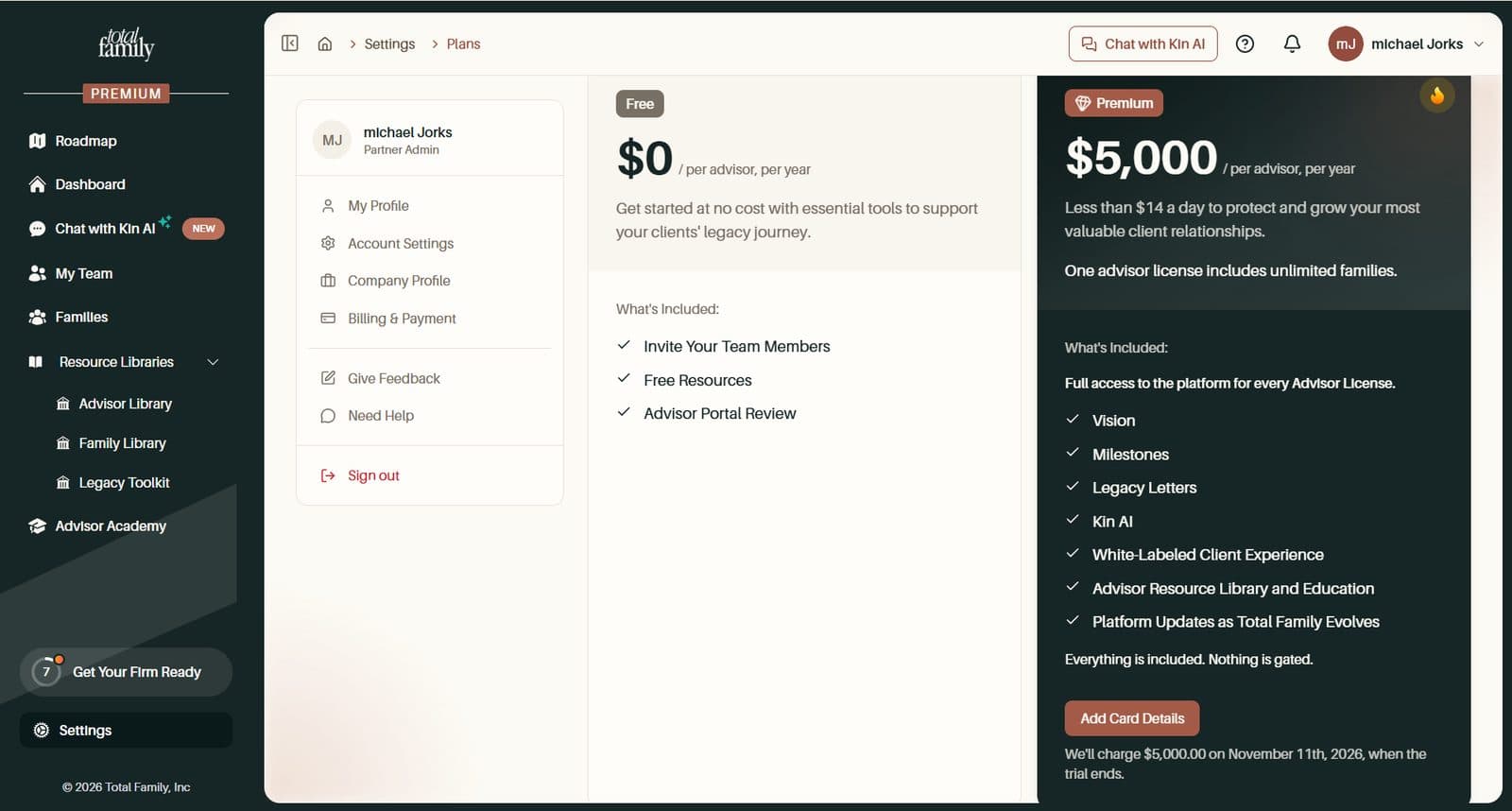
Managing Your Plan covers the details.
Sign-Up in a Few Short Steps
Setting up your account is now a few short steps instead of one long form.
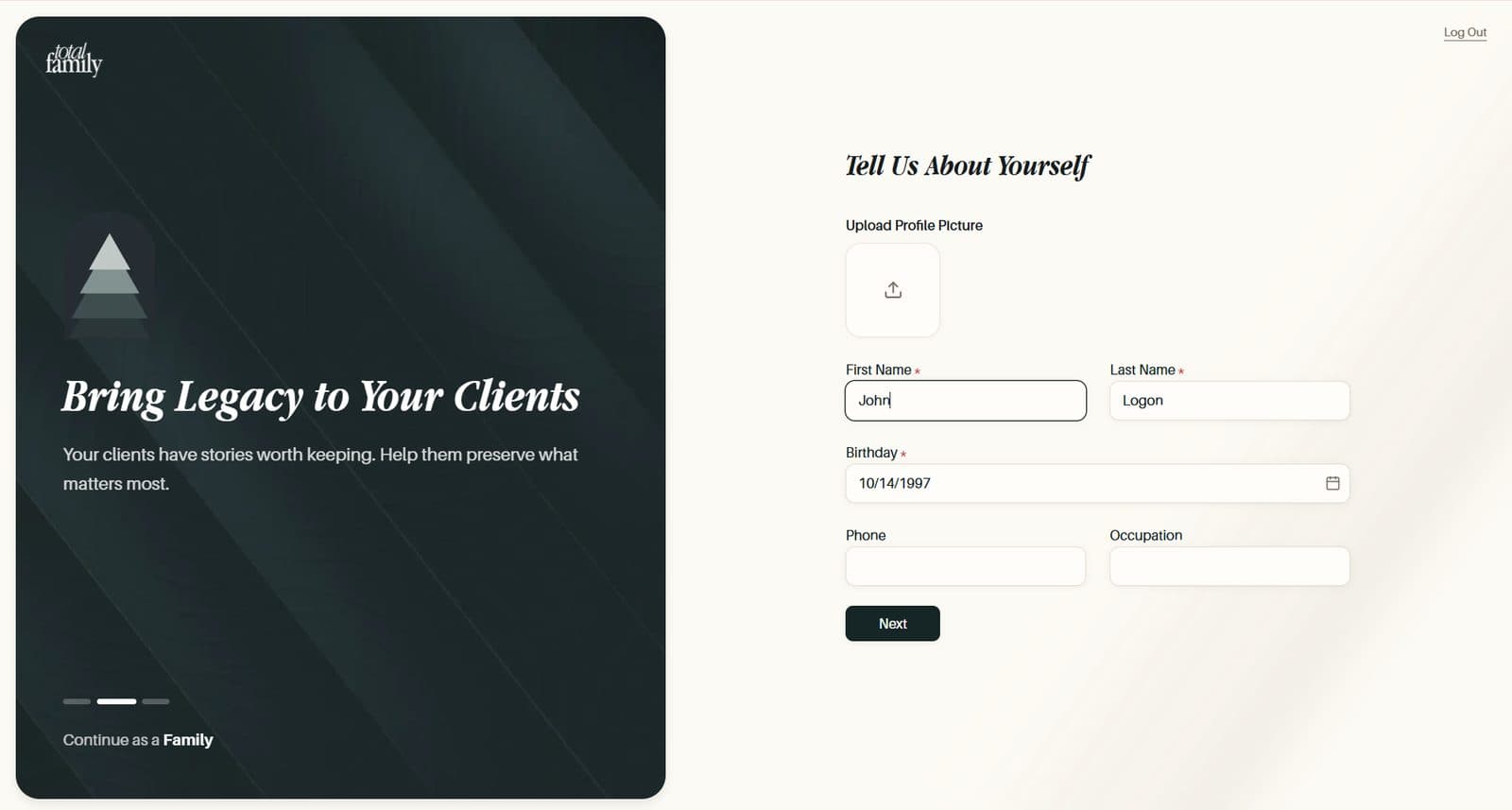
- Tell Us About Yourself. Your photo, name, birthday, phone, and occupation
- Introduce Us to Your Company. Your logo, company name, segment, client numbers, and website. Select Finish Setup
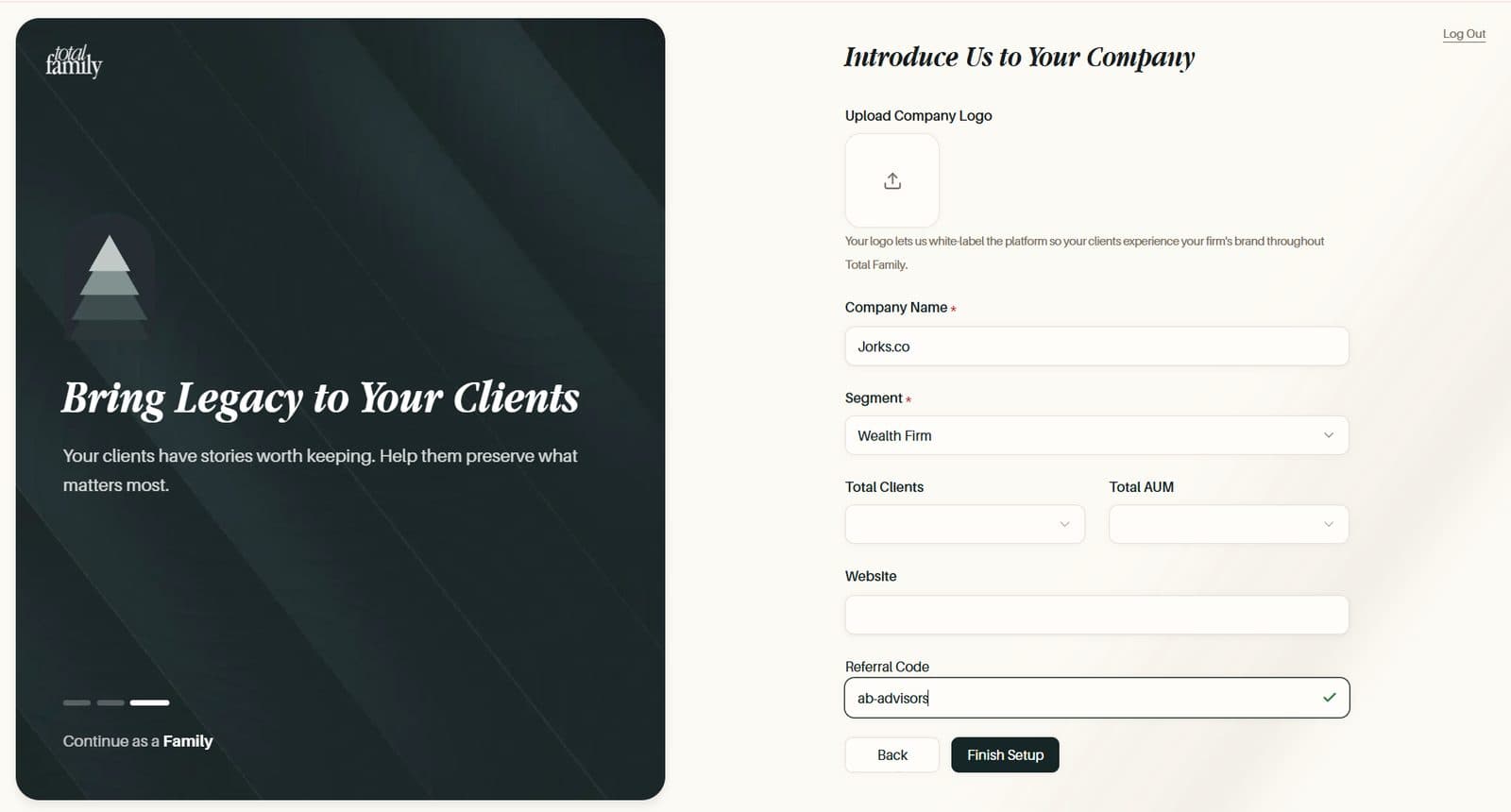
Next checks each step before moving on, and Back keeps what you have typed. Referral codes are checked as you type. If you arrived from a partner's link, the code is filled in and locked so it cannot be changed by accident.
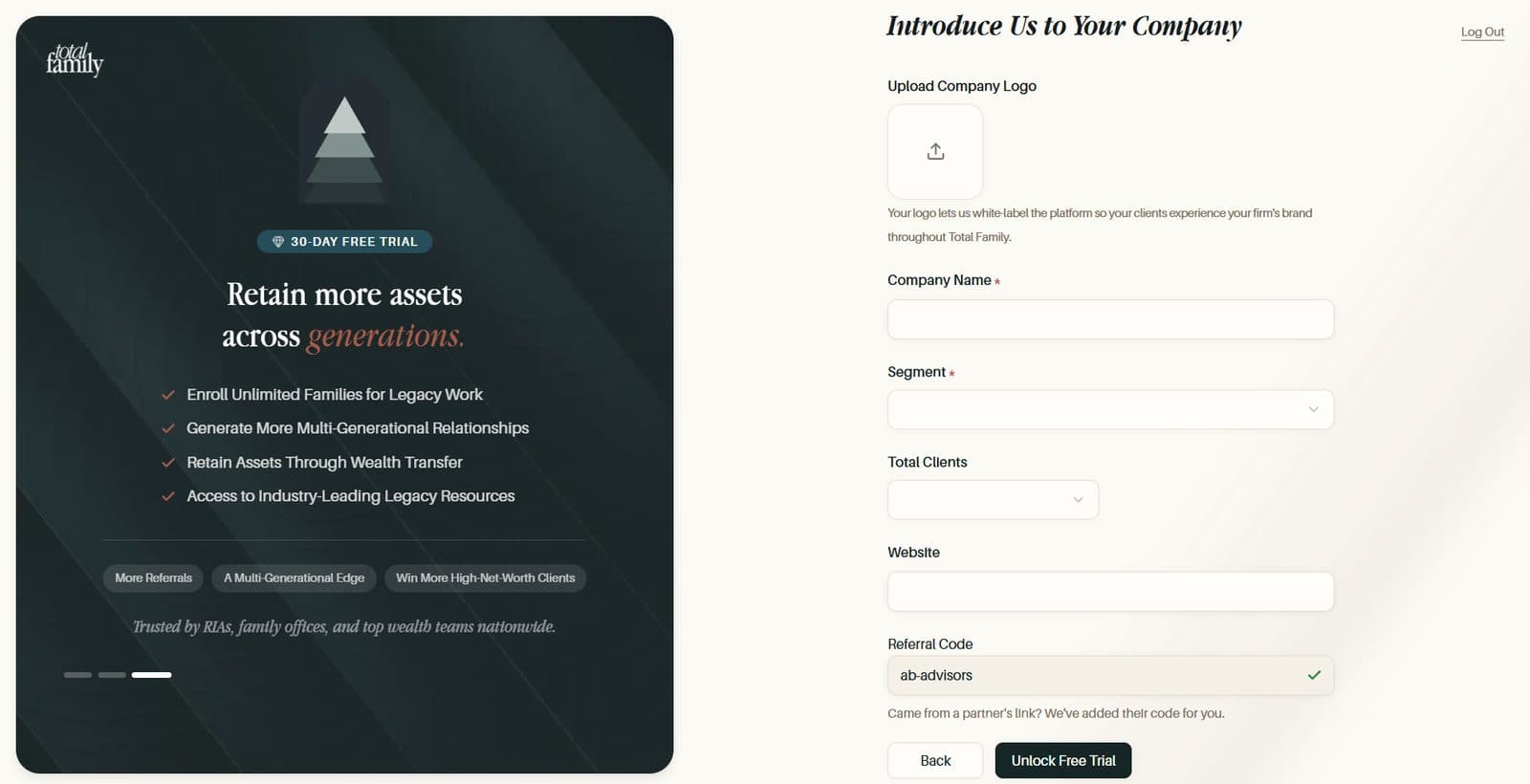
Log In and Sign Up as a Partner covers each step.
A Missed Payment Pauses Premium Clearly
If your firm's card payment fails, a notice offers Update Payment Method while the card is retried, and Premium keeps working. If payment stops, Premium pages show Premium Features Are Paused and the dashboard shows Your Firm's Plan Is Paused.
Only the person who pays sees Pay Now or Go to Billing. Nothing is lost while a plan is paused, and paying the open invoice brings it straight back.
Improvements
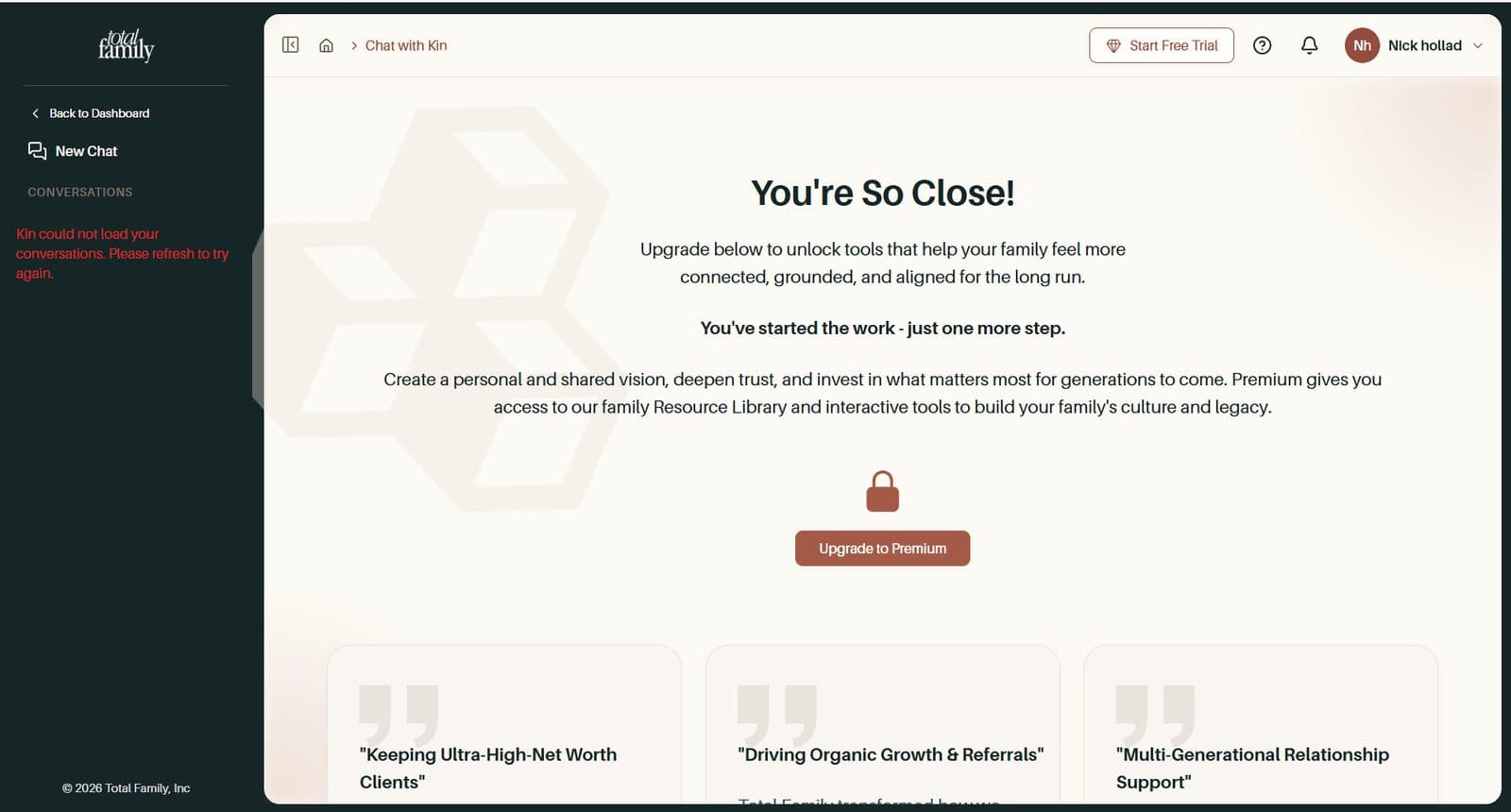
- Kin explains the upgrade. Without a paid plan, opening Kin now shows an upgrade page
- The Help panel opens instantly. It remembers the articles for each page, and switching profiles shows the help written for that role
Bug Fixes
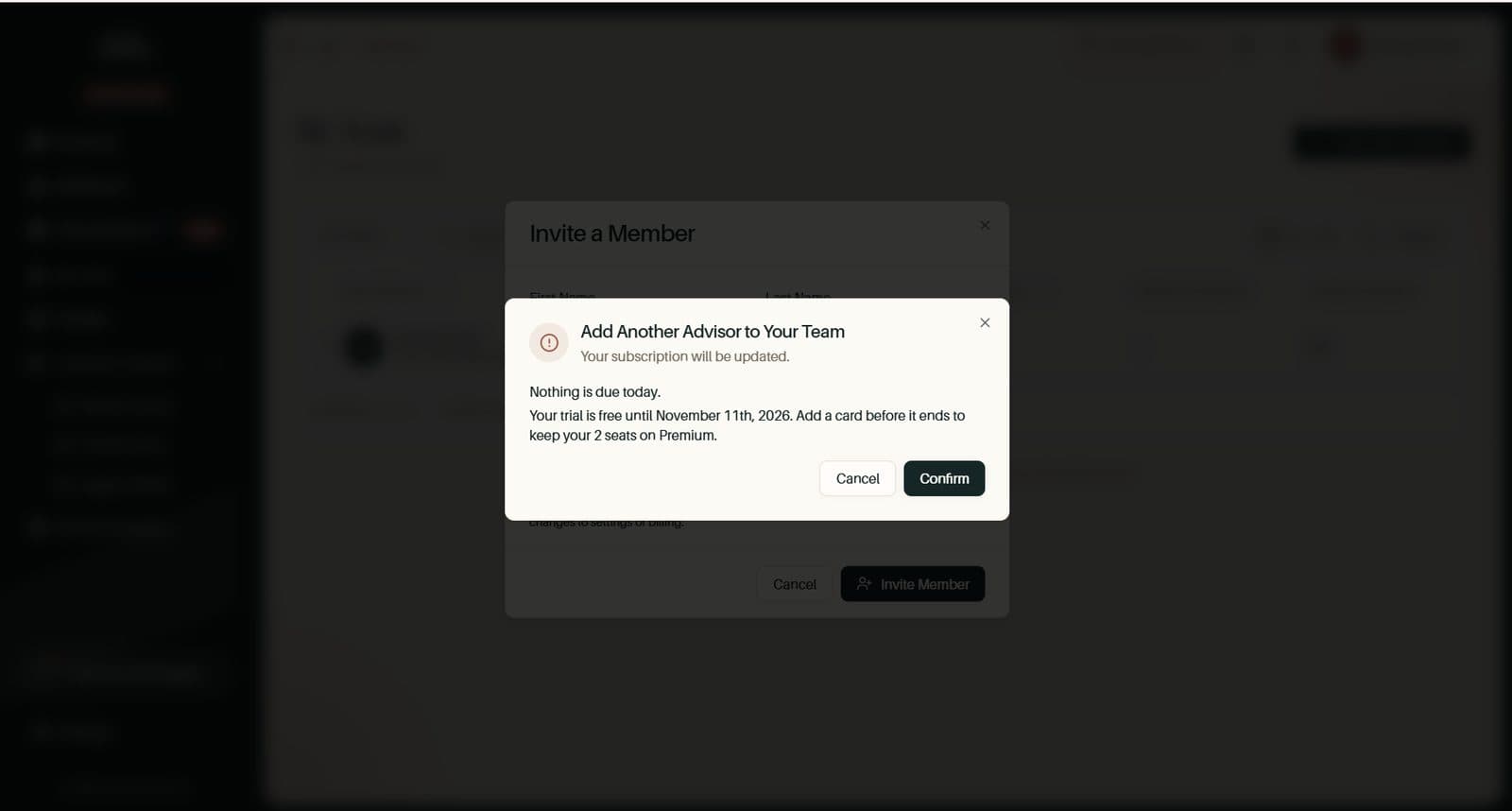
- Adding a seat on trial shows the real bill. The Add Another Advisor dialog could claim your bill at trial end would be $0.00, and firms on a no-card trial hit an error inviting their first colleague. It now shows the real amount with your seats and discounts, and explains when nothing is due
- Clearer messages when something goes wrong. If an invite email cannot be delivered, you are told which address. Inviting someone already on your team says so. Opening a page from the wrong account shows a clear "not found" page
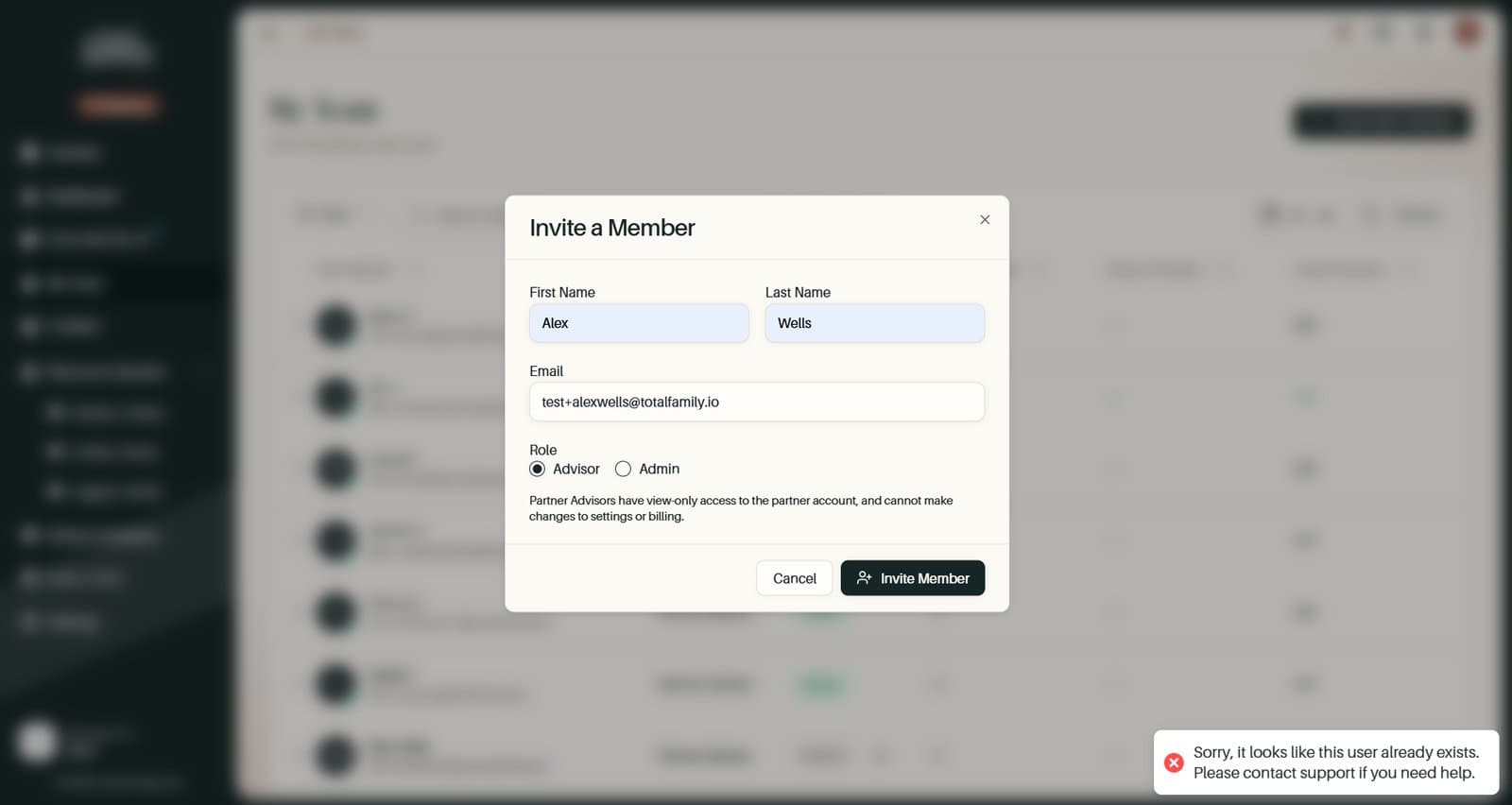
- Families who sign up on their own are counted. They stayed marked as Prospect, so your dashboard did not count them. They now start as Active, and existing families have been corrected
- Your profile picture stays still. The avatar in the top bar no longer flickers when you move between pages