
v1.26
What's new in Total Family 1.26.
Version 1.26 lets Legacy Letters carry your voice, lets partners keep their families' details up to date, and gives the whole app a cleaner frame.
For Families
New Features
Your Voice in Legacy Letters
A Legacy Letter can now carry your voice as well as your words. Any Head of Household or Child can add audio to a letter in the Legacy Vault.
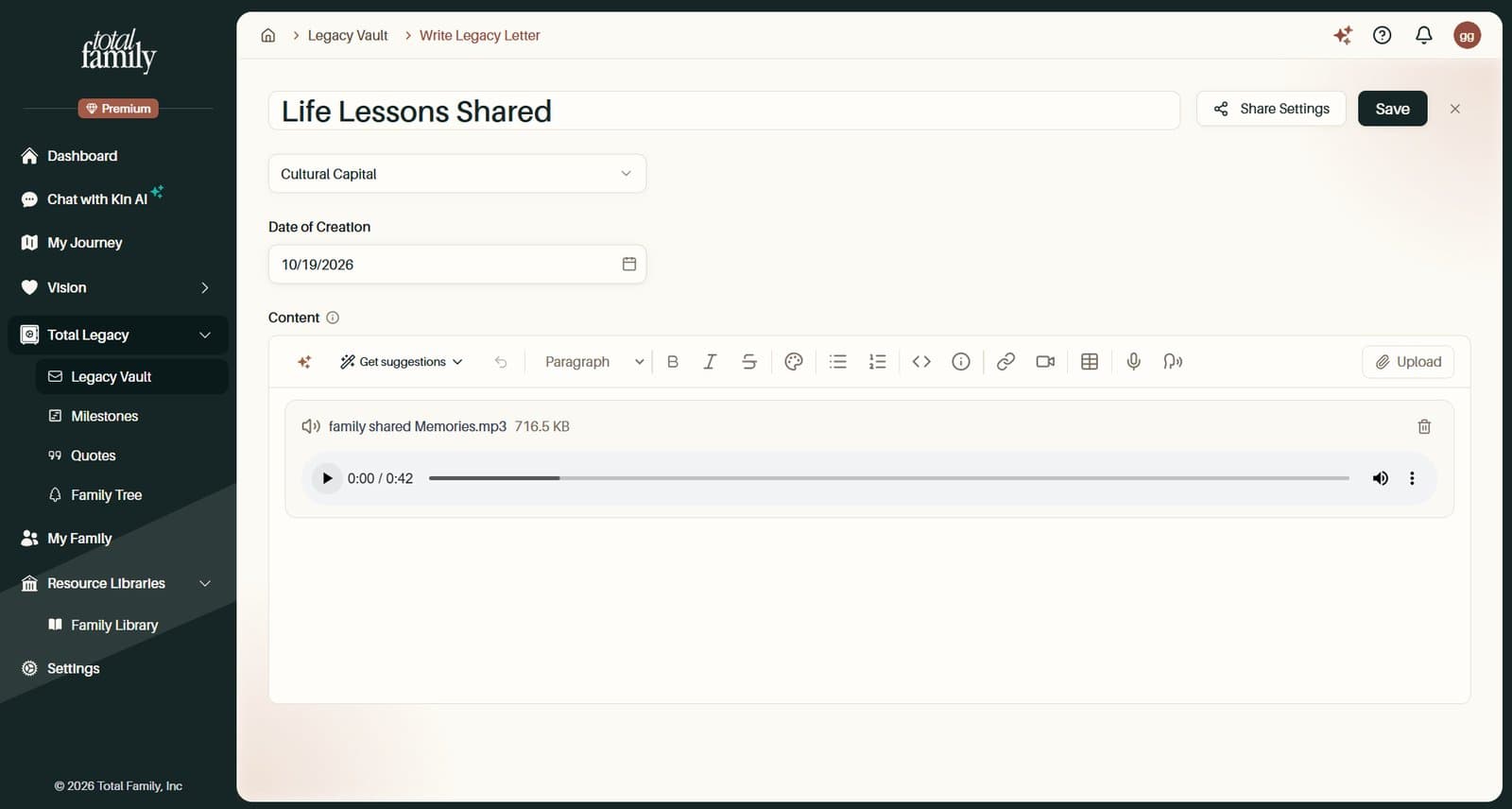
- Record in the browser. Select Record in the letter editor and speak for up to 30 minutes, then play it back inside the letter
- Or upload a recording. MP3, WAV, M4A, OGG, or WebM files up to 50 MB, from the letter editor or with Upload a Letter on a category page
- Recordings play everywhere, including Safari and iPhone, whichever browser you recorded them in
- Nothing is lost if an upload fails. The recording stays on the page with Try Again and Download
With Premium, you can also Dictate. Speak and your words are typed at the cursor, with a grey preview while you talk, for up to five minutes at a time.
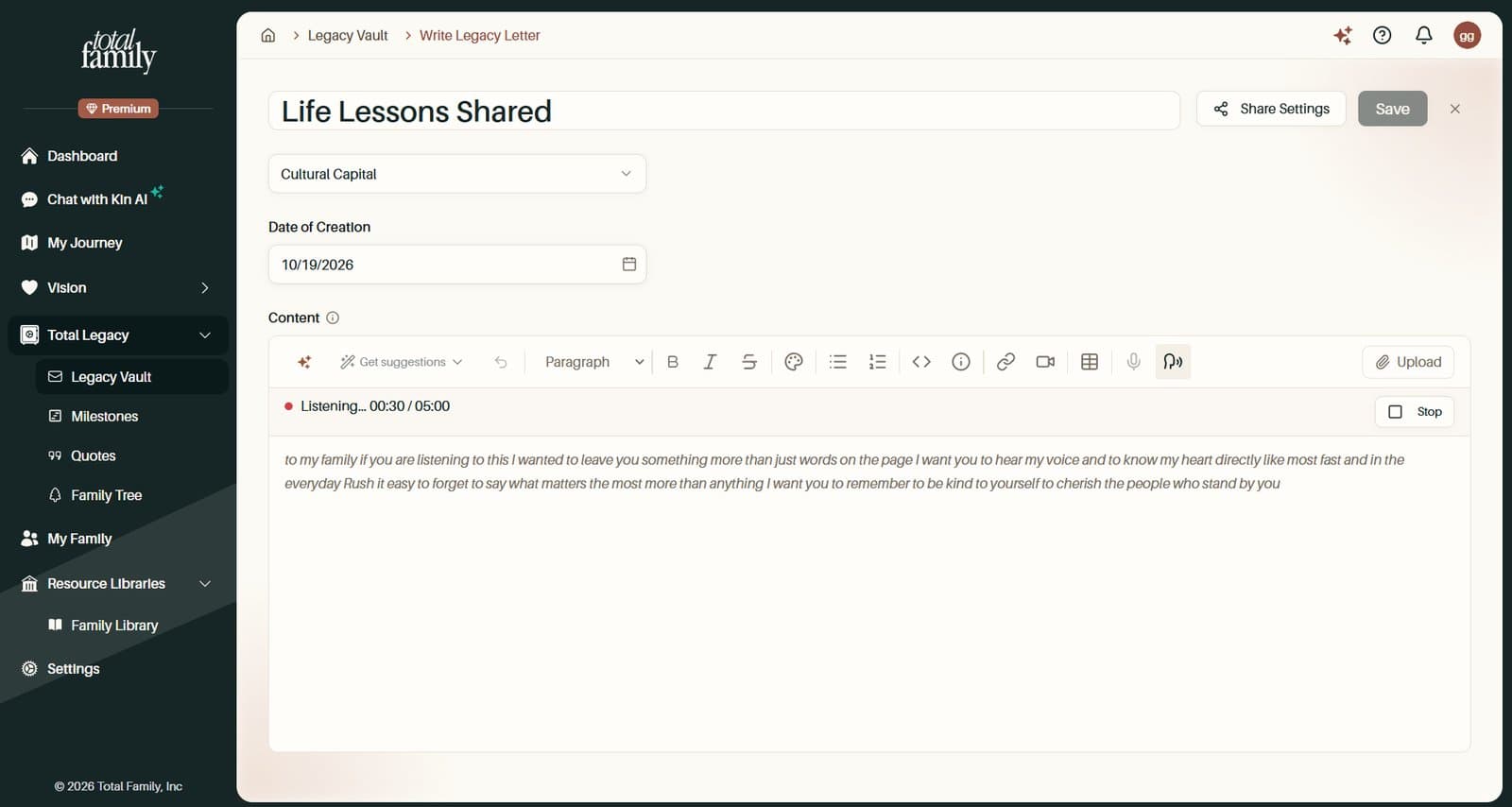
Letters also no longer add an automatic greeting and sign-off, so they read exactly as you wrote them. Legacy Letters covers writing and sharing a letter.
Improvements
A Refreshed Sidebar and Top Bar
The app has a cleaner frame around every page.
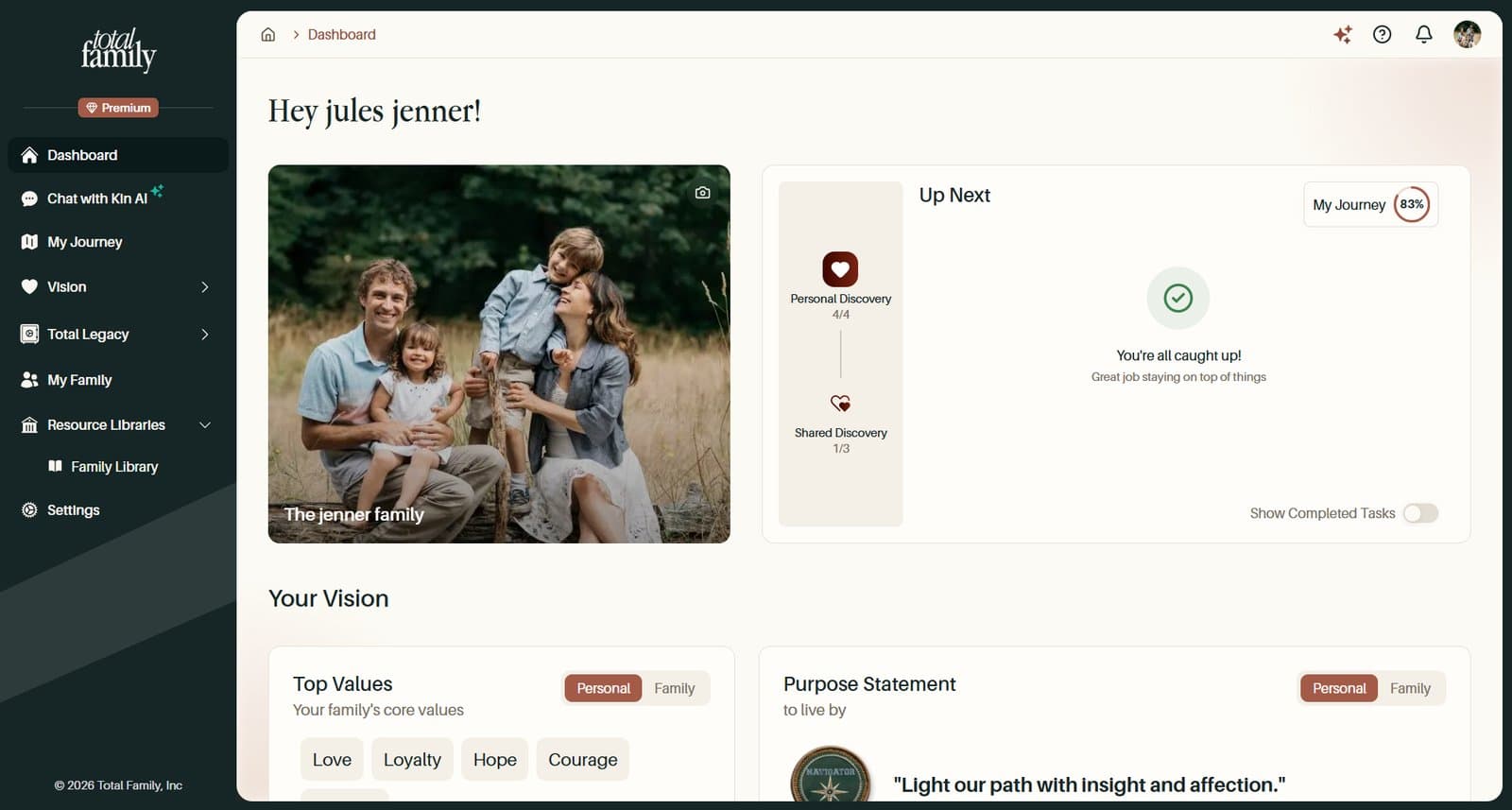
- A slimmer dark sidebar that collapses from a handle along its right edge. Premium members see a Premium badge, and Settings sits in the main menu
- A simpler top bar, with your avatar for your account menu and one Ask Kin AI button
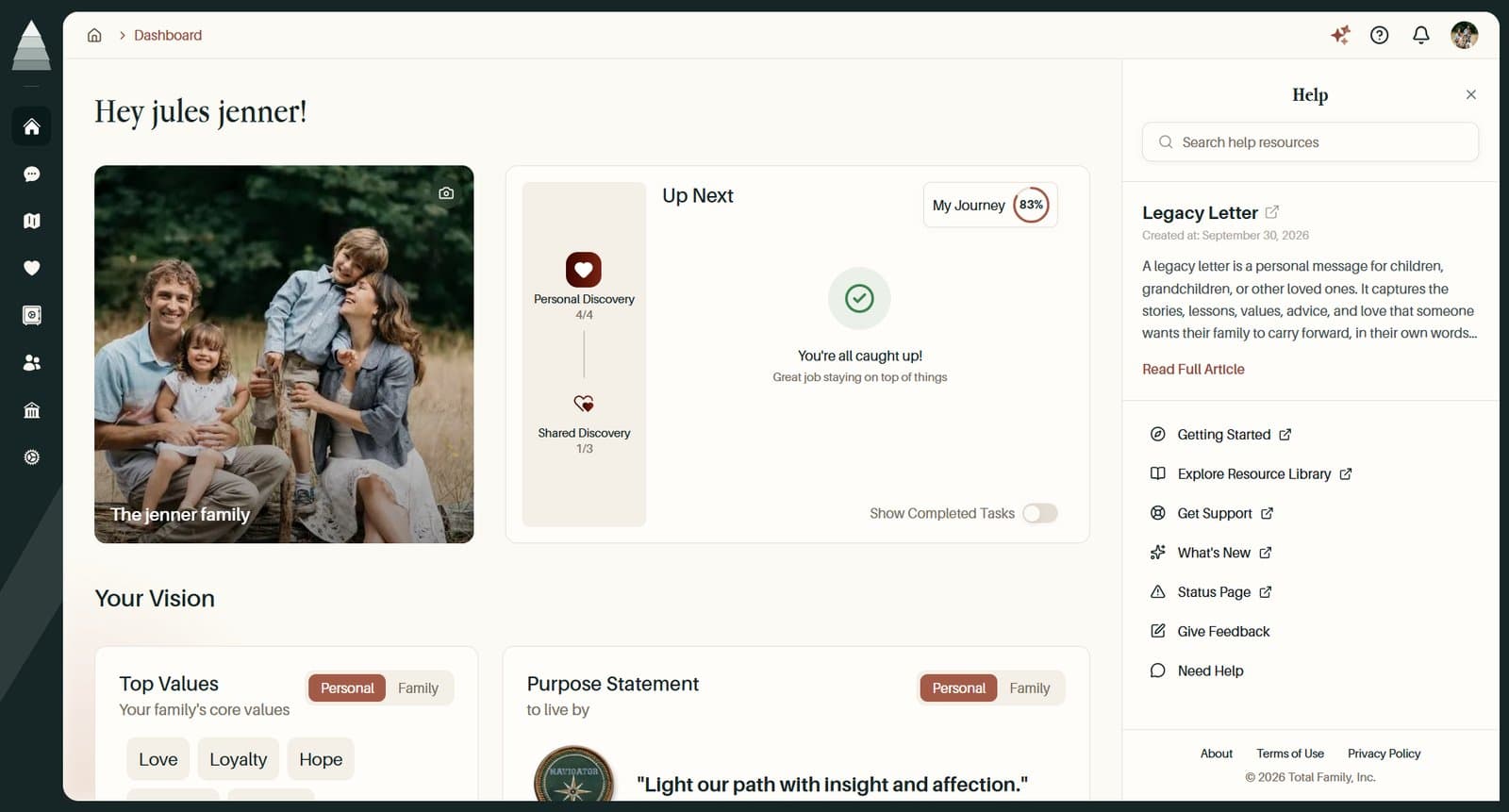
- The Help panel has quick links to Getting Started, Get Support, What's New, and the Status Page
- Kin opens full screen from its panel, and Quickstart closes from its header
A Shorter Initial Assessment
The initial assessment now asks three questions instead of seven: what brought you to Total Family, what is on your mind, and what you hope to achieve. The progress bar moves with each question and reaches 100% when you submit.
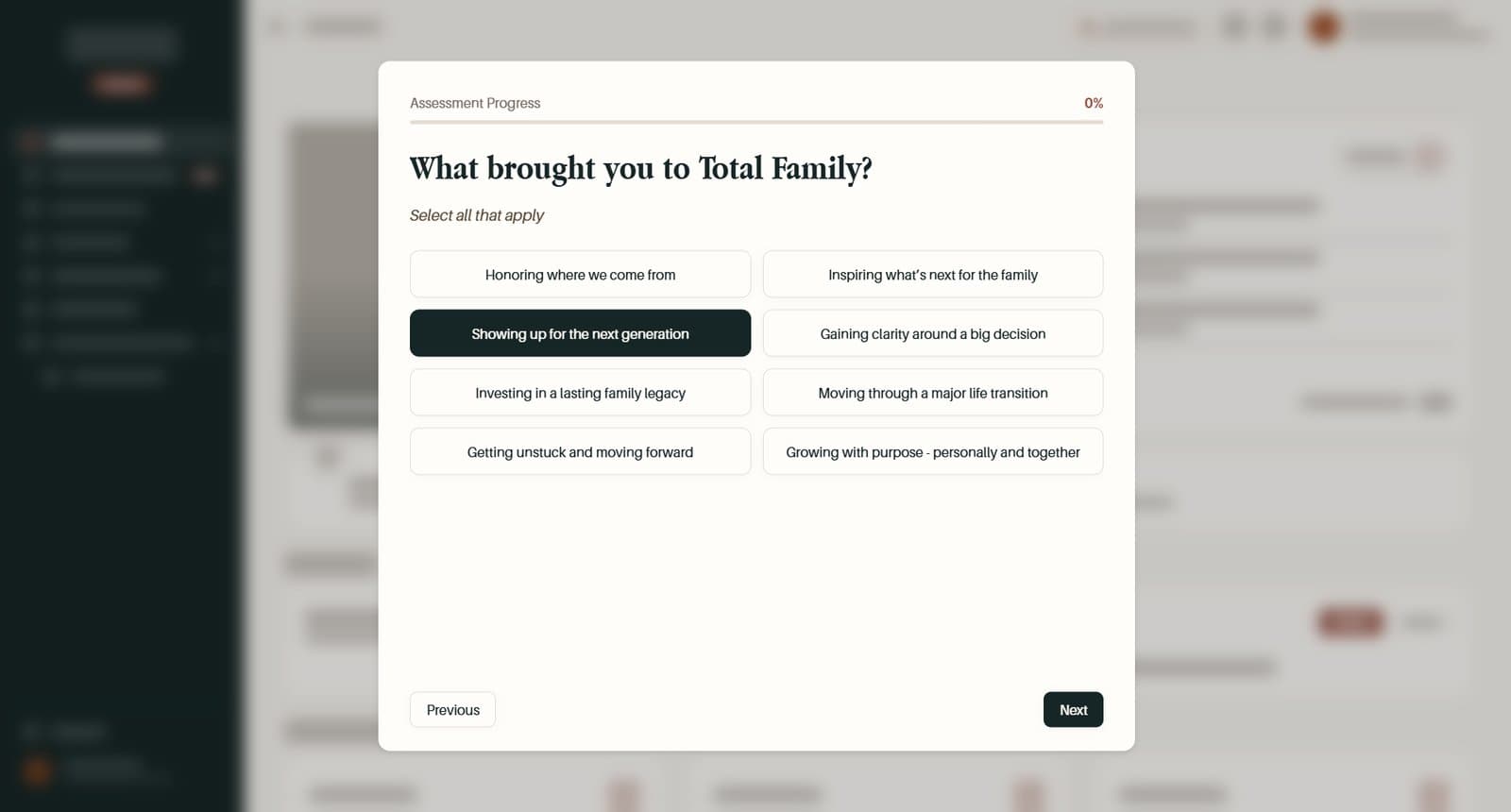
Completing the Initial Assessment walks through it.
More Improvements
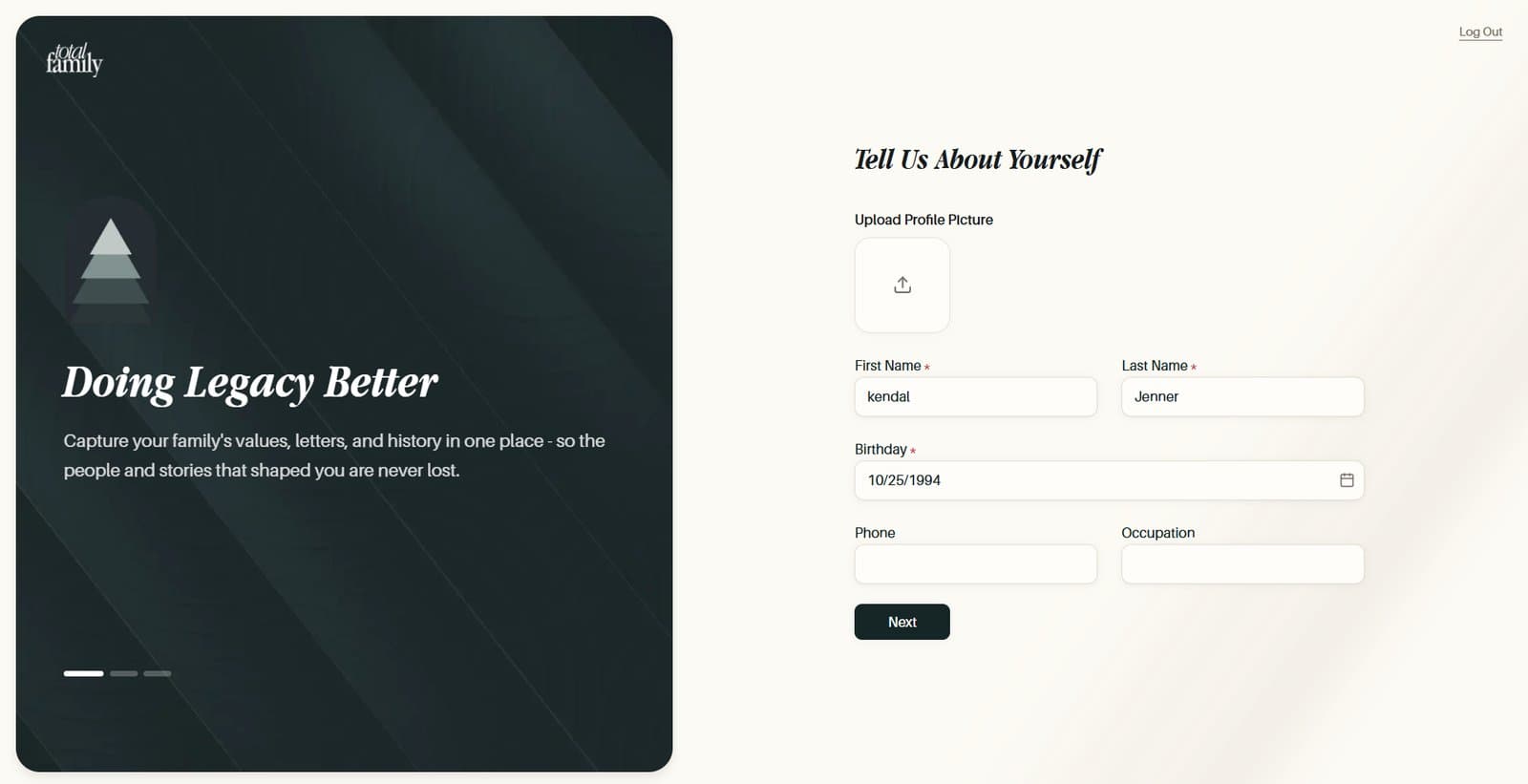
- Your details come first at sign-up. You fill in Tell Us About Yourself before choosing a family or partner account, and Back on that choice takes you back to edit them
- Payment alerts only where they are needed. A payment problem no longer fills the top of every page. Your dashboard and billing pages show the full message, and other pages show a small warning icon in the top bar. While a card is being retried, the message offers Update Payment Method
- Everyone in the family is told. If your plan is paused, Children now see the warning too, with a note on who can settle it. Only the person who pays gets Pay Open Invoice or Go to Billing, and the warning clears as soon as you have paid, even in another tab
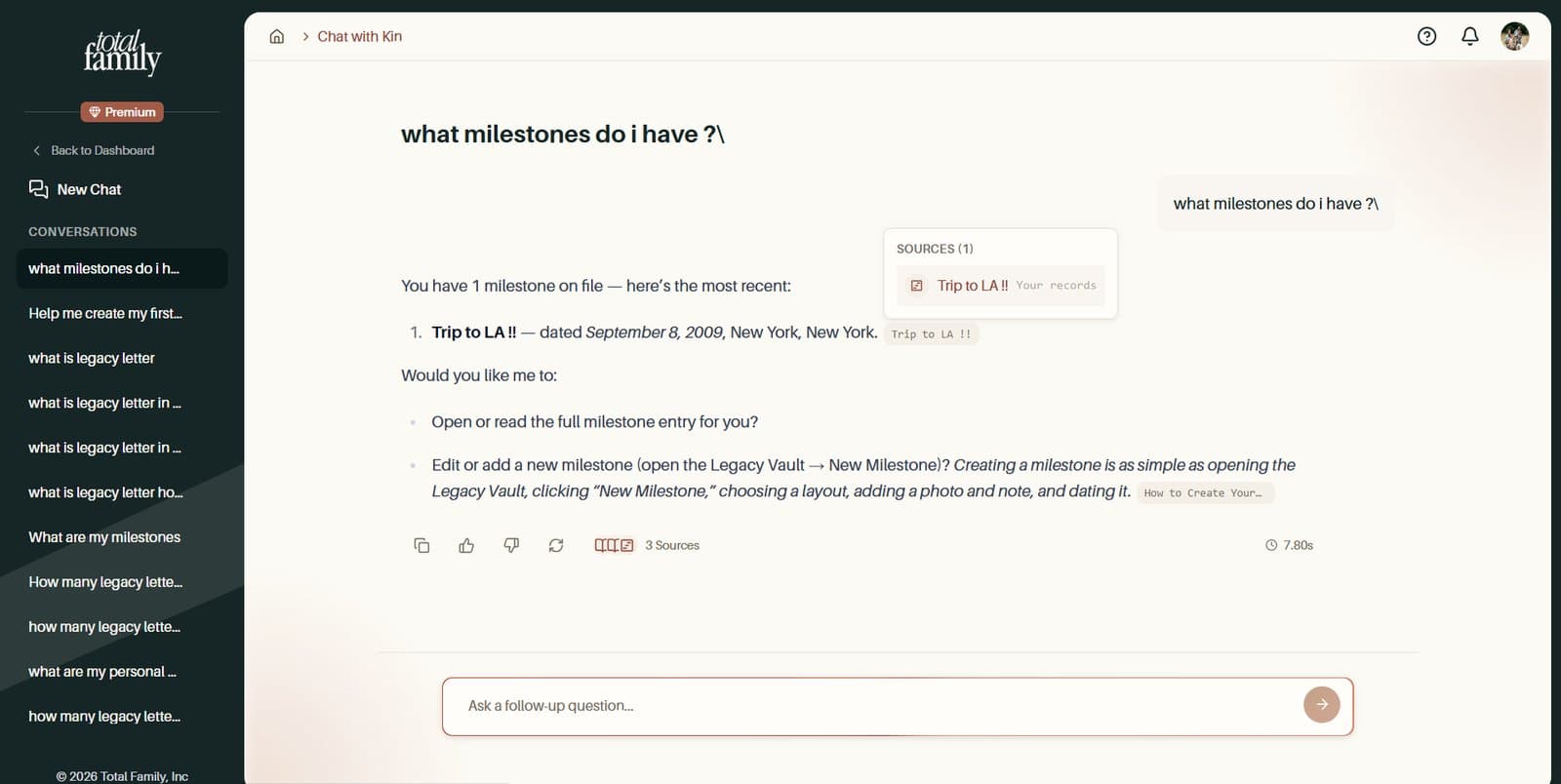
- Open a milestone straight from Kin. When Kin mentions a milestone, its source link opens that milestone. A new milestone opens as soon as you save it
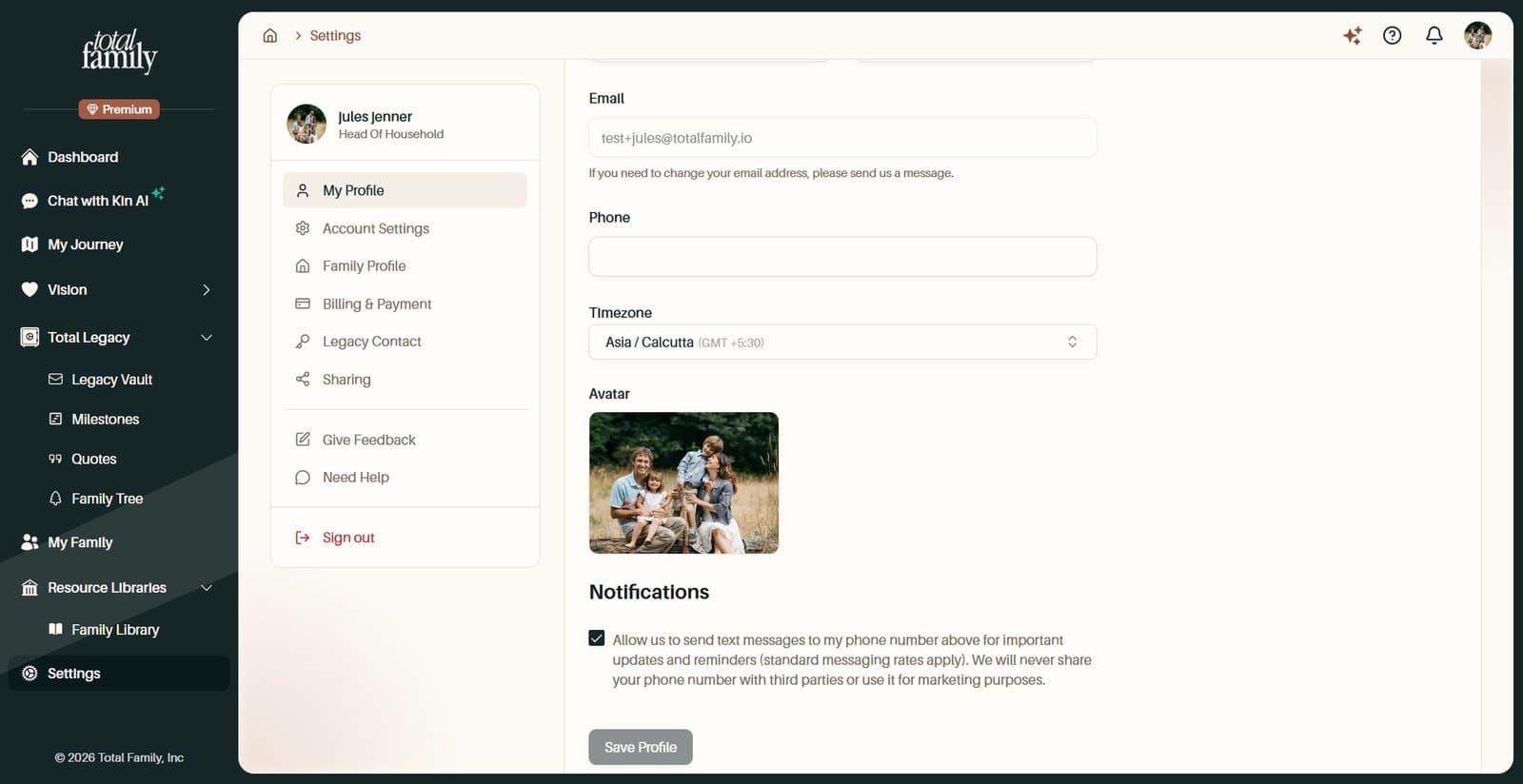
- Save only lights up when something changed. Across 14 forms, including Settings, Family Tree, Legacy Contact, Legacy Letters, Milestones, and Guest Sharing, Save stays grey until you make a change
For Partners
New Features
Edit the Profiles of Your Families
Family profiles used to be read-only for partners. Now the advisors working with a family can keep its details up to date.
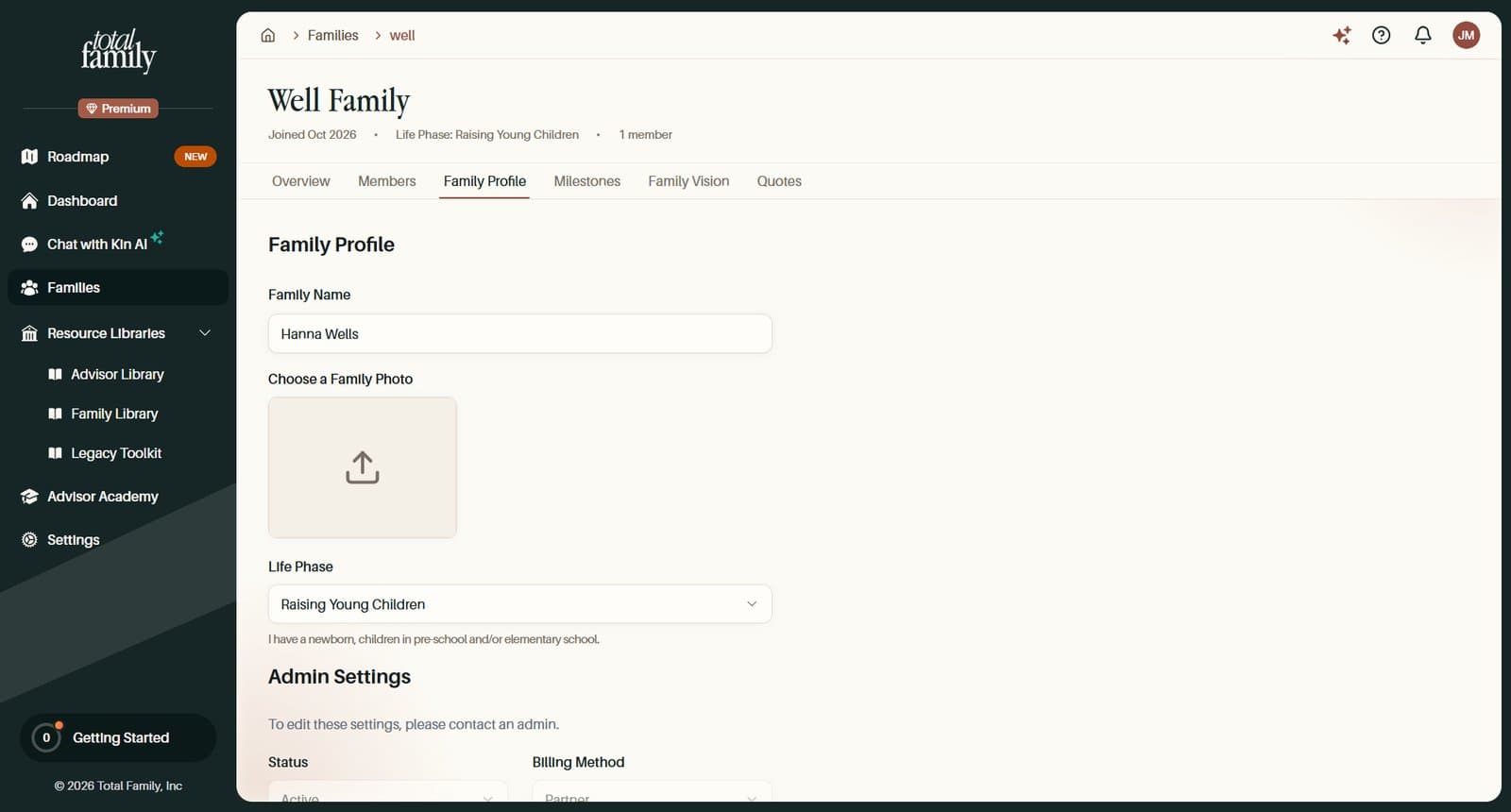
- Partner Advisors can edit the profile of each family assigned to them
- Partner Admins can edit every family their firm manages, and still choose which advisors are assigned. A family can have more than one
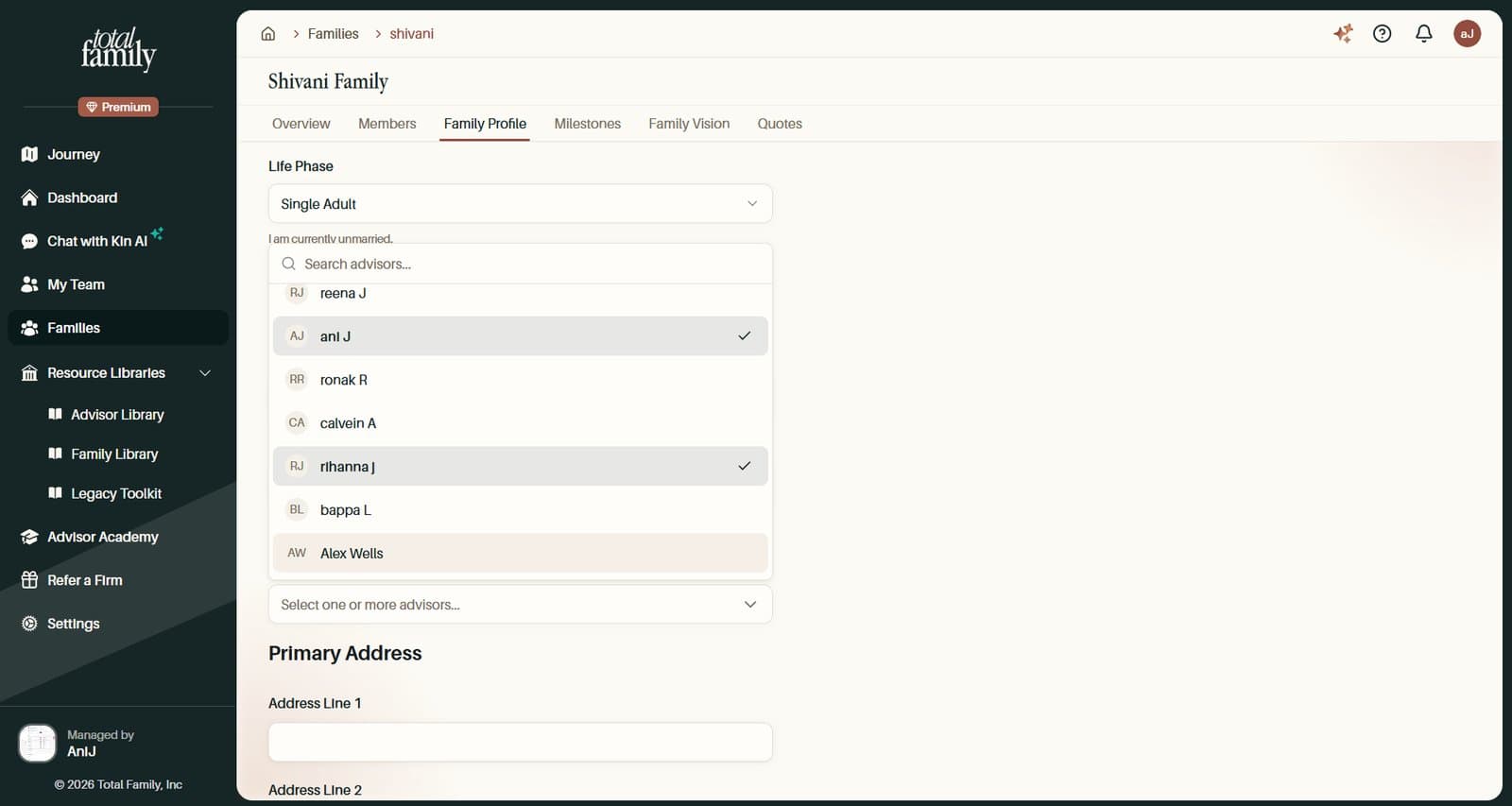
- The family's primary address is updated from the same form
- Status, partner, and billing method stay read-only under Admin Settings. To change them, contact an admin, as the form says
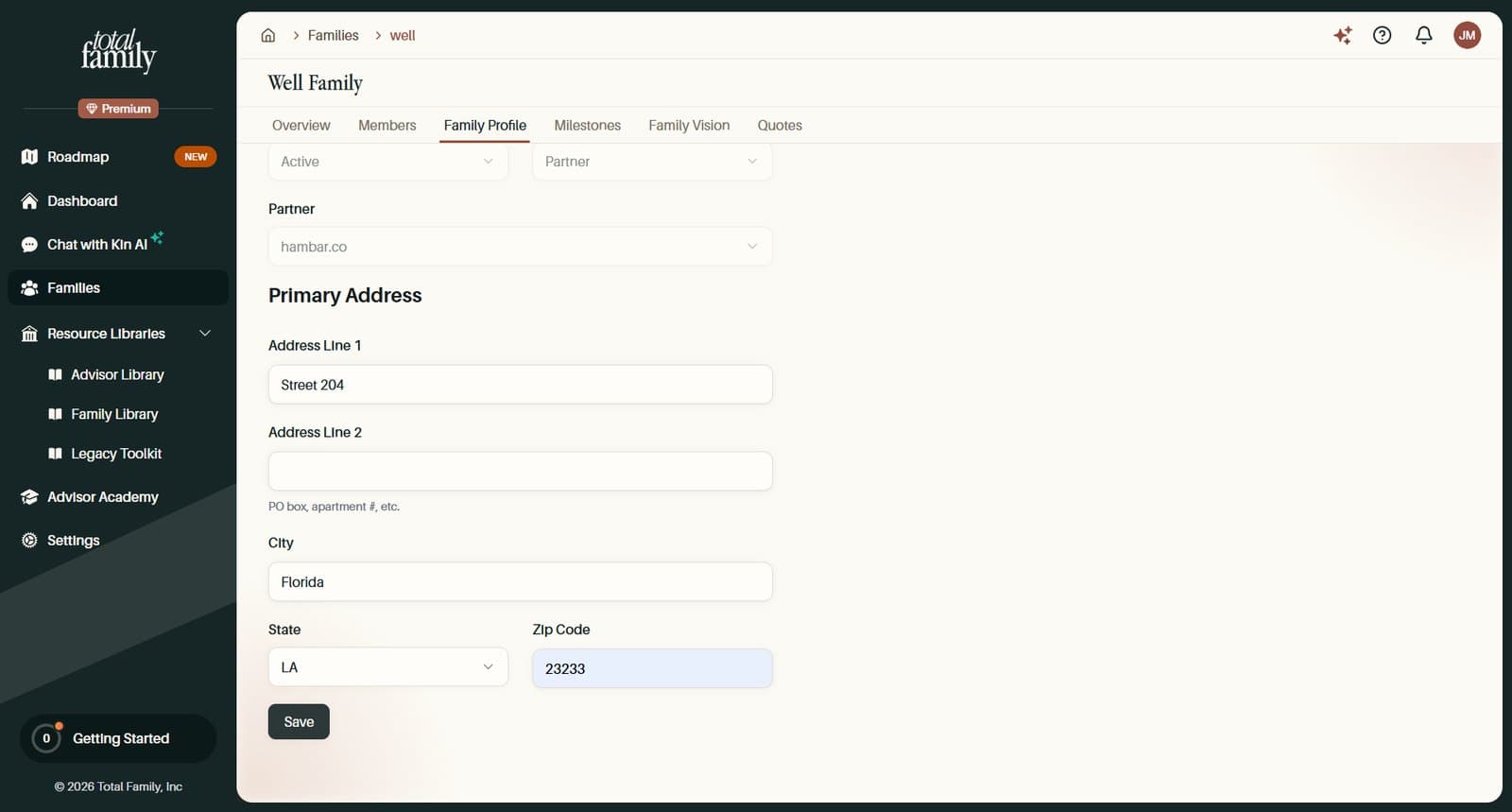
Families covers the Families page.
Improvements
A Clearer Firm Roadmap
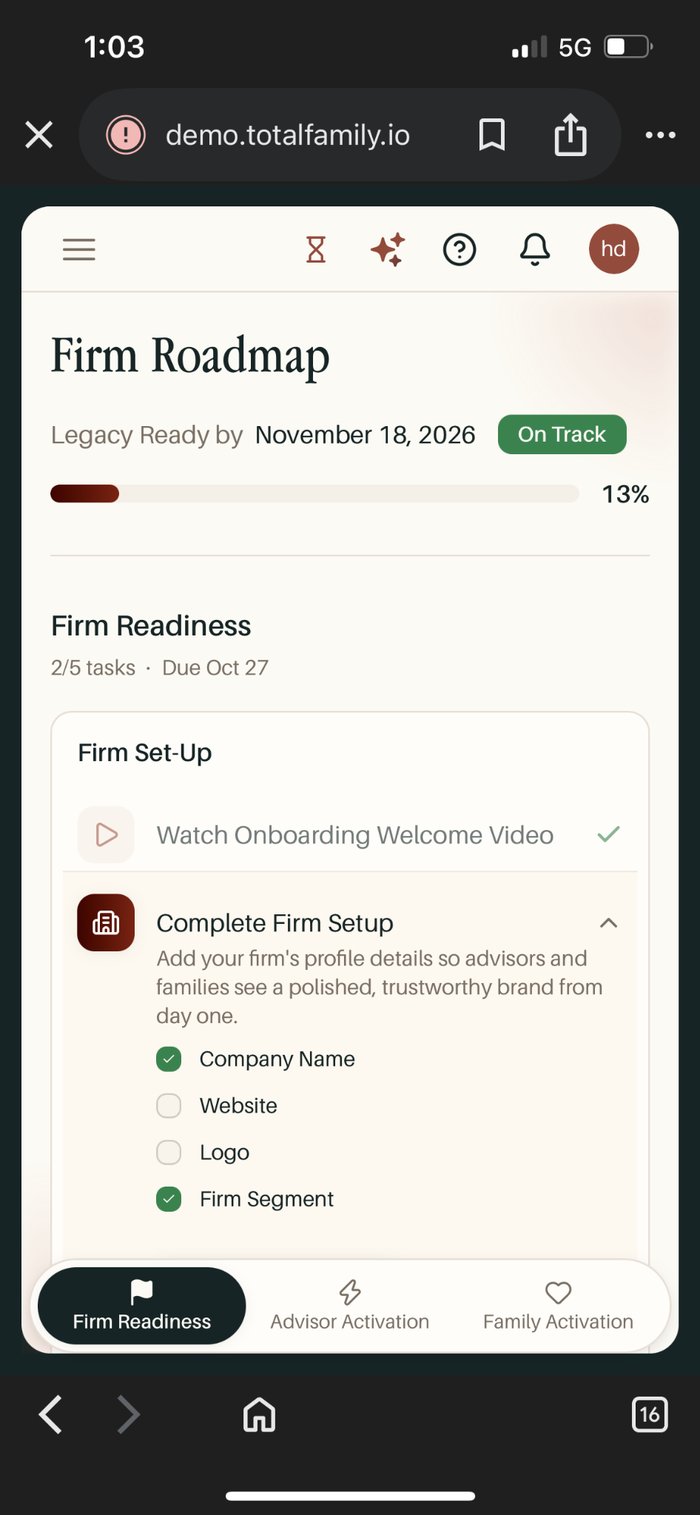
- Each phase shows its task count, due date, and pace, and the next task to do is marked Up Next
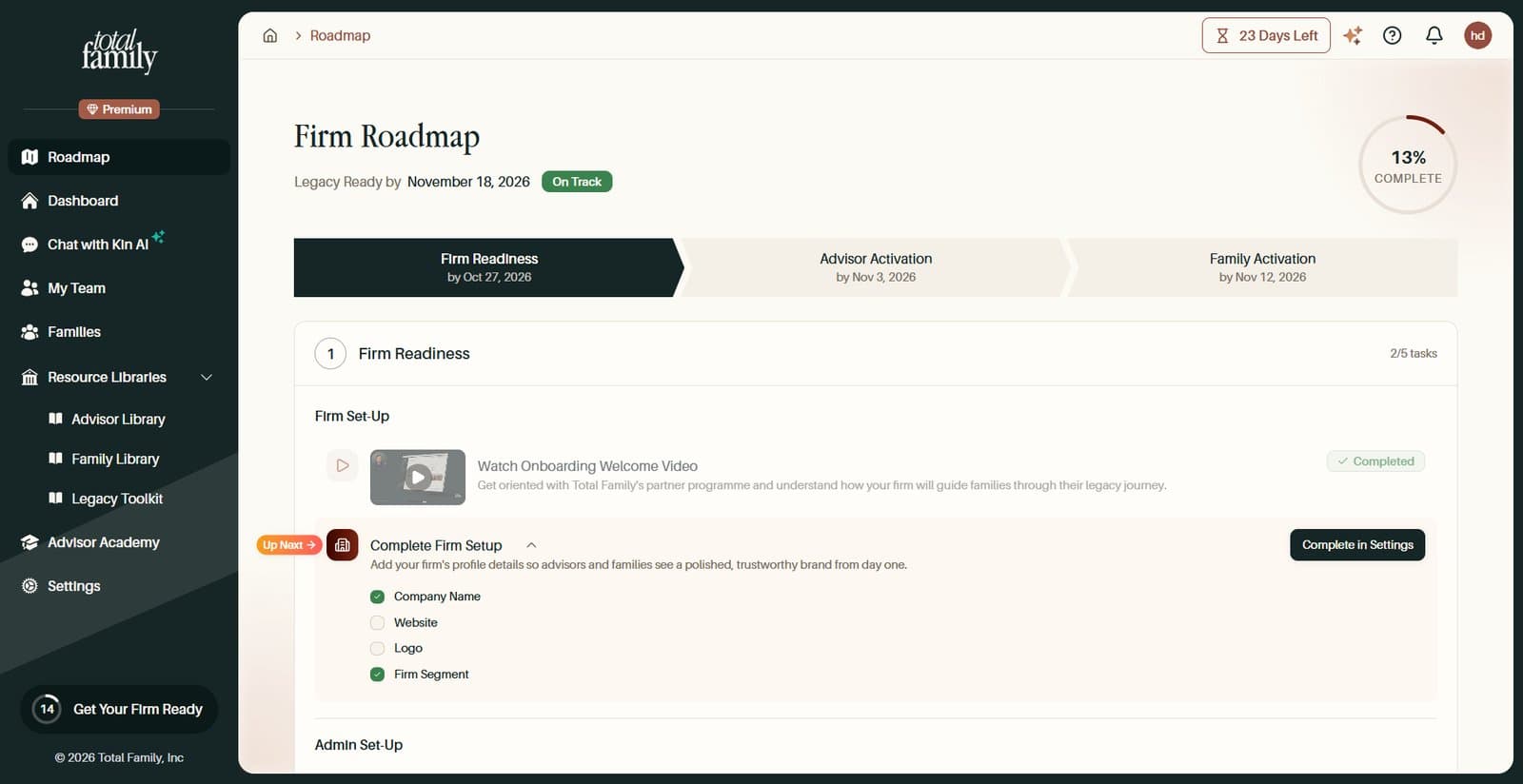
- Built for phones. A tab bar at the bottom switches phases, and tasks open one at a time with their steps shown in place
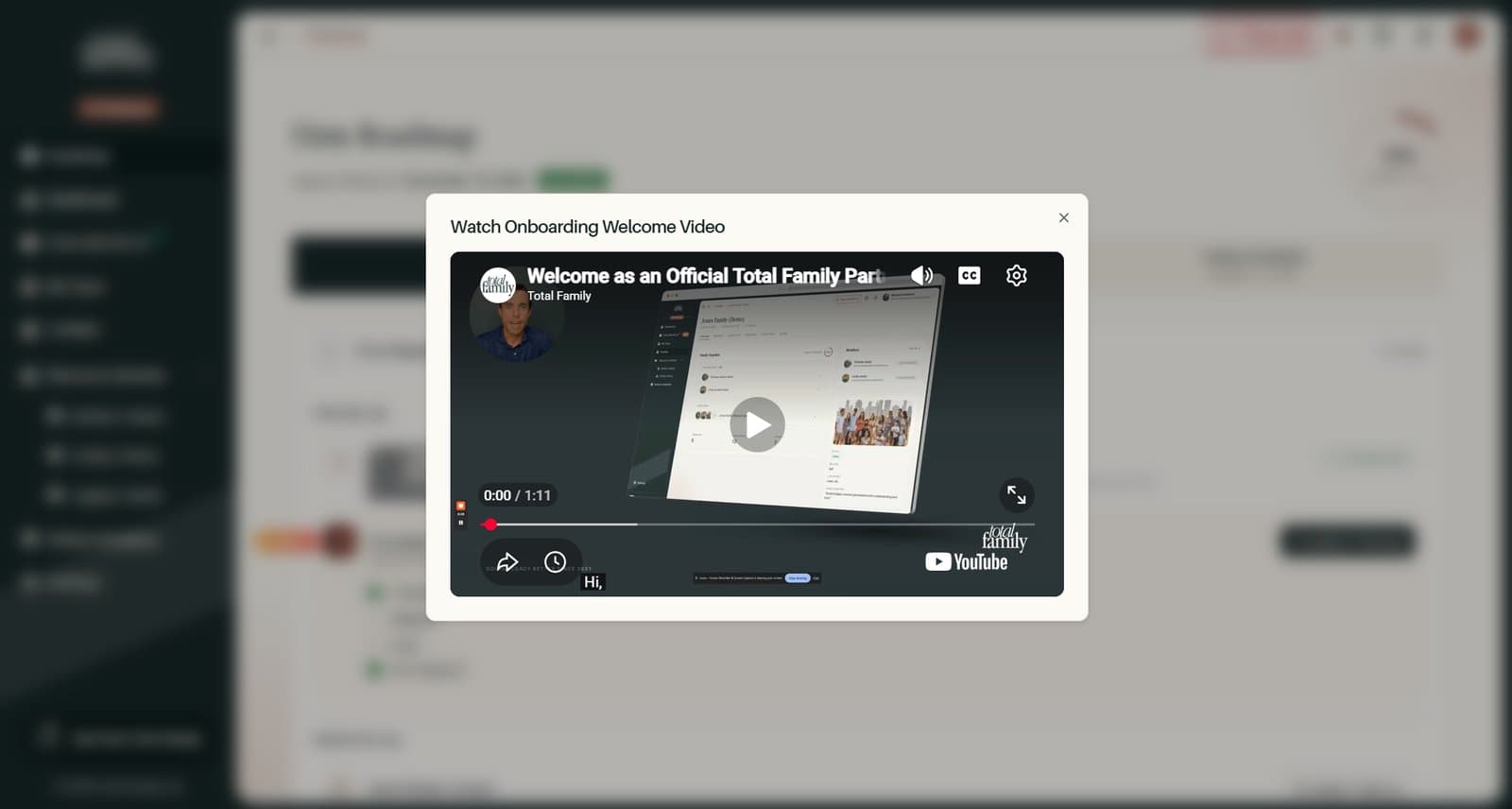
- Rewatch a video on any completed task that has one
- On the Free plan, tasks with an Ask Kin step stay open, with only that step locked
Firm Roadmap covers each phase.
A Refreshed Sidebar and Top Bar
The portal has a cleaner frame around every page: a slimmer dark sidebar that collapses from a handle on its right edge, a Premium badge for Premium firms, and Settings in the main menu. The top bar has your avatar for your account menu and one Ask Kin AI button. The Help panel has quick links to Getting Started, Get Support, What's New, and the Status Page.
Payment Alerts Only Where They Are Needed
- No more banner on every page. Your dashboard and billing pages show the full message, and other pages show a small warning icon in the top bar. While a card is being retried, the message offers Update Payment Method
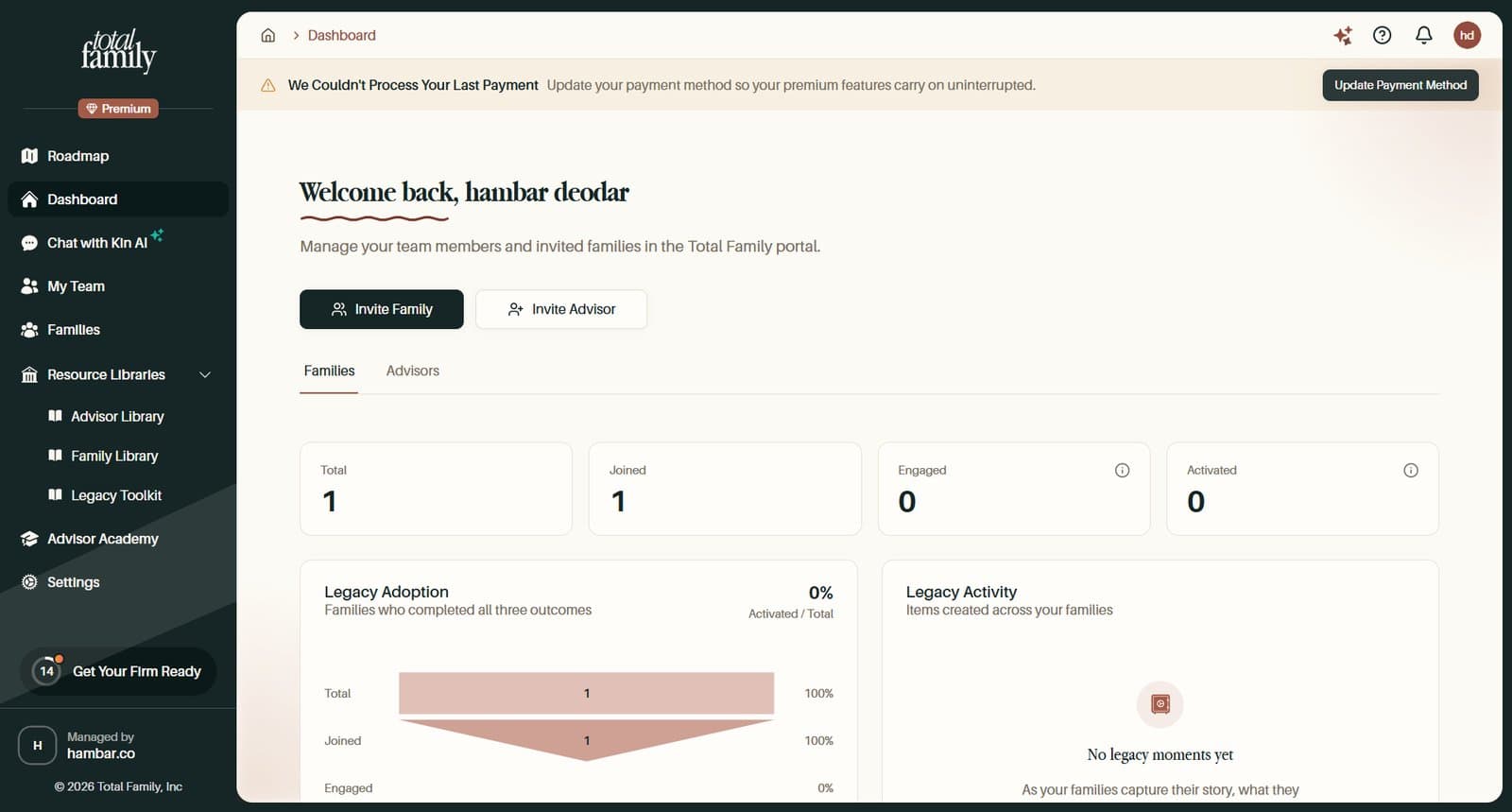
- Everyone at the firm is told. If your plan is paused, Partner Advisors now see the warning too, with a note on who can settle it. Only the Partner Admin who pays gets Pay Open Invoice or Go to Billing, and the warning clears as soon as it is paid, even in another tab
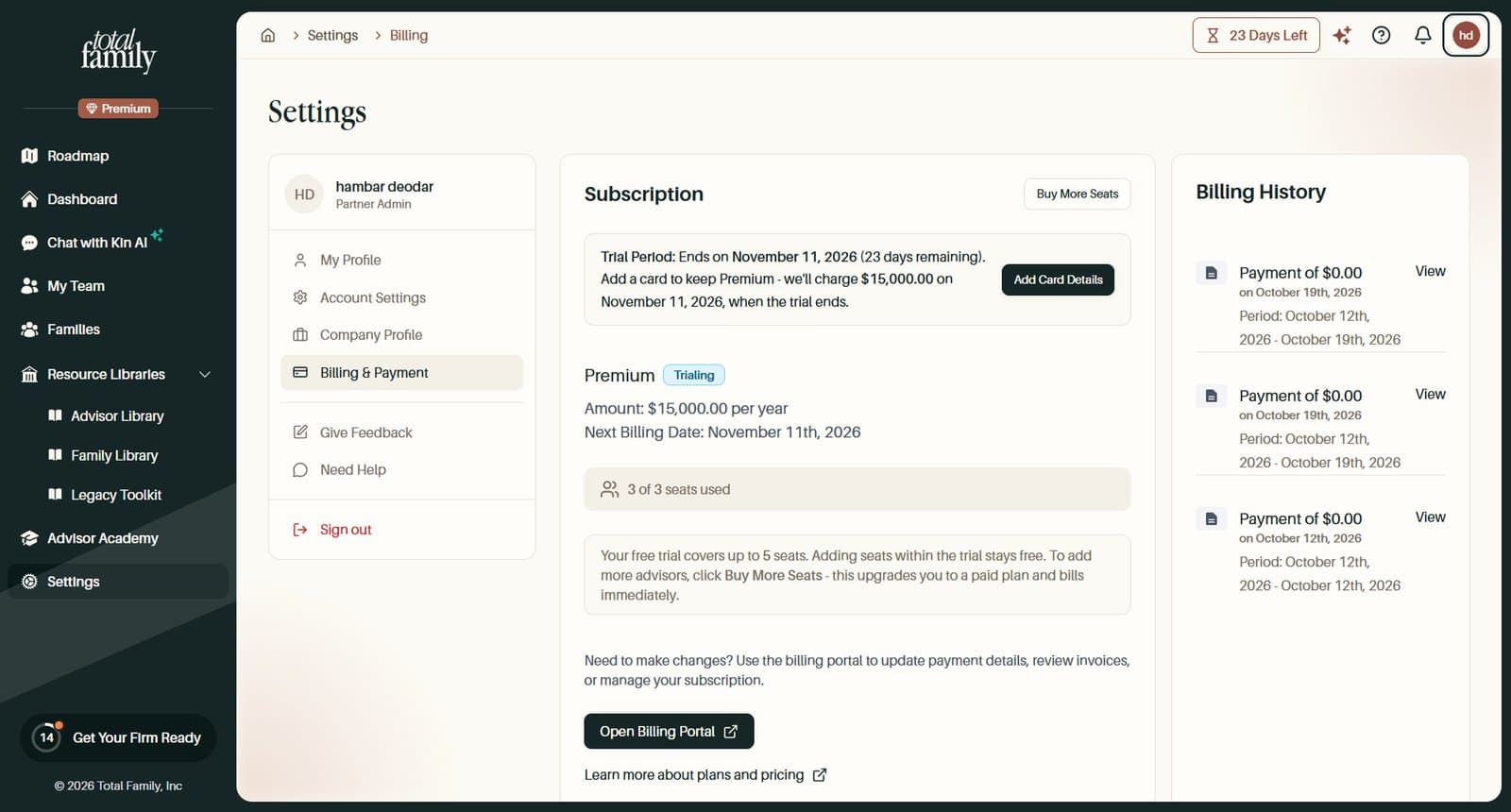
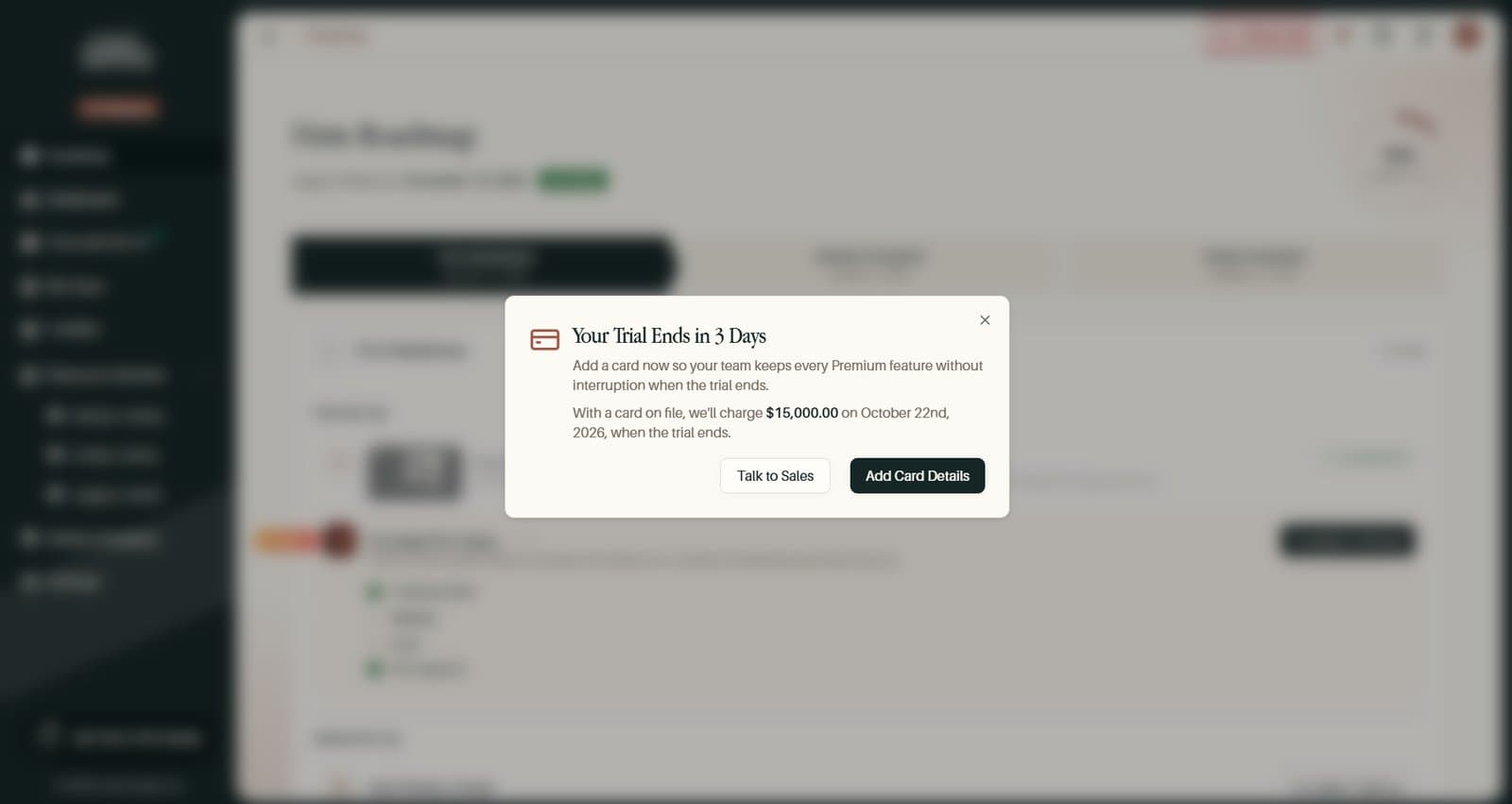
- A trial countdown from day one. On a trial without a card, the countdown shows from the first day and goes away once you add a card
More Improvements
- More than one billing contact. Your firm can now have several billing contacts, chosen from its active Partner Admins, so billing emails reach more than one person. The first contact receives invoices and receipts, and trial emails go to everyone
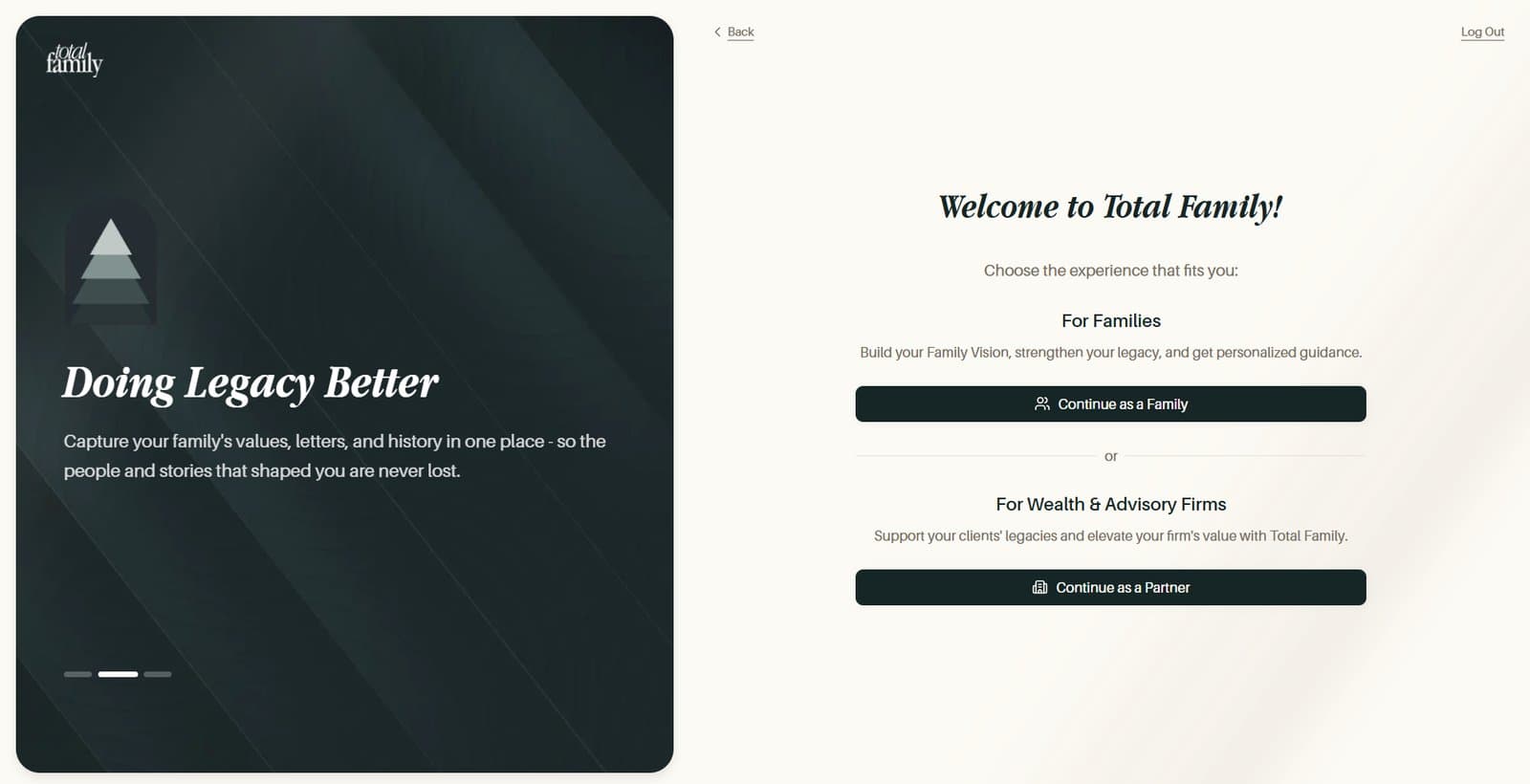
- Your details come first at sign-up. You fill in Tell Us About Yourself before choosing a family or partner account, and Back on that choice takes you back to edit them
- Save only lights up when something changed. Across your company profile, billing address, partner documents, and other forms, Save stays grey until you make a change
Bug Fixes
- The roadmap displays correctly. The Up Next marker is no longer cut off on tablets and desktops
- The roadmap tour waits for you. The tour offer on the dashboard now waits until the tour is ready, instead of giving up right after you sign in