
v1.27
What's new in Total Family 1.27.
Version 1.27 makes Kin harder to interrupt, makes dates quicker to type, and lets you crop a photo or logo before it uploads.
For Families
New Features
Kin Keeps Going, and Shows Its Work
Kin is more dependable, and you can see what it is doing while it works.
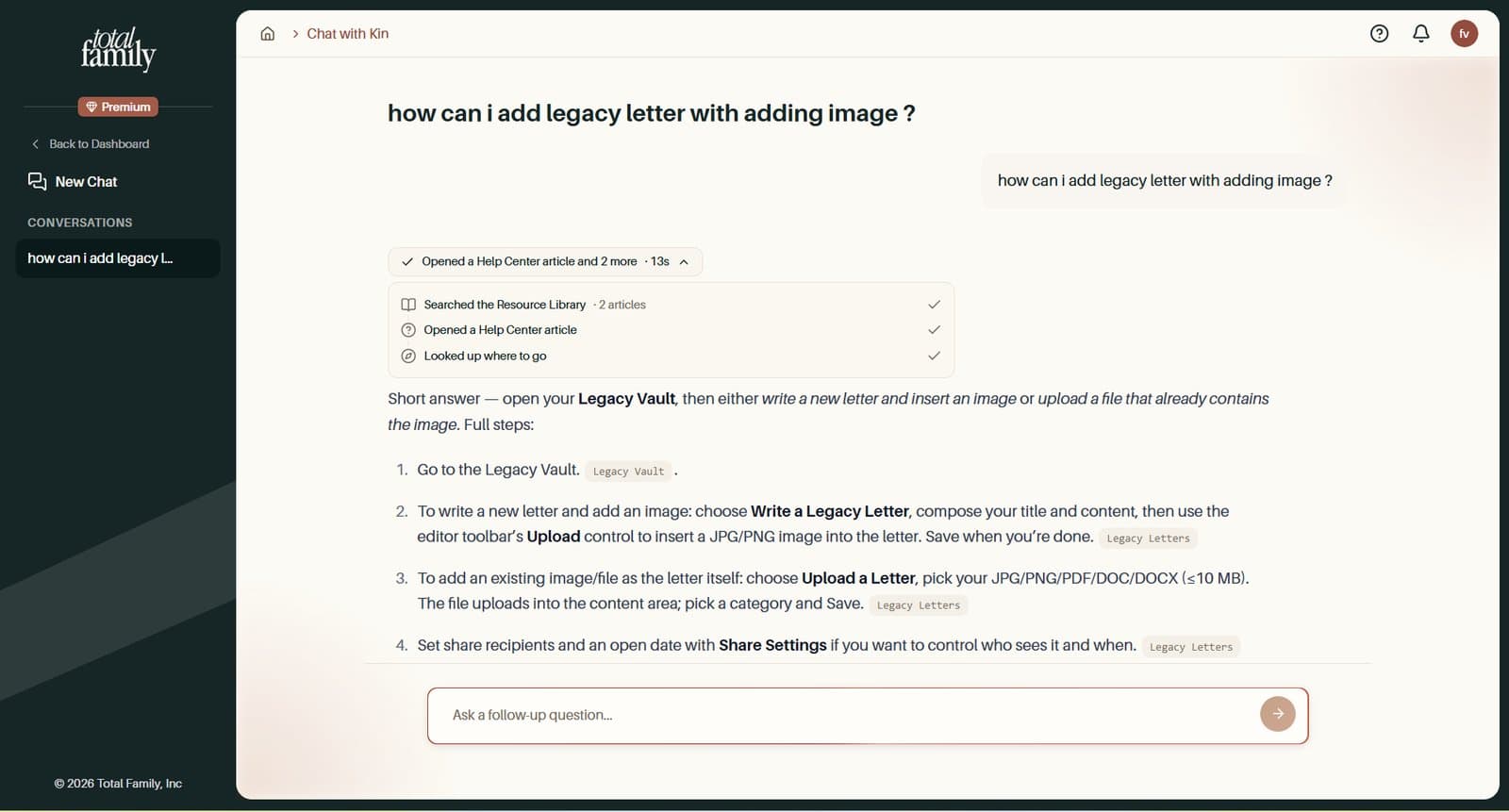
- Your reply keeps coming. Close the Kin panel, open Help, or switch chats, and Kin carries on writing in the background
- Nothing you typed is lost. If a reply fails, Kin says so and offers Try Again, with your message still there
- See the steps. While it works, Kin shows what it is doing, such as searching the Resource Library, then a short summary when it is done
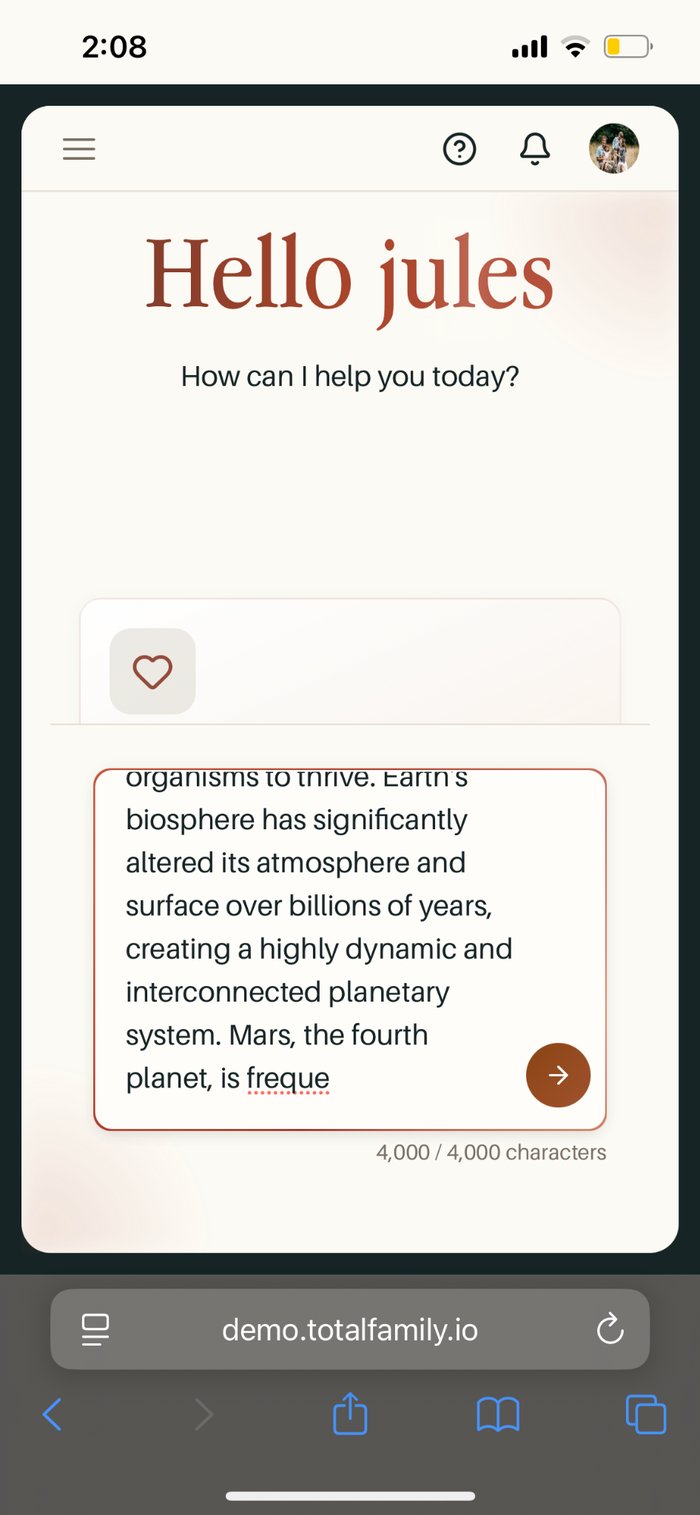
- A character counter appears as you near the 4,000-character limit
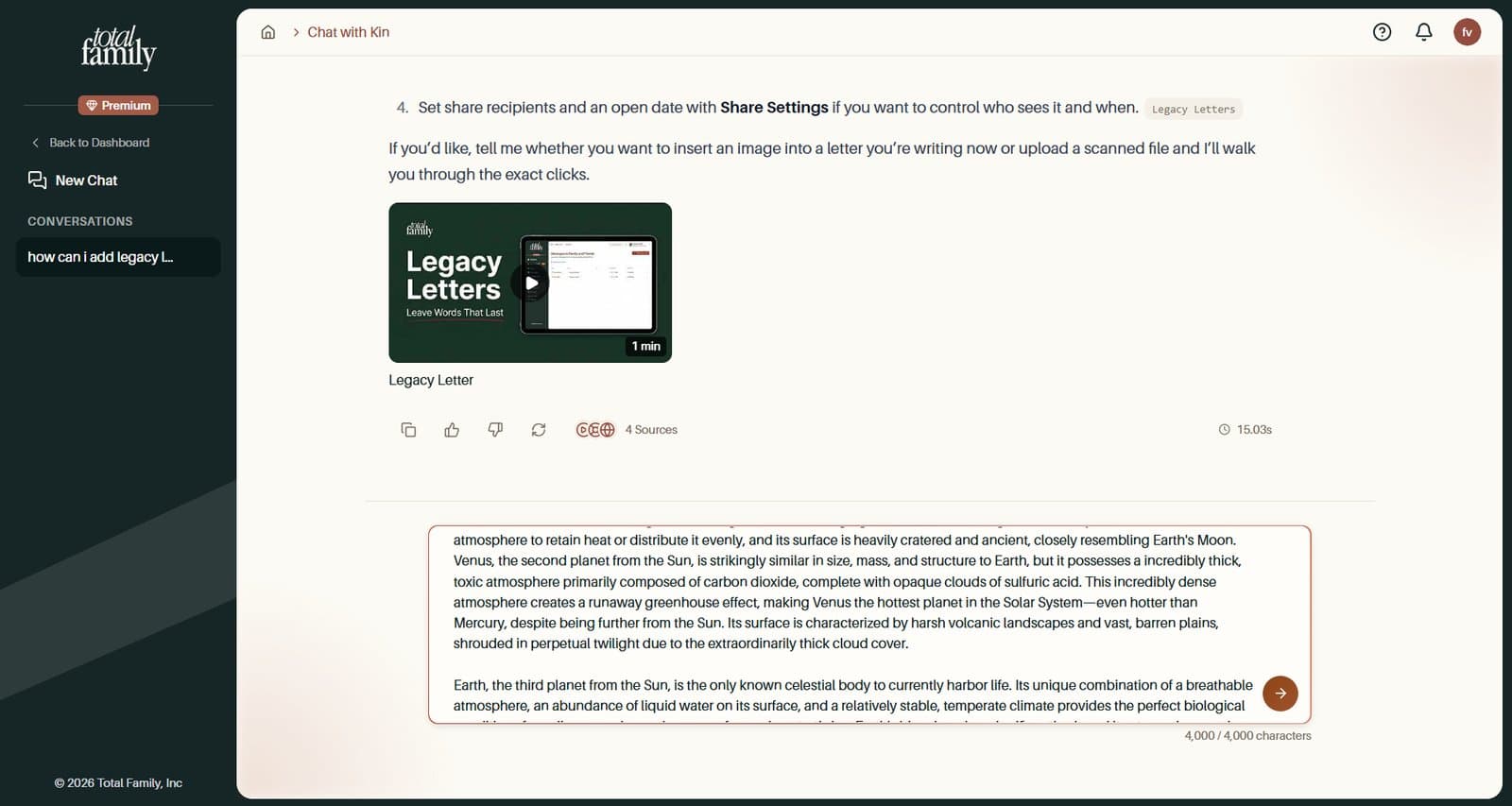
Chat with Kin covers asking Kin a question.
Improvements
Guided Date Entry in Every Date Field
Typing a date is quicker and more forgiving, with the help shown inside the field.
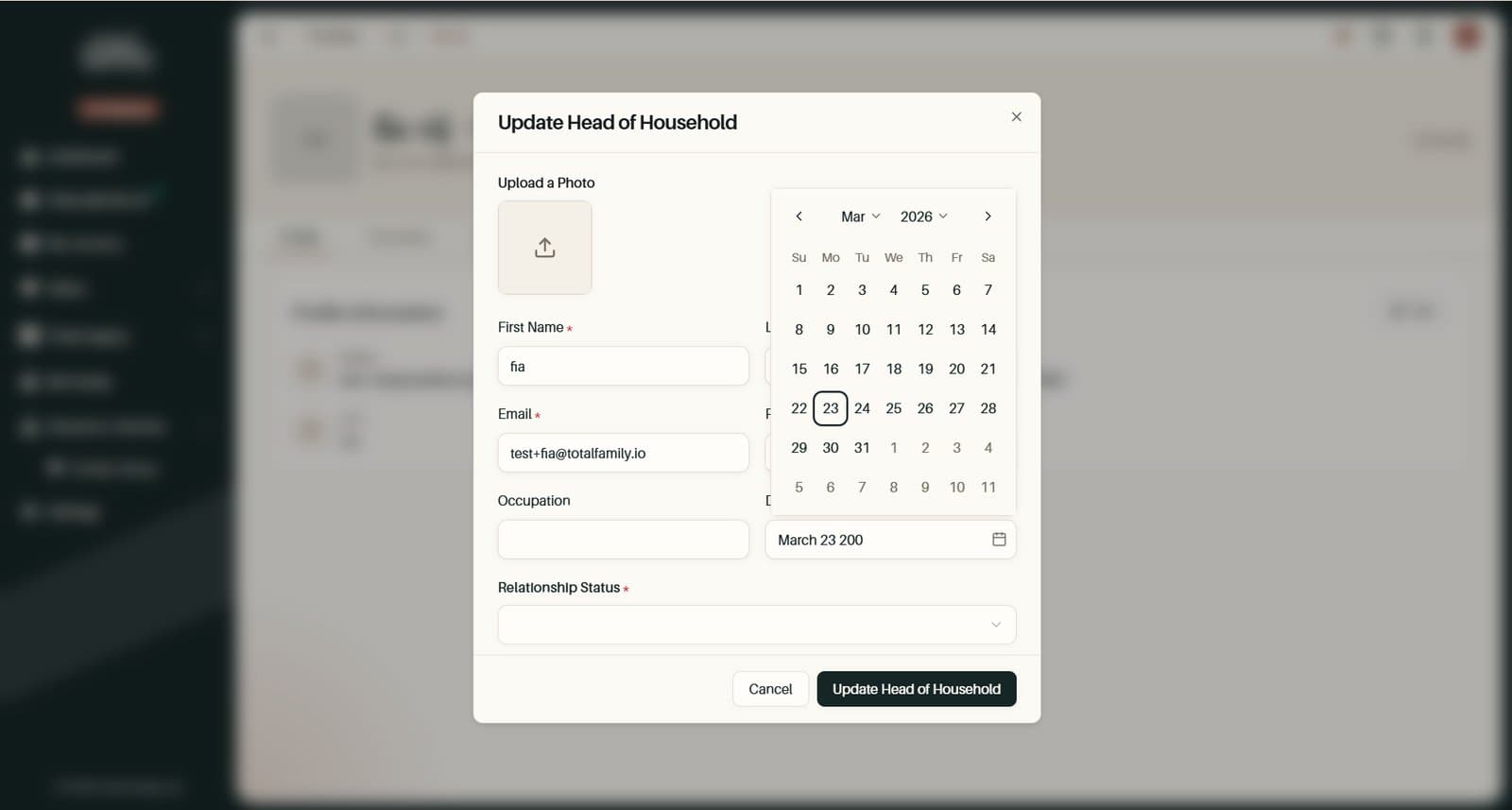
- Slashes and leading zeros are added for you. Dashes, dots, or spaces work too
- Grey text shows what is left to type. A two-digit year like 85 suggests 1985. Press Tab, the right arrow, or Enter to accept it
- Month names complete. Type "mar" and it becomes March
- Up and Down arrows change the month, day, or year under the cursor
- The calendar opens as you type and follows the date you are entering
- Mistakes are flagged, never changed. A date that does not work shows a red border, and is never quietly turned into a different date
Crop Photos Before They Upload
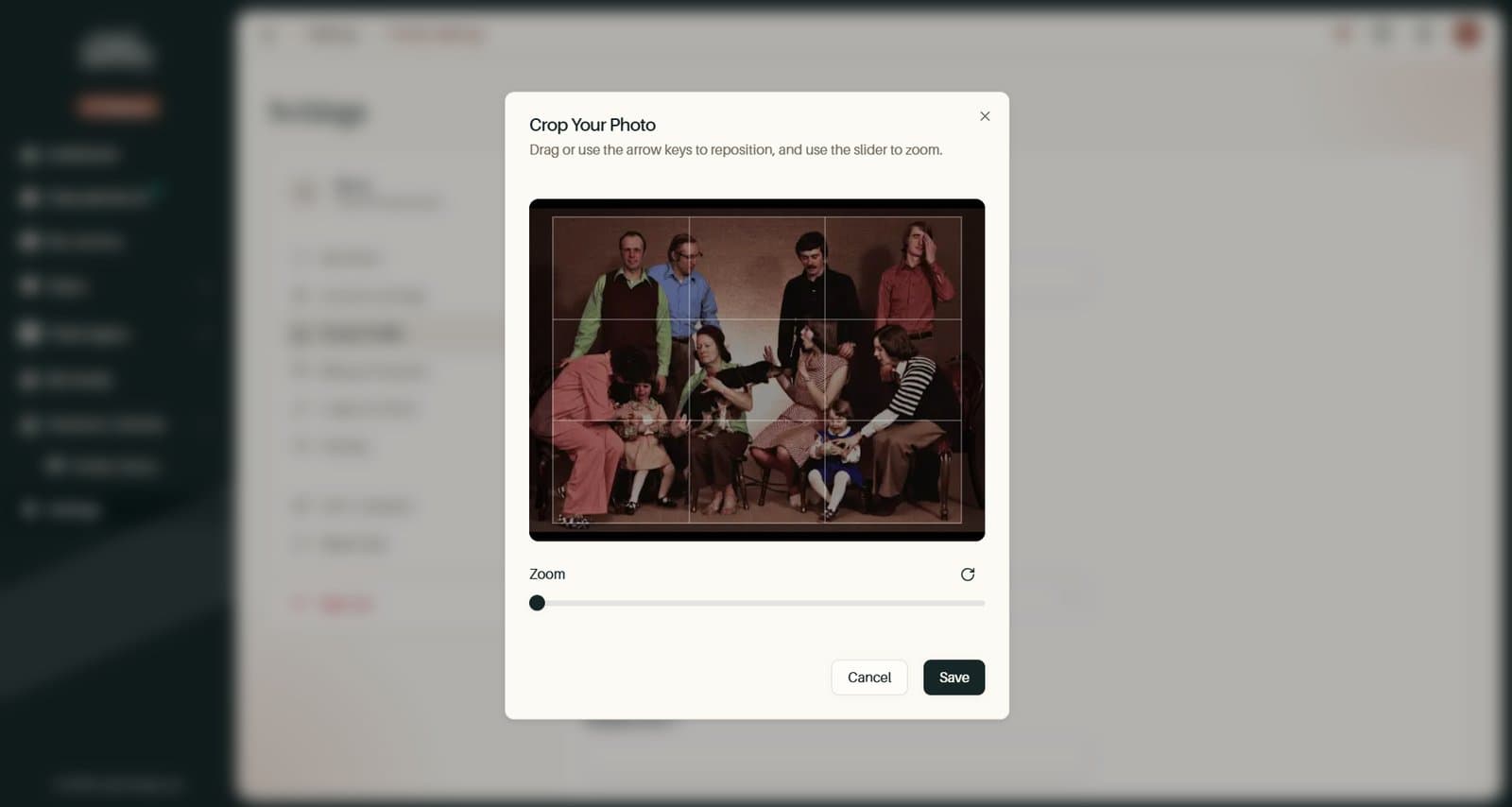
You can now crop your profile photo, your family photo, and a family member's photo before it uploads. The space that shows it is the same shape, so nothing is trimmed afterwards.
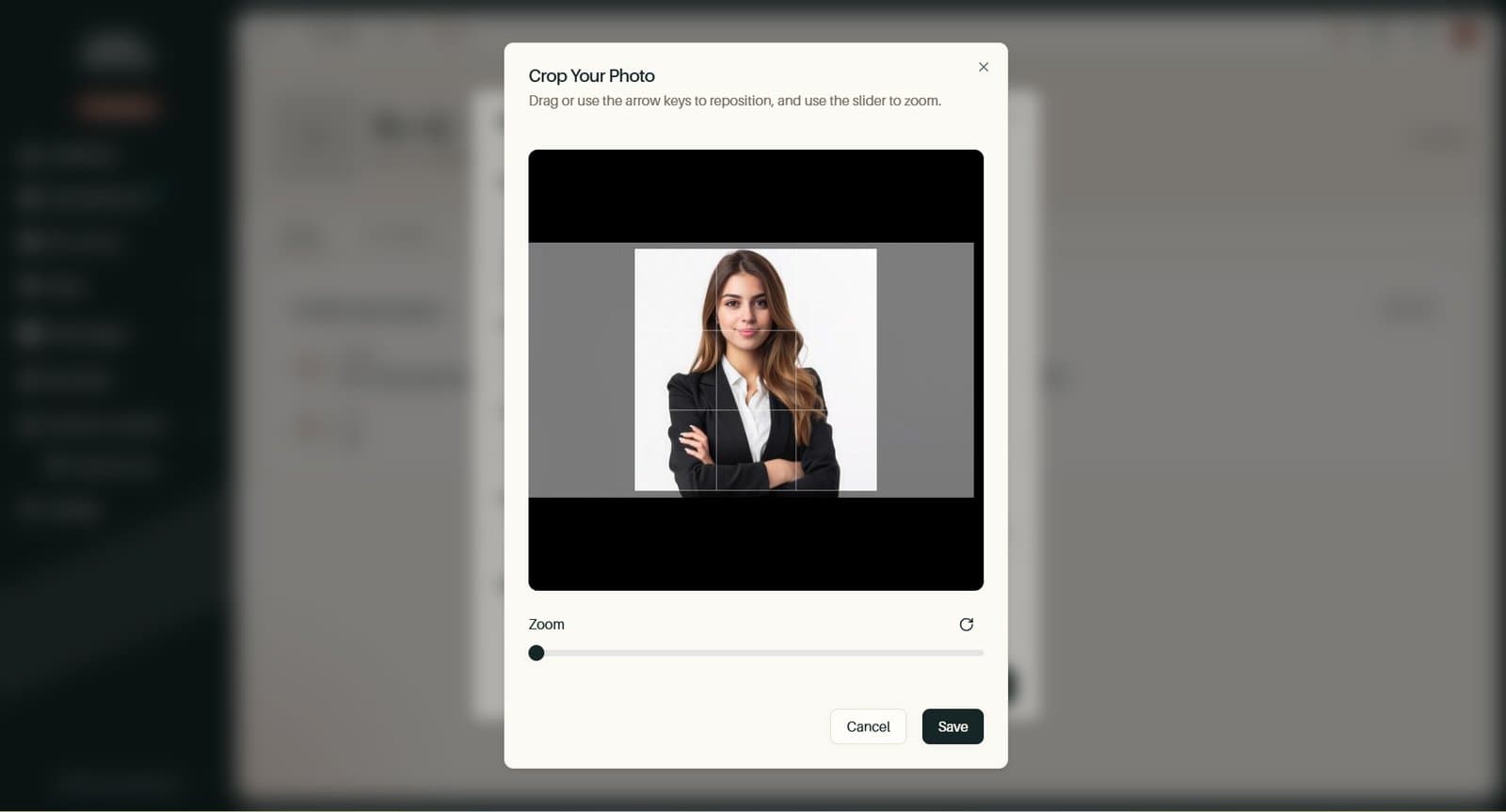
- Profile photos crop square, and family photos crop wider, at 4:3
- Drag or use the arrow keys to position it, and the slider to zoom
- Available wherever you add a photo: at sign-up, when adding a family member, and in Settings
- Large iPhone photos now save in Safari, and if a save fails, the crop window says why
On your dashboard, the family photo now sits beside Up Next at the same height on wide screens, without the old white frame.
Report a Problem From an Error Screen
If part of the app fails and Try Again does not help, Still having trouble? Report a problem opens the feedback form, already set to Report a Problem and filled in with a reference our team can trace.
Bug Fixes
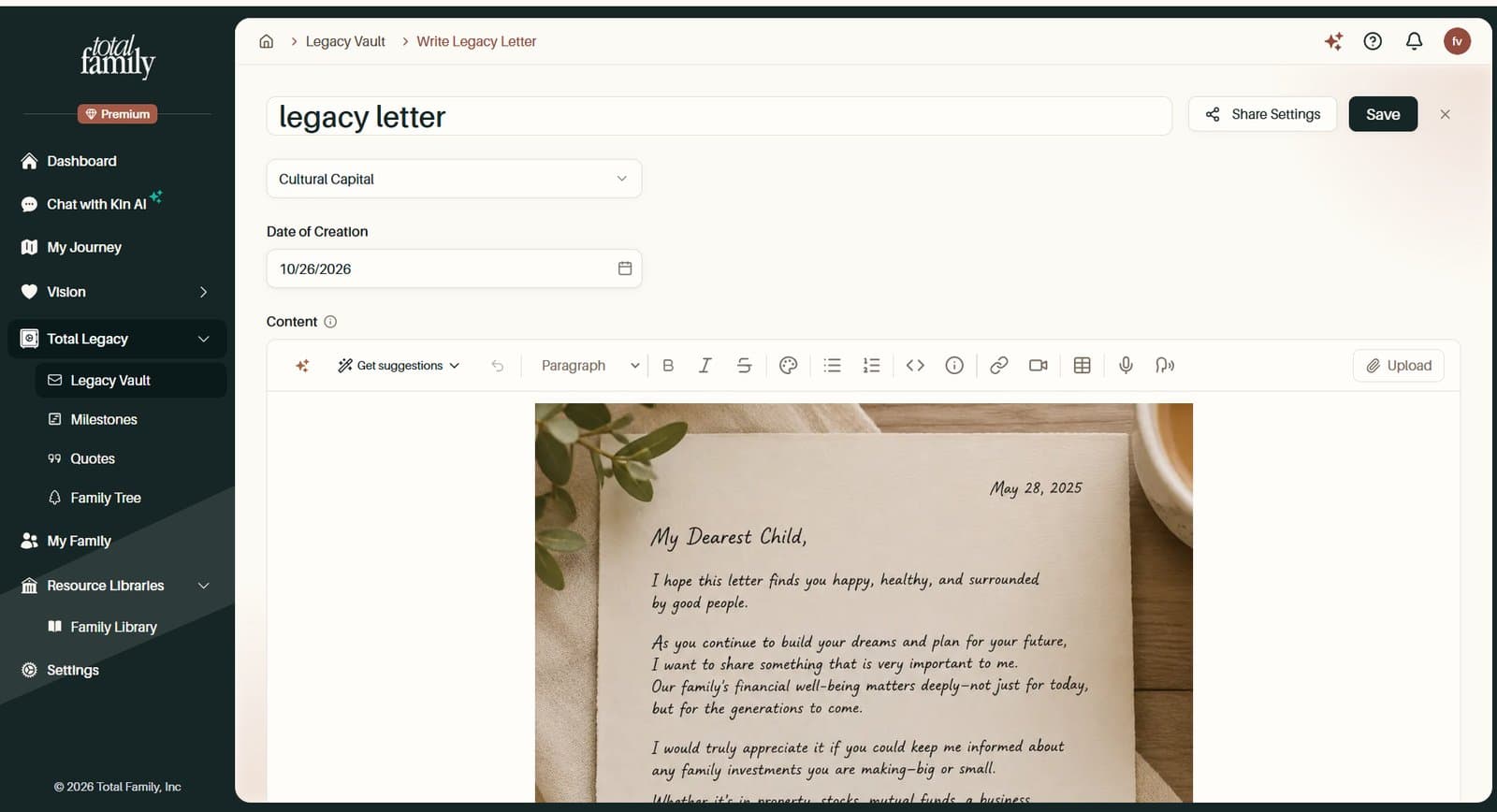
- Uploaded letters keep their file. A file picked with Upload a Letter on a Legacy Vault category page could go missing, leaving the new letter with no attachment and no title. It now stays with the letter
- The Kin message box fits on phones. It is no longer cut off at the bottom of the Kin panel, and the character counter sits clear of it
For Partners
New Features
Kin Keeps Going, and Shows Its Work
Kin is more dependable, and you can see what it is doing while it works.
- Your reply keeps coming. Close the Kin panel, open Help, or switch chats, and Kin carries on writing in the background
- Nothing you typed is lost. If a reply fails, Kin says so and offers Try Again, with your message still there
- See the steps. While it works, Kin shows what it is doing, then a short summary when it is done
- A character counter appears as you near the 4,000-character limit
Chat with Kin covers asking Kin a question.
Improvements
Crop Photos and Logos Before They Upload
You can now crop your profile photo and your company logo before it uploads. The space that shows it is the same shape, so nothing is trimmed afterwards.
- Profile photos and company logos crop square
- Logos keep their transparent background
- Available at partner sign-up and in Settings
- Large iPhone photos now save in Safari, and if a save fails, the crop window says why
Guided Date Entry in Every Date Field
Typing a date is quicker and more forgiving. Slashes and leading zeros are added for you, grey text shows what is left to type, and "mar" completes to March. The calendar follows the date you are entering, and a mistake shows as a red border instead of quietly becoming a different date.
Report a Problem From an Error Screen
If part of the portal fails and Try Again does not help, Still having trouble? Report a problem opens the feedback form, already set to Report a Problem and filled in with a reference our team can trace.
Bug Fixes
- Sign-up through a partner goes straight to checkout. Firms signing up through a partner that offers no free trial landed on the Plans page. They now go straight to checkout at the partner's price. If checkout cannot open, the Plans page explains why and offers Upgrade to Premium to try again
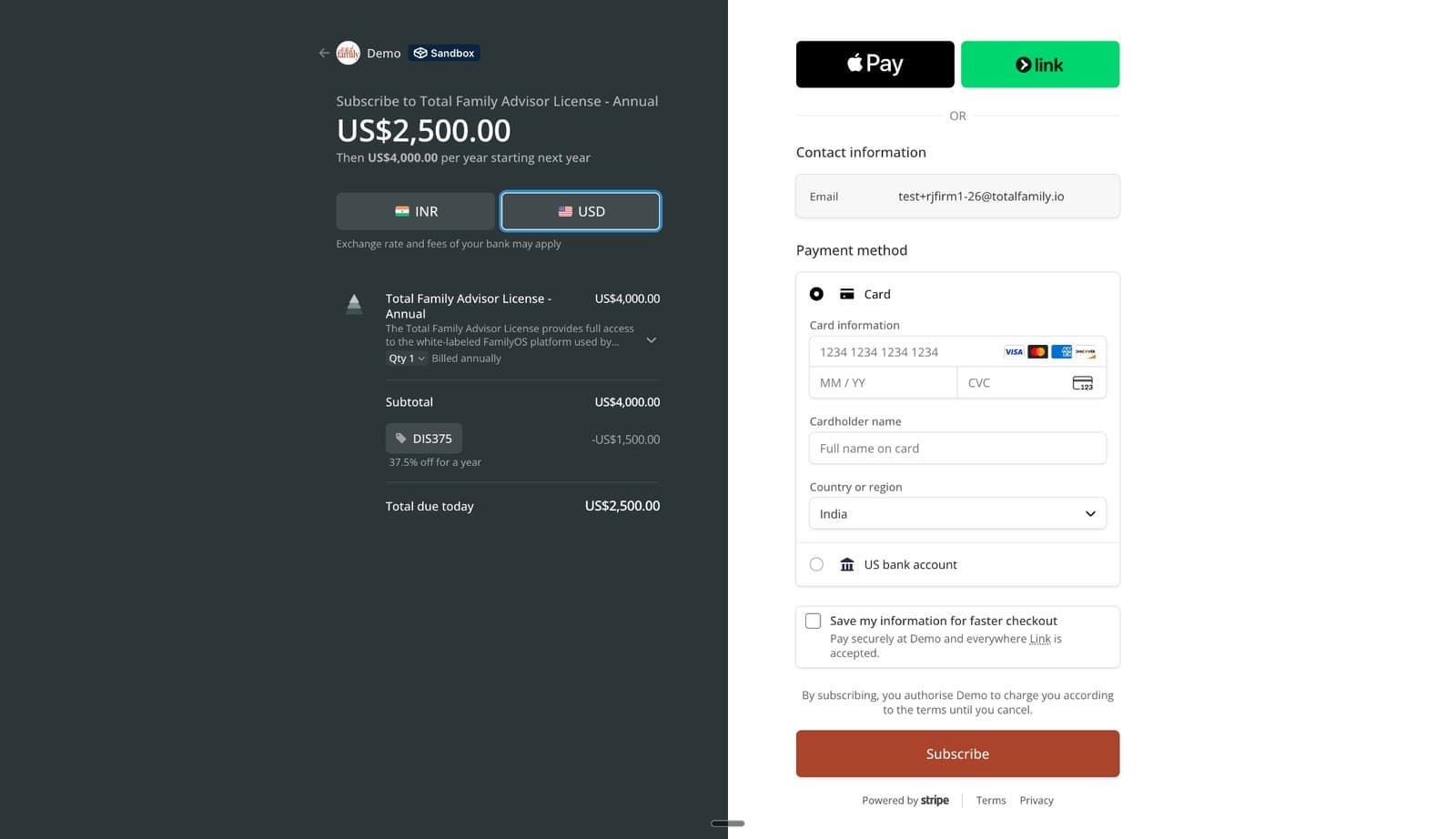
- Returning firms can still check out. If a partner's promo code is only for first-time orders, checkout now carries on at the standard price instead of failing
- The Plans page no longer crashes when a firm cannot be found. It shows a Not Found page instead
- The Kin message box fits on phones. It is no longer cut off at the bottom of the Kin panel, and the character counter sits clear of it