
Chat with Kin
An AI assistant that answers from Total Family's own material, follows you around the portal, and shows its sources.
Kin is an AI assistant built into Total Family. It answers from Total Family's own material rather than the open internet, and it shows you where each answer came from so you can check it rather than take it on trust.
Kin is available on Premium accounts.
Kin Follows You Around the Portal
You no longer have to leave what you are doing to ask a question. Chat with Kin AI in the top bar opens Kin as a panel beside the page you are on, and everything stays where it was.
Kin knows which page you are on. A chip above the message box names it, so while you are on your dashboard it reads Sharing "Dashboard". That context goes with your question, which means you can ask about the thing in front of you without describing it first.
It is worth glancing at that chip before you ask. If it names a page you have moved away from, your question will be answered against the wrong screen.
The full page is still there under Chat with Kin in the sidebar, which is the better place for a long conversation or for looking back through old ones.
Start a Conversation
The full page opens on a start screen with three suggested prompts, for when you are not sure what to ask.
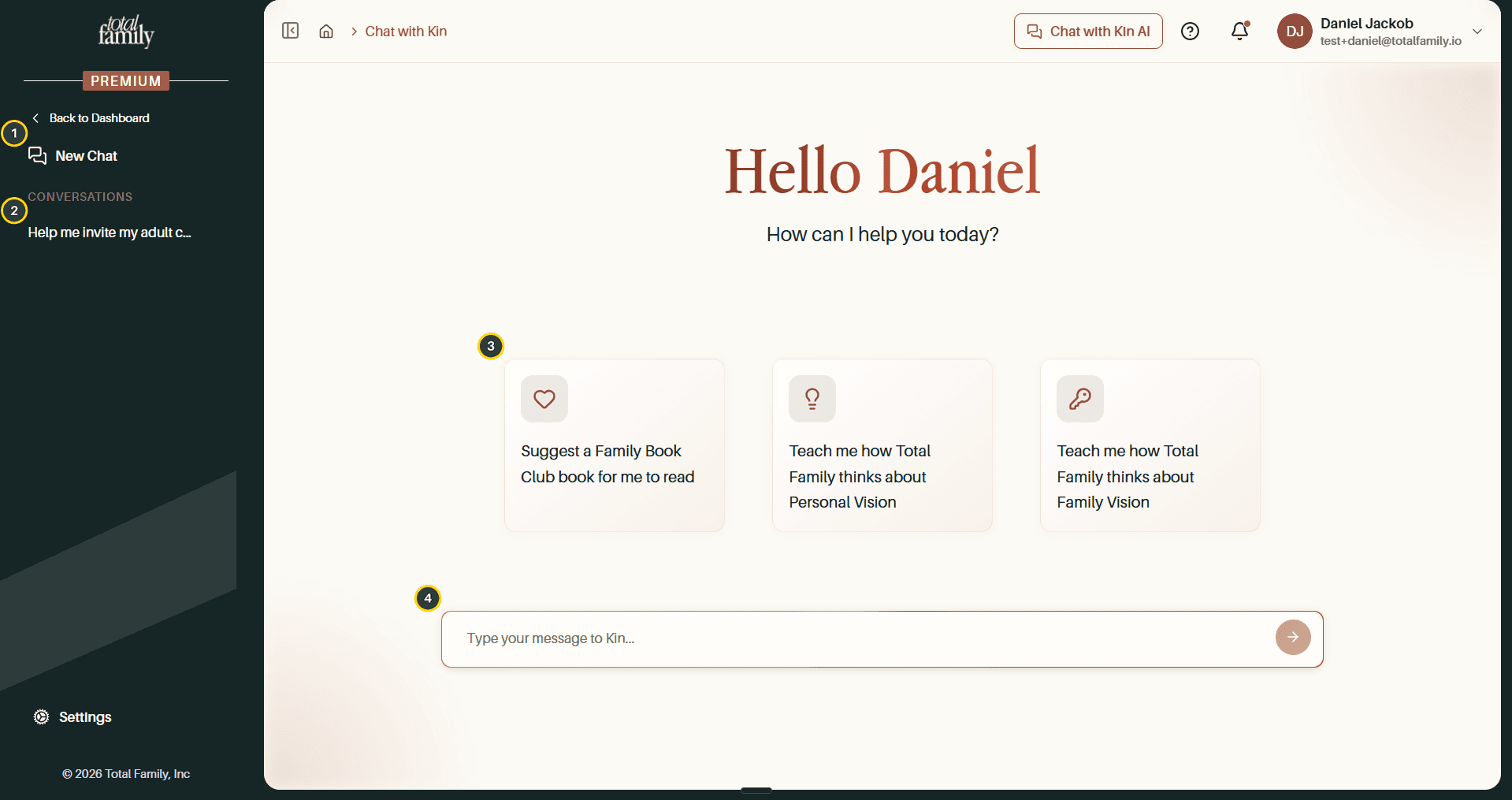
- New Chat starts a fresh conversation.
- Conversations keeps everything you have asked before.
- Suggested prompts, three starting points.
- Message box, for anything you like.
Selecting a prompt fills the message box rather than sending it, so you can change the wording first.
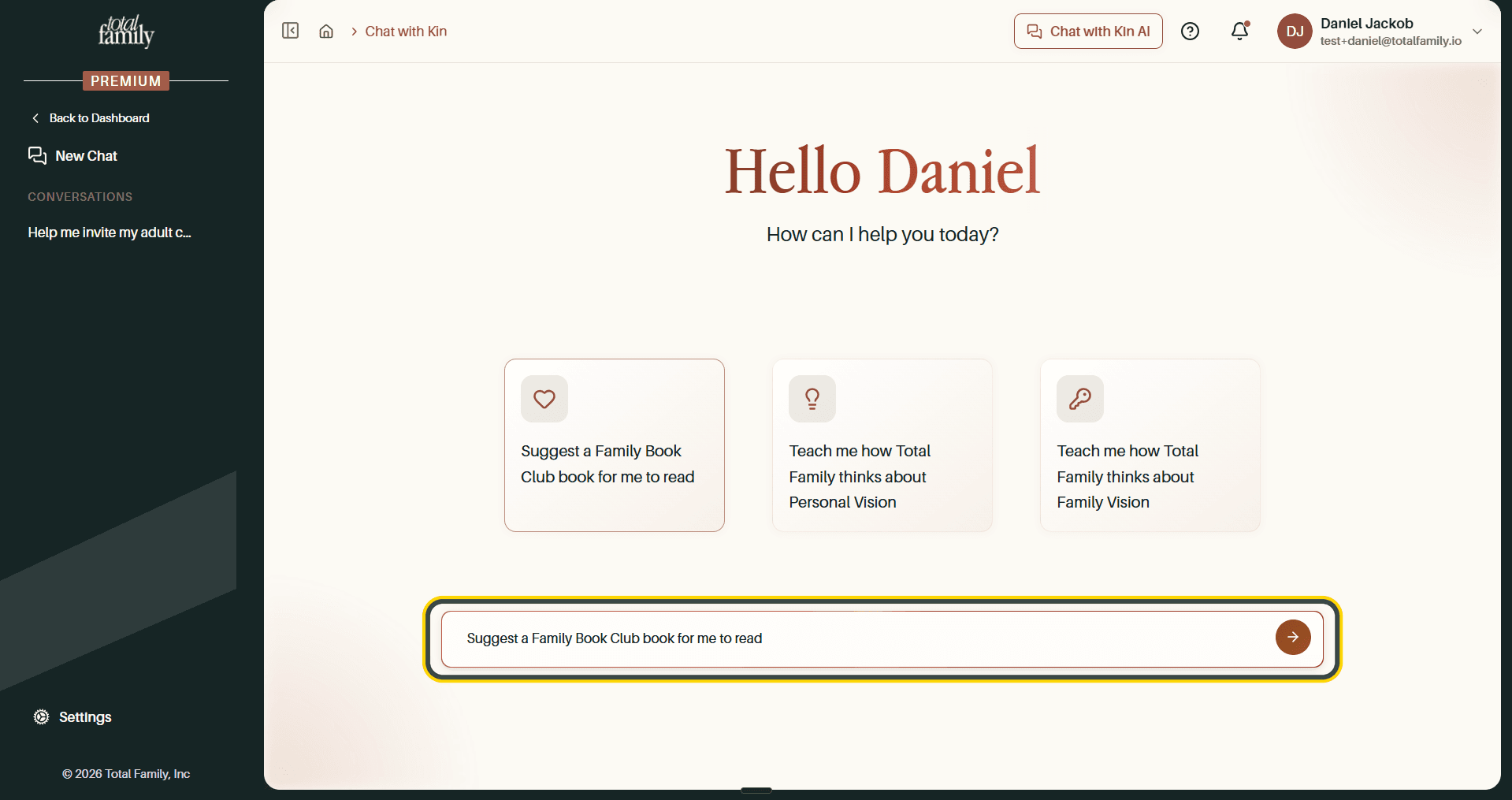
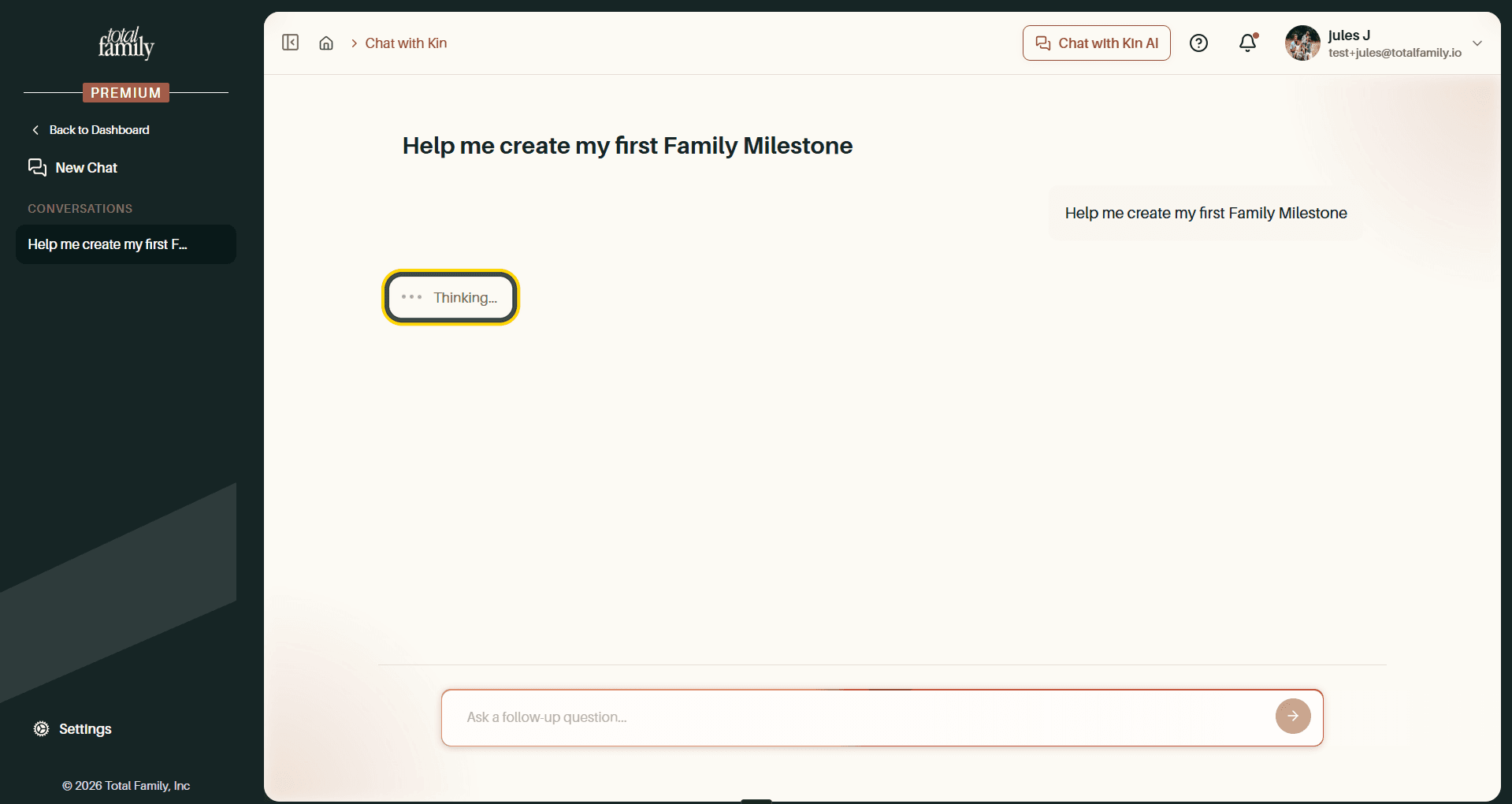
Send it and the conversation is created, named after your question. Kin shows Thinking while it works.
Reading the Answer
Answers come back structured, with headings, short lists, and bold for the parts that matter, rather than as a wall of text.
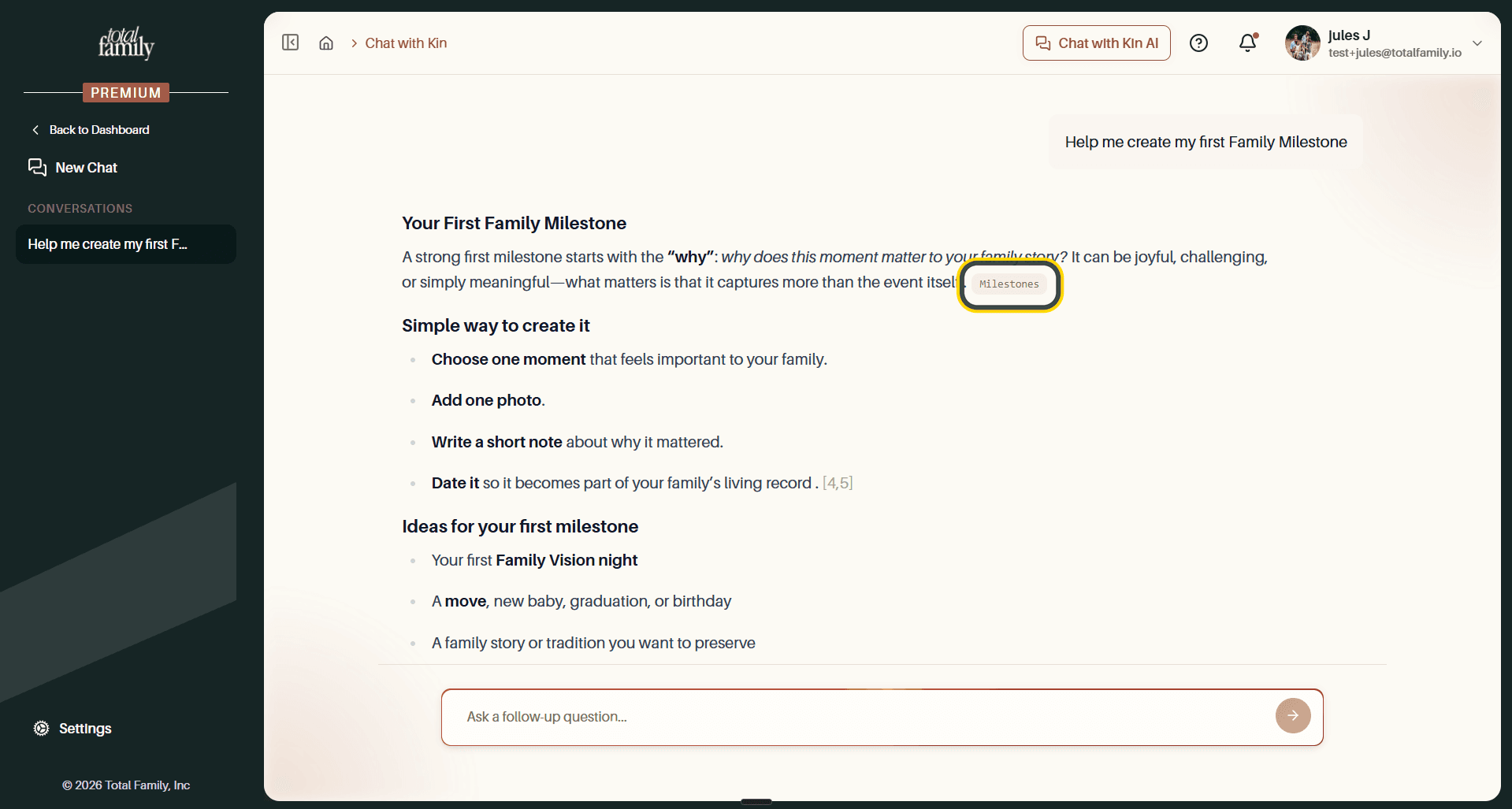
The small chips scattered through the text are citations. A chip like
Legacy Letters names the material a claim came from. Hovering one tells you
which kind of source it is.
Where Kin's Answers Come From
This is the part that makes Kin worth trusting. It draws on four kinds of material, all of it Total Family's own:
- Help Centre articles, the same ones you are reading now
- Resource Library articles, from your Family Library
- Podcast episodes
- Videos
Video is the newest of these. An answer can now cite a film rather than only text, and following that citation opens the video itself.
Sources under each answer expands the full list. The count sits beside it, so an answer built on three sources says so before you open it.
What to Do With an Answer
A row of actions sits under every answer.
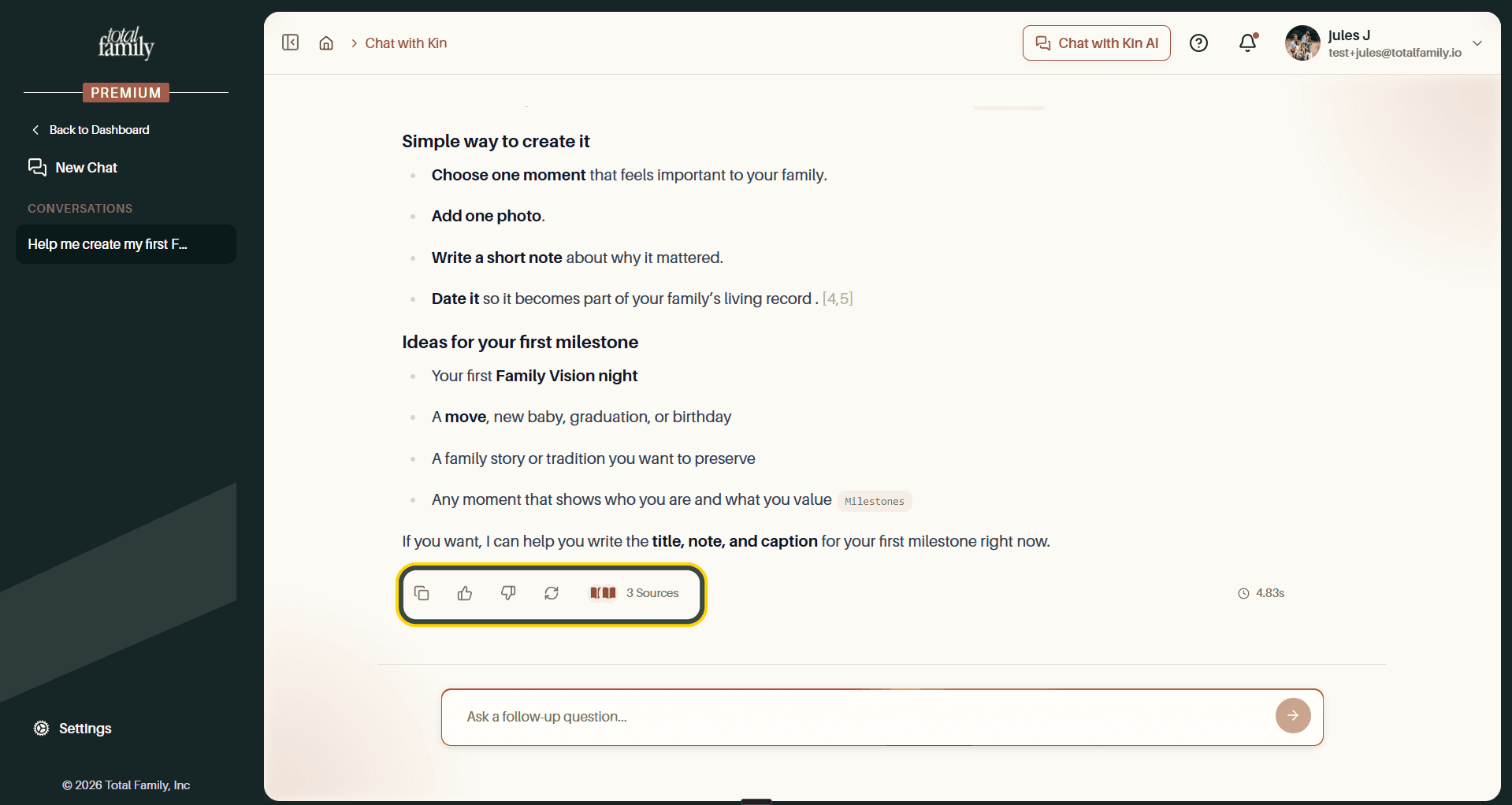
- Copy takes the answer to your clipboard.
- Thumbs up or down tells us whether it was useful.
- Regenerate asks the same question again for a different answer.
- Sources expands the material behind it.
- The time on the right is how long the answer took.
Ask a follow-up question at the bottom continues the same thread, so Kin keeps the context of what you have already discussed.
Kin often ends by offering to go further, such as writing a title or a first paragraph for you. Taking it up on that is usually faster than starting a new question.
Returning to a Conversation
Every conversation is saved under Conversations in the Kin sidebar, named after the question that started it. Select one to reopen the whole thread.
If You Are an Advisor
Kin works the same way in the partner portal, with prompts about your practice rather than your household. See Chat with Kin in the partner guides.