
Create Your Family
Set up your household and invite the people in it.
Total Family is built around a household rather than a single login. Your account creates that household, and everyone else joins it by invitation.
This is the first thing to do, and it costs nothing: inviting your family is included on the free plan.
Your Account Is the Family
There is no separate "create a family" step. When you sign up and complete your profile you become a head of household, and your household is created with you in it.
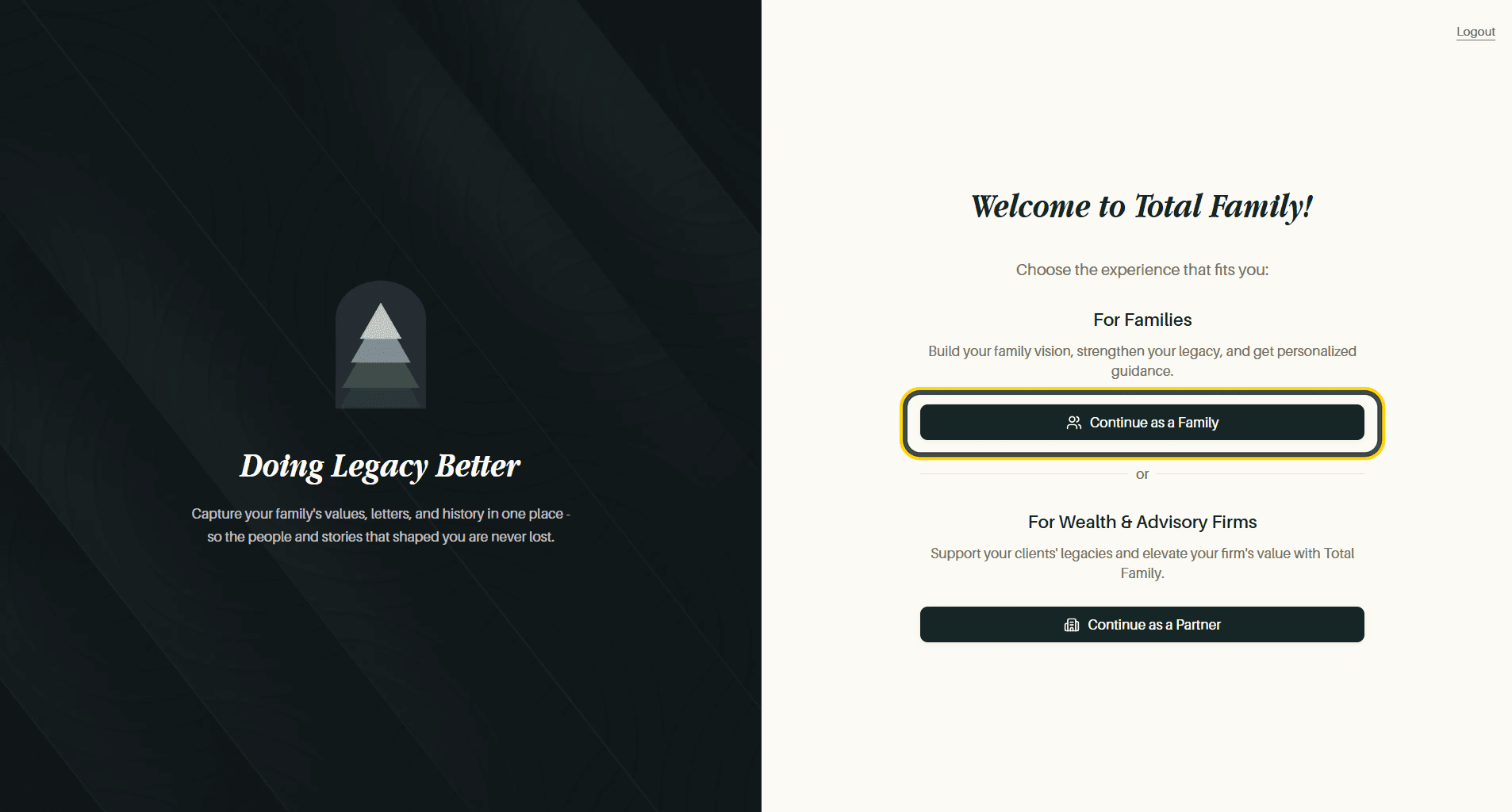
Log In and Set Up Your Family Profile covers that first run in full: signing in with Google or an email code, choosing the Family experience rather than the Partner one, and filling in your details.
If an advisor or wealth firm invited you, your household already exists and your invitation drops you straight into it. You can skip ahead to your first week.
Name the Household
Your own profile and your family's profile are separate. The family one lives in Settings and holds the details everyone shares.
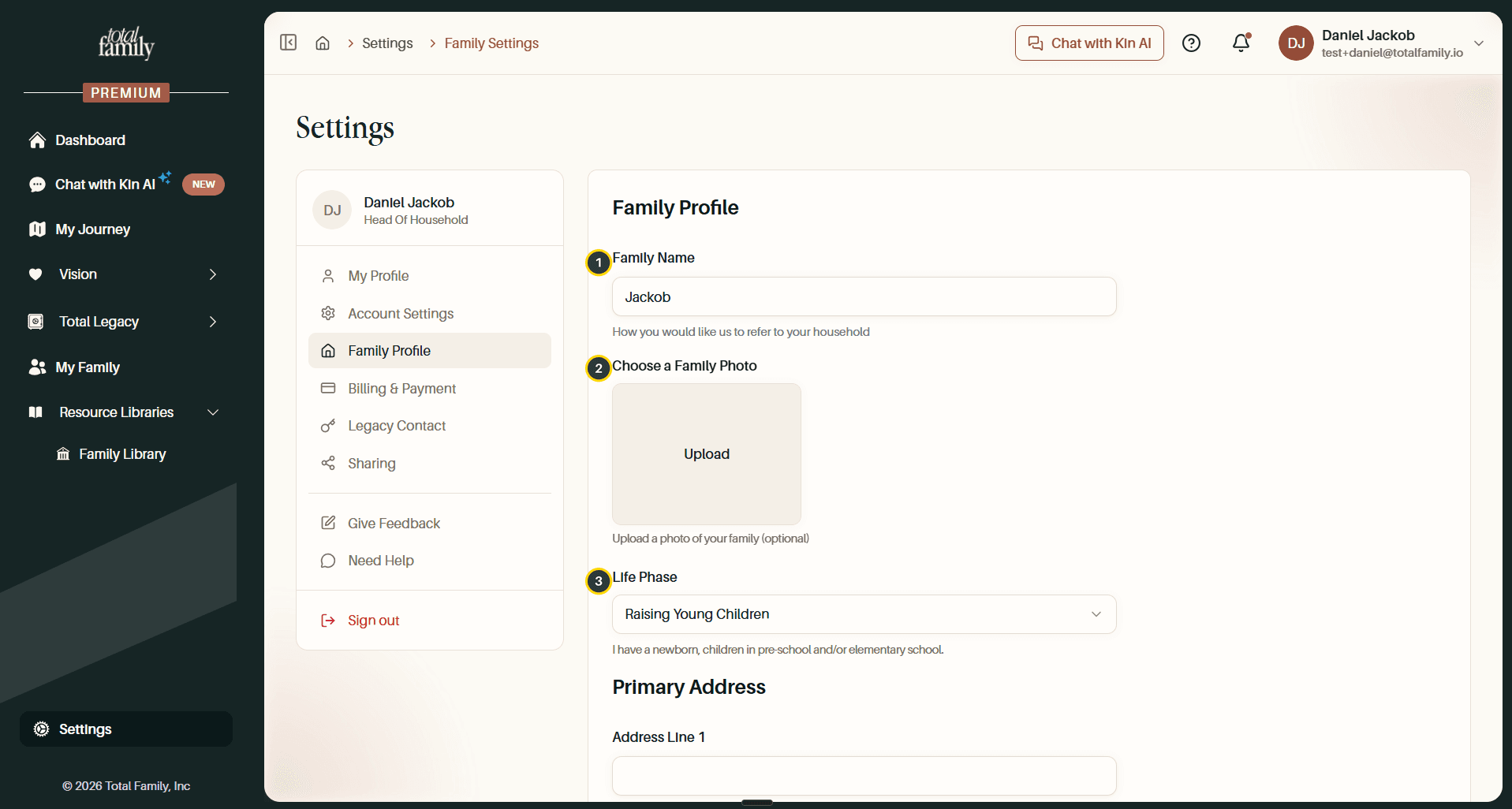
- Family Name: how Total Family refers to your household throughout the product.
- Family Photo: optional, and used on your vision boards and dashboard.
- Life Phase: the stage your family is in.
There is a Primary Address underneath. Select Save when you are done. Settings covers the rest of that page.
Invite Your Spouse or Life Partner
A Premium membership covers up to two heads of household, so your spouse or life partner joins as an equal rather than as a guest. They get their own login, write their own Personal Vision, and co-author the family one with you.
Total Family offers this directly after you save your Personal Vision.
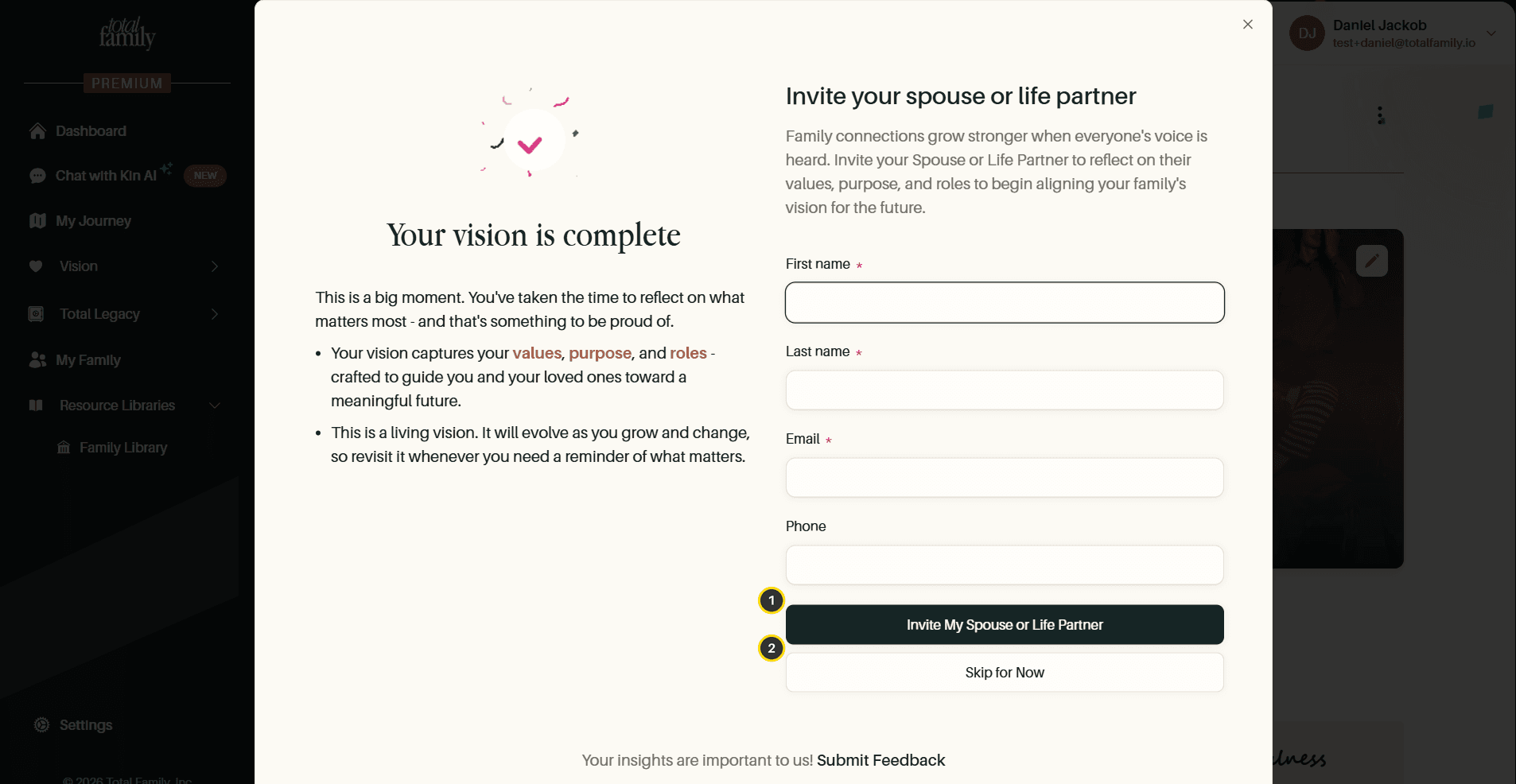
- Invite My Spouse or Life Partner: fill in their name and email, and Total Family sends the invitation.
- Skip for Now: carry on alone and invite them whenever you are ready.
If you skip it, the invitation moves to My Family, which you can reach from the Quick links on your dashboard.
Invite Everyone Else
My Family is where the rest of the household is managed: children, adult children, and anyone else who belongs in the family record. Invitations work the same way, by name and email, and each person gets their own sign-in.
Bringing them in early is worth doing even if they are not going to write anything yet. Milestones and quotes are much easier to collect when the people who remember them already have an account.
Who Sees What
Everyone in the household shares the family-level material: the Family Vision, the milestones, the quotes.
Anything you want held back is handled separately rather than by restricting a family member's account:
- Legacy Letters are released per letter, to the person you name, when you choose. See Legacy Letters.
- People outside the family get read-only access to exactly what you switch on. See Guest Sharing.
- After you die, a named Legacy Contact inherits access on the terms you set. See Legacy Contact.
Next
With the household in place, your first week lays out what to do in what order.