
Family Vision
Create your family's shared vision: values, purpose, and priorities you agree on together.
Once everyone has finished their Personal Vision, the next step is a shared Family Vision. It follows the same three-pillar shape, but the third pillar changes: instead of the roles you play, you name the priorities your family is focused on right now.
Do this one together, in the same room if you can. Expect to disagree somewhere in the middle; the opening screen says as much. That is the difference between a vision your family owns and one person's guess at it.
Before You Start
You will need a Premium account and a completed Personal Vision. If you have invited your spouse or life partner, wait until they have finished theirs too; the shared vision is meant to be built from both perspectives.
Start the Shared Family Vision
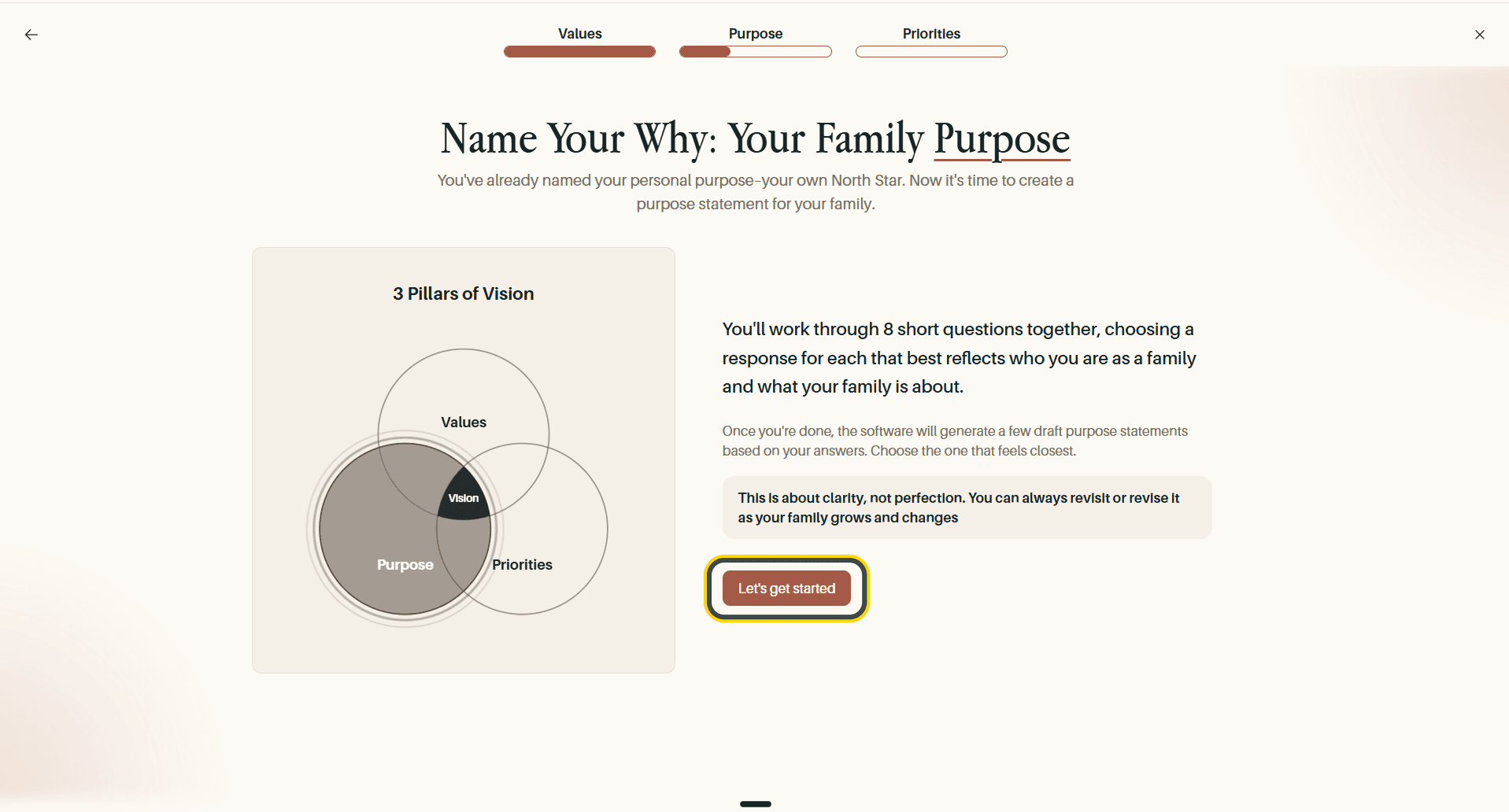
Open Vision > Family Vision. The opening screen sets expectations before you begin: this is a first draft, do it together, and it is fine to disagree. Select Let's get started.
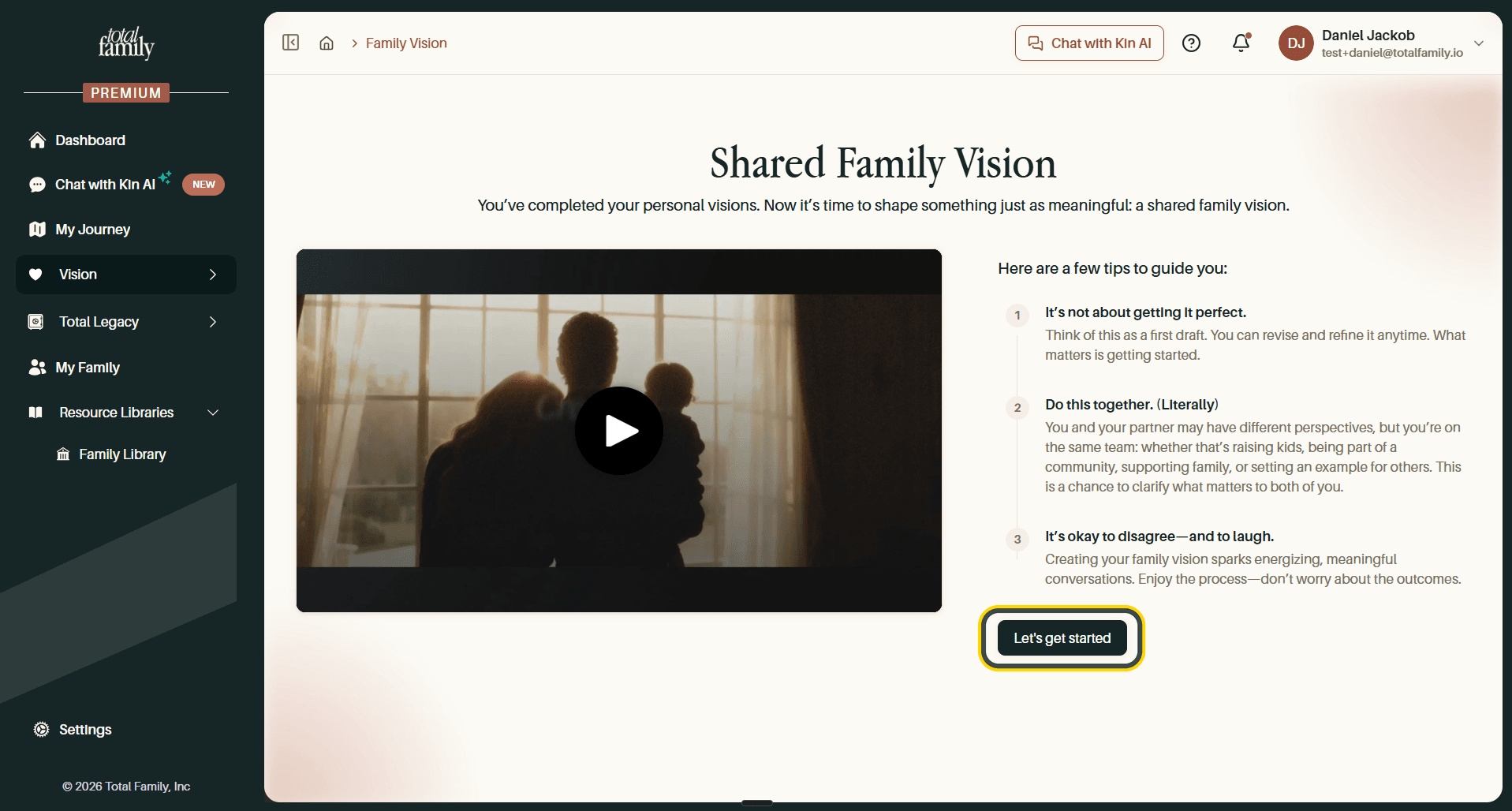
The progress bar tracks Values, Purpose, and Priorities from here on.
Step 1: Family Values
You will see the same list of 71 values you worked through personally, this time choosing the ones that describe you as a family. Select Choose values.
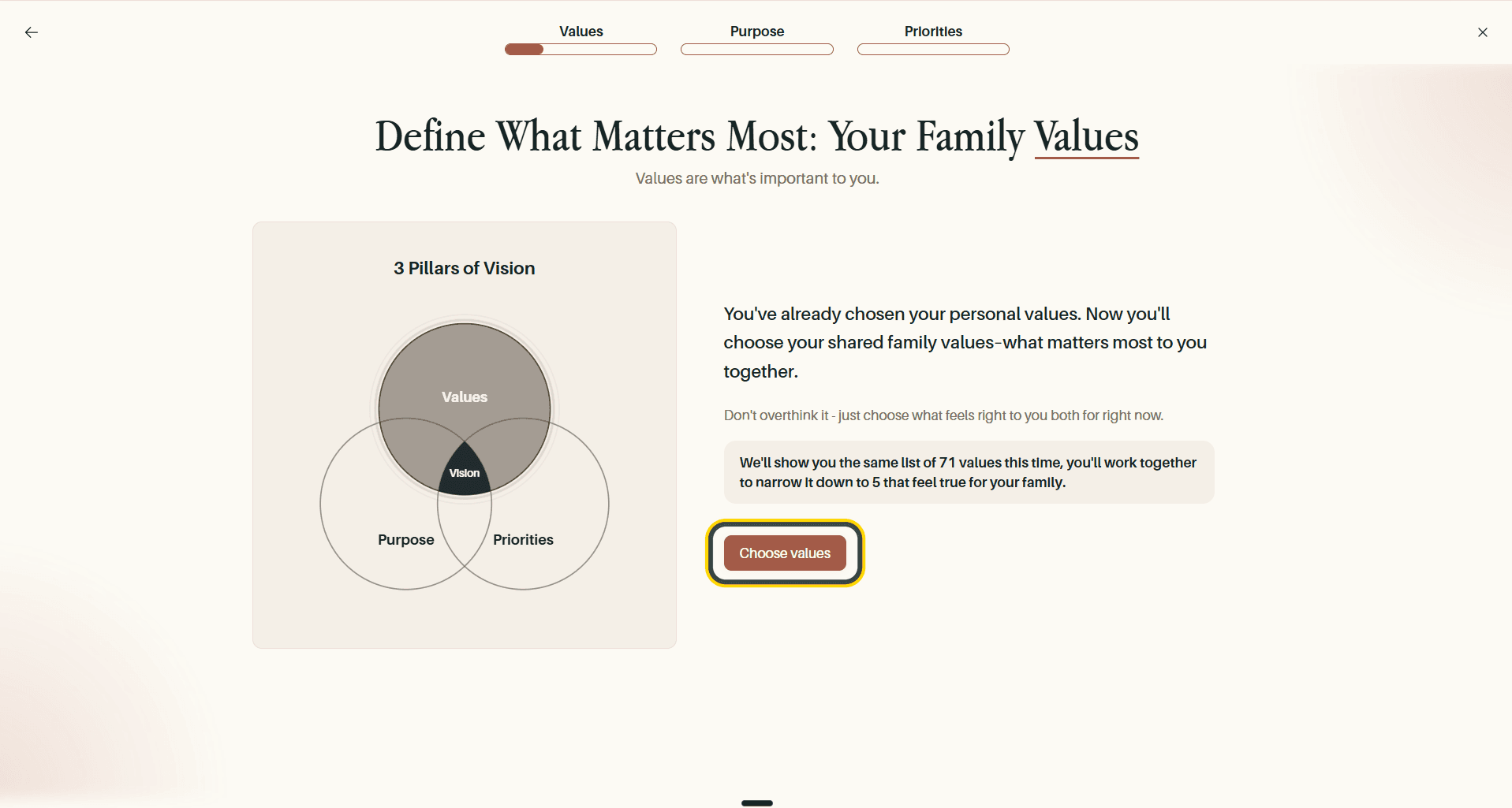
Pick Up to 15, Then Narrow to 5
The picker works exactly as it did for your Personal Vision: open each of the four categories, select anything that resonates, and watch the counter until you reach 15. Your picks collect in the Selected Values panel, and category headers show their own counts.
Then cut those 15 down to the five that are truest for your family.
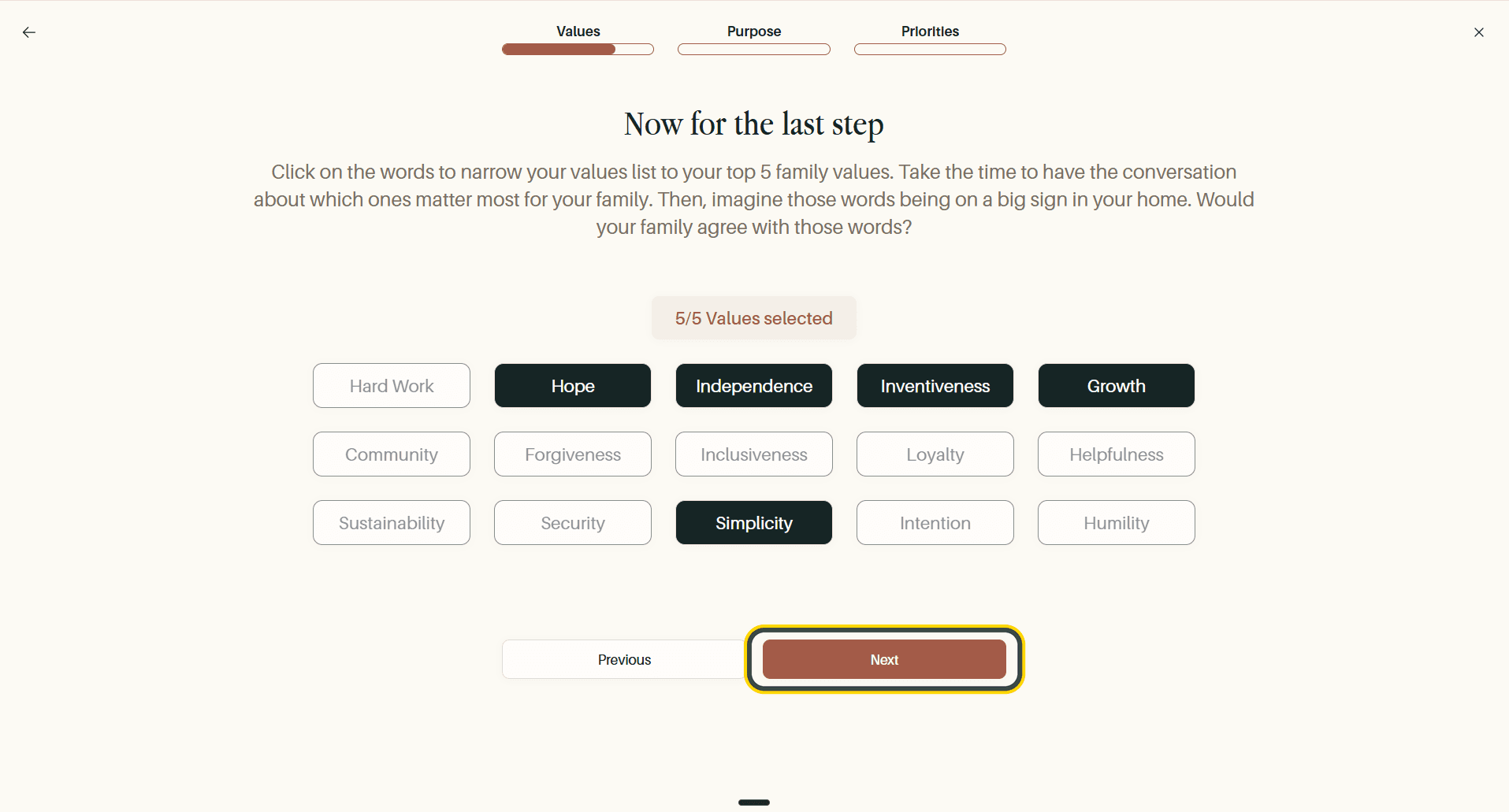
Tip The prompt on this screen is worth taking literally: imagine those five words on a sign in your home, and ask whether your family would agree with them. It is a better test than picking the words that sound best.
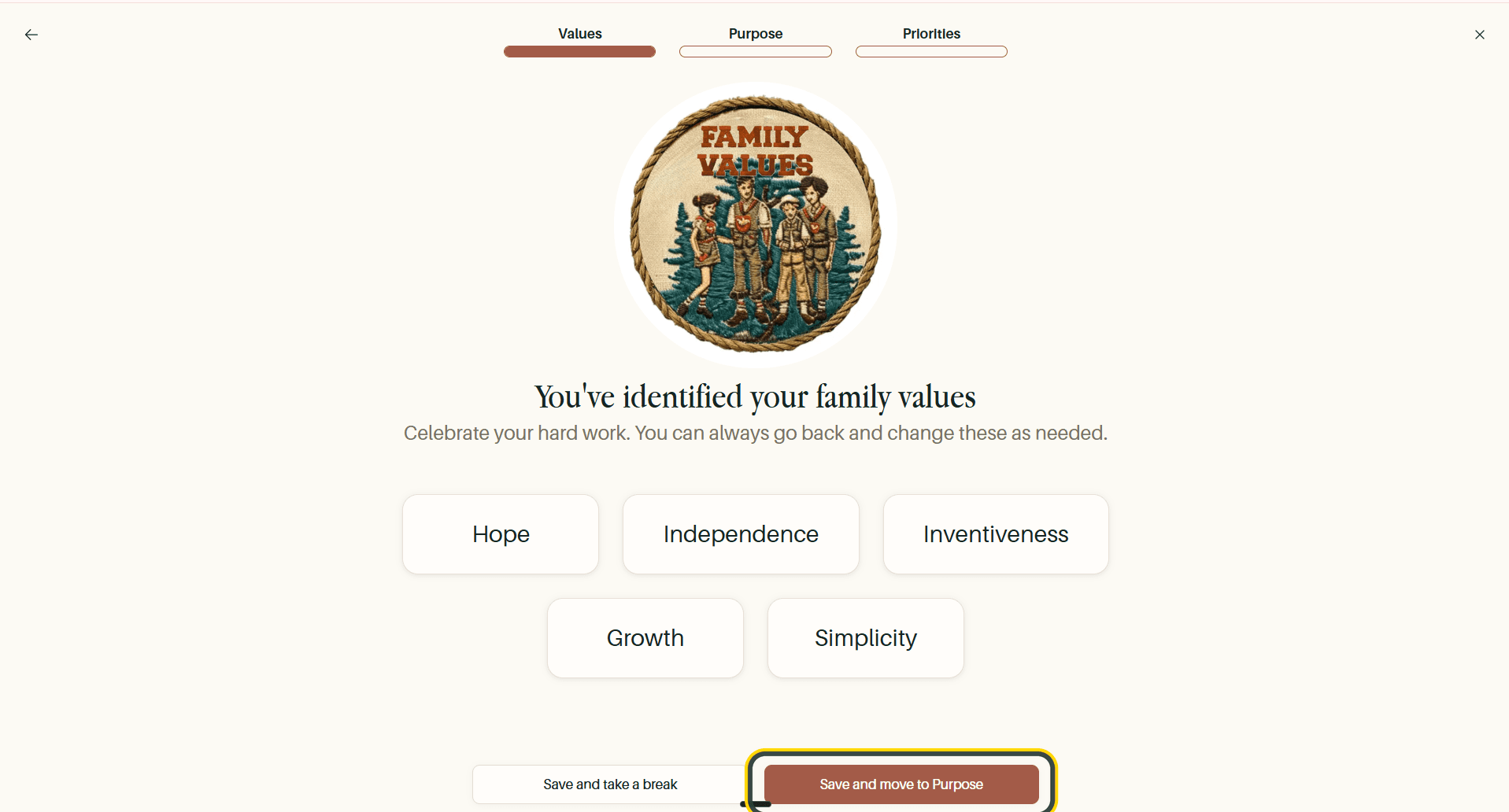
A celebration screen lists your five family values. Select Save and move to Purpose.
Step 2: Family Purpose
Your family purpose is built from a short quiz rather than written from scratch. Select Let's get started.
Answer Eight Questions Together
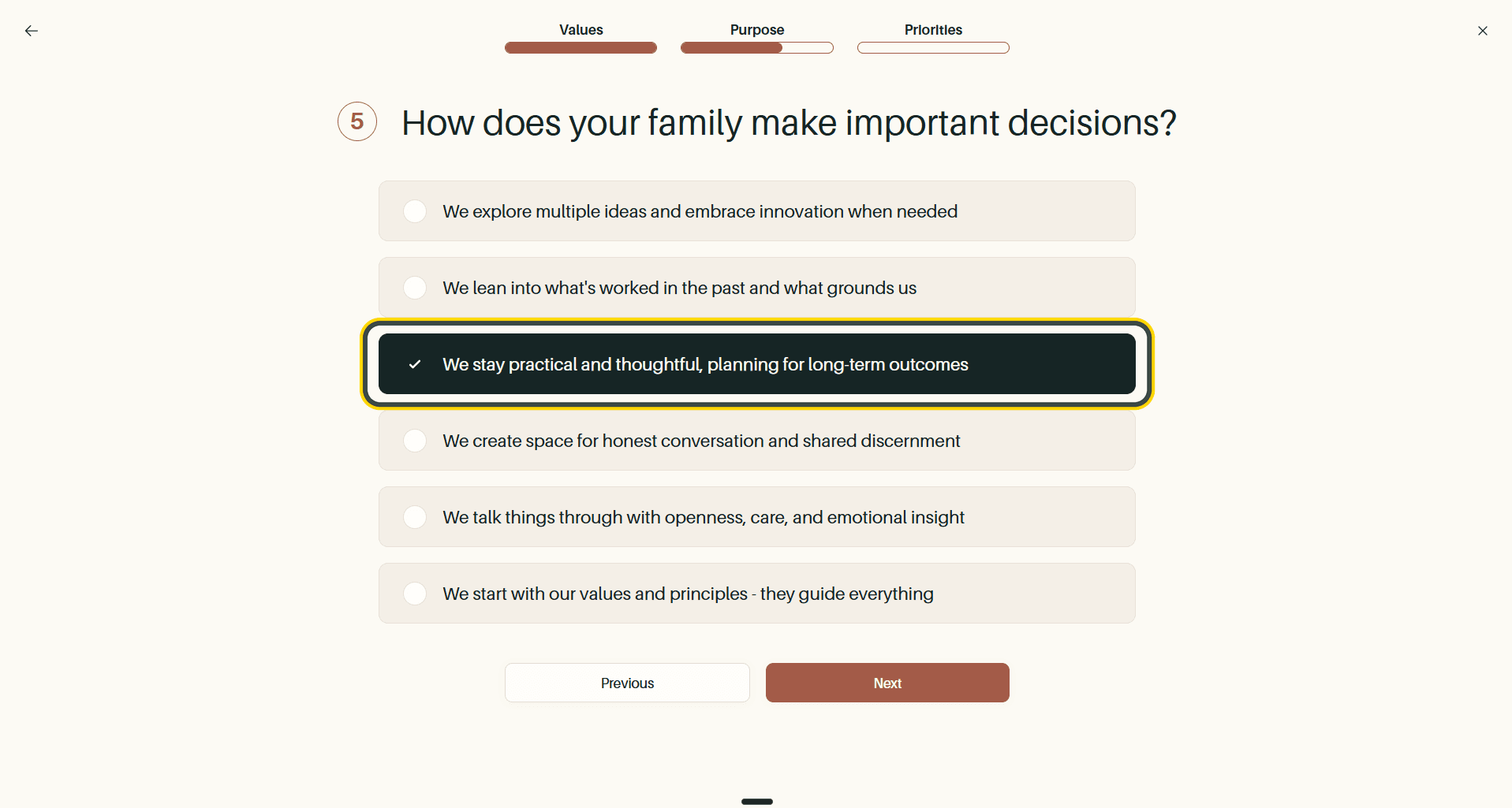
Each question offers several ways a family might operate. Agree on the closest one and select Next.
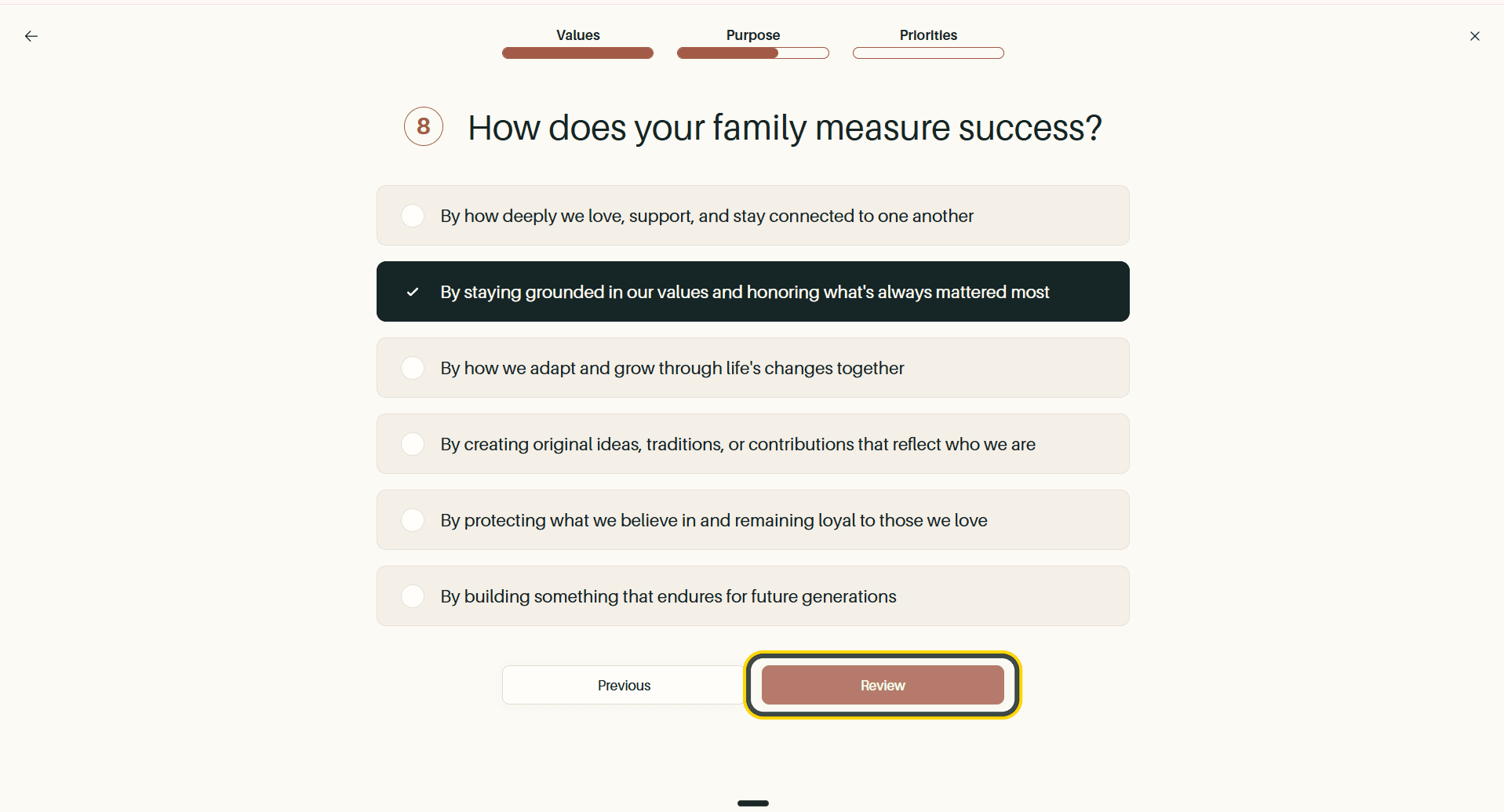
On the eighth and final question the button changes to Review.
Meet Your Family Archetype
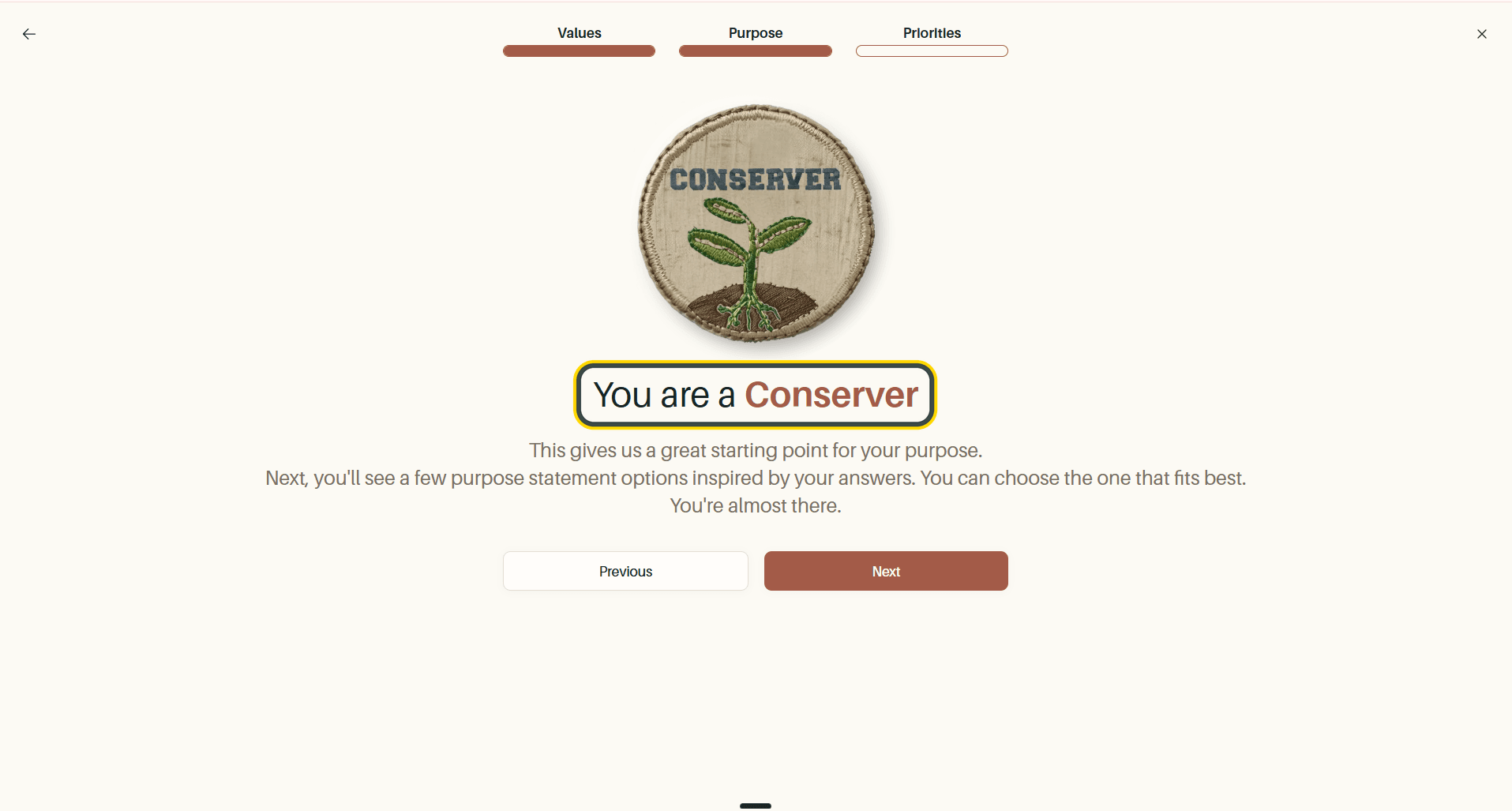
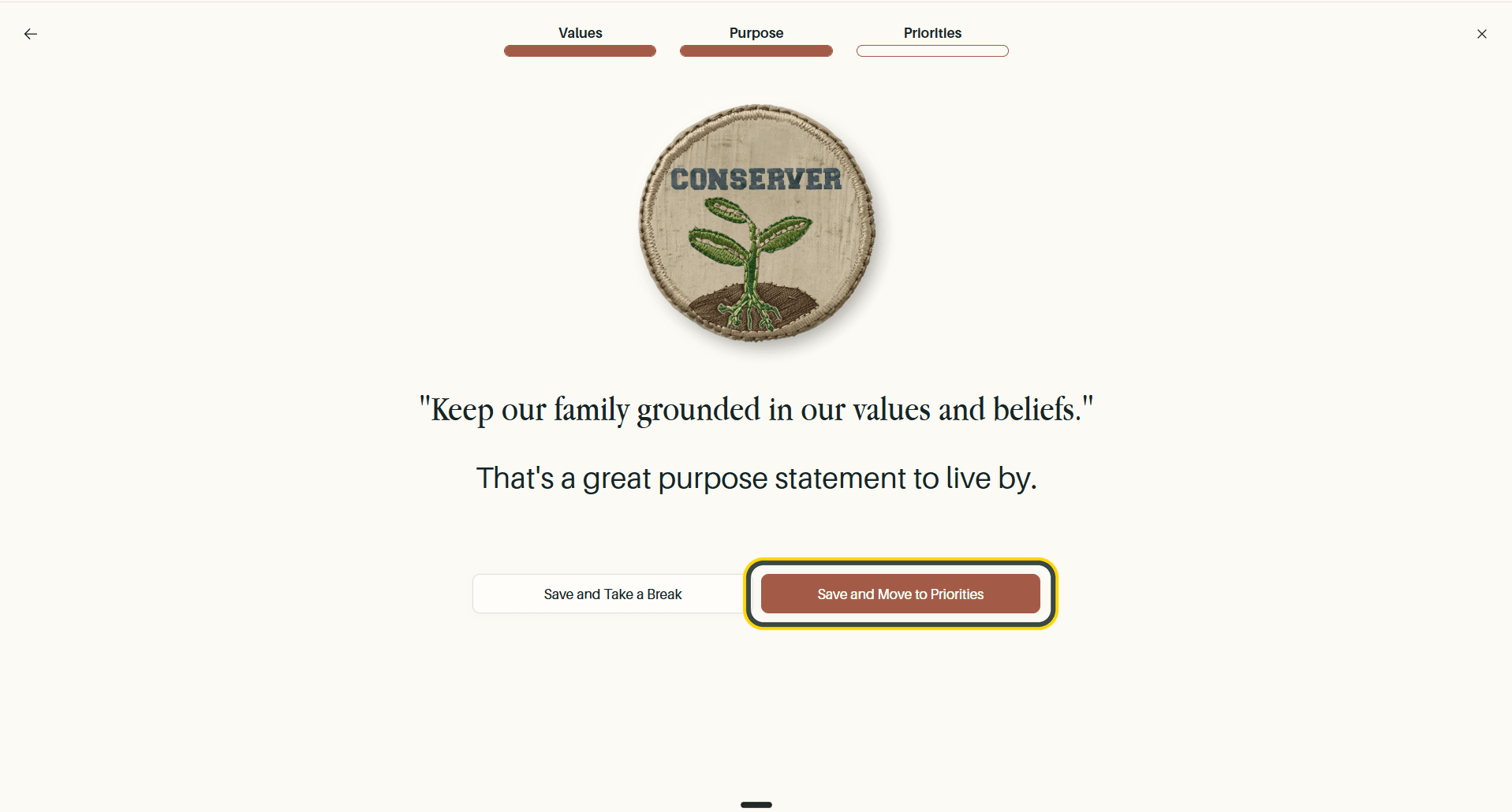
Total Family names the archetype your answers point to (Conserver, in this example) and uses it as the starting point for your purpose statement. Select Next.
You are then offered eight purpose statements written in that spirit. Choose the one closest to how your family sees things and select Finalize. You can customise the wording afterwards, so pick the nearest fit rather than hunting for a perfect one.
Your statement is confirmed on its own screen. Select Save and Move to Priorities.
Step 3: Shared Priorities
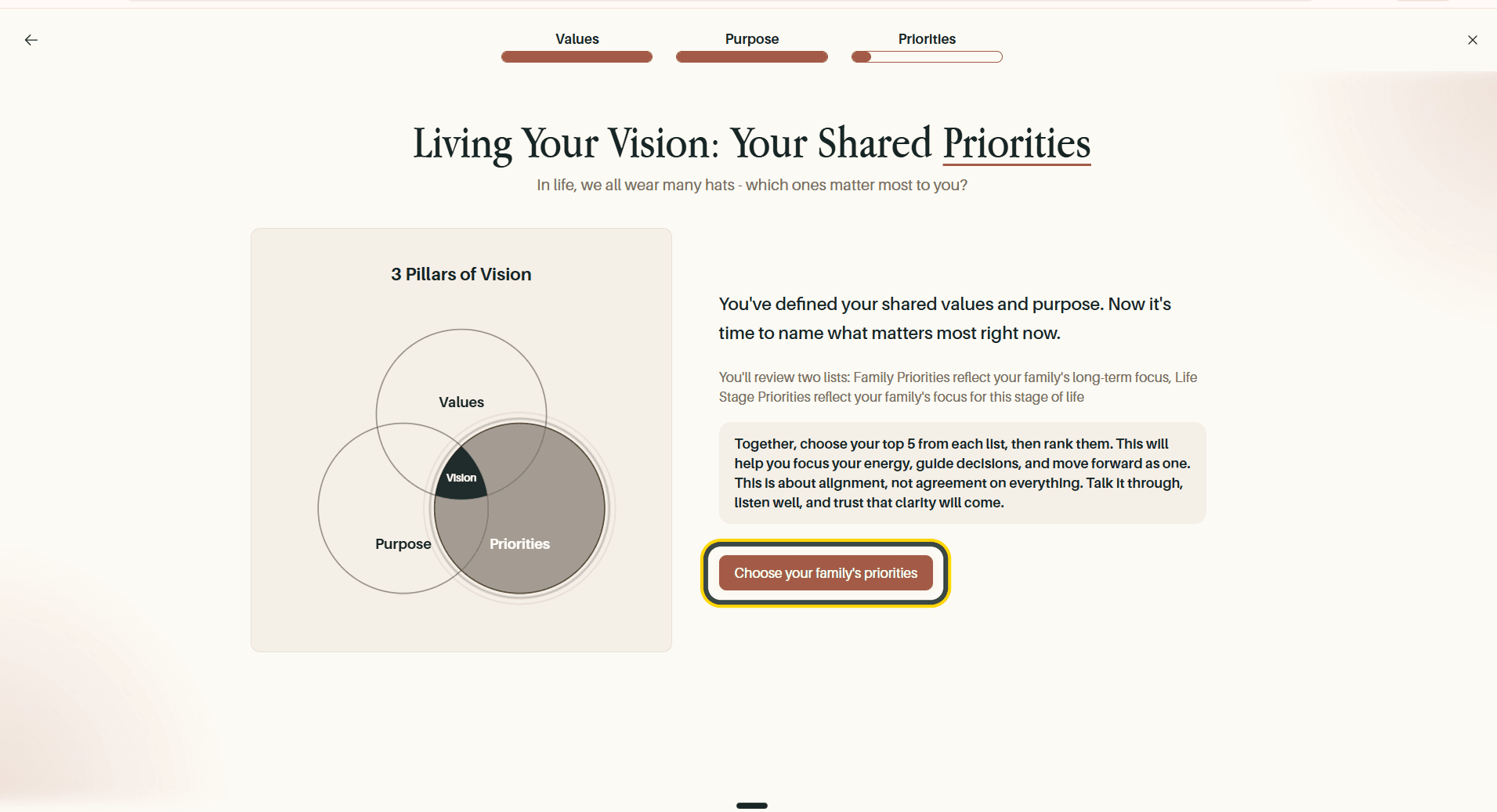
This is where the Family Vision differs from the personal one. Rather than roles, you name what your family is focused on right now, across two lists:
- Family priorities: your family's long-term focus
- Life stage priorities: what matters in the season you are in now
Select Choose your family's priorities.
Choose and Rank Five From Each List
Pick your top five from each list, then put them in order. Use the arrows on the right of each row to move a priority up or down.
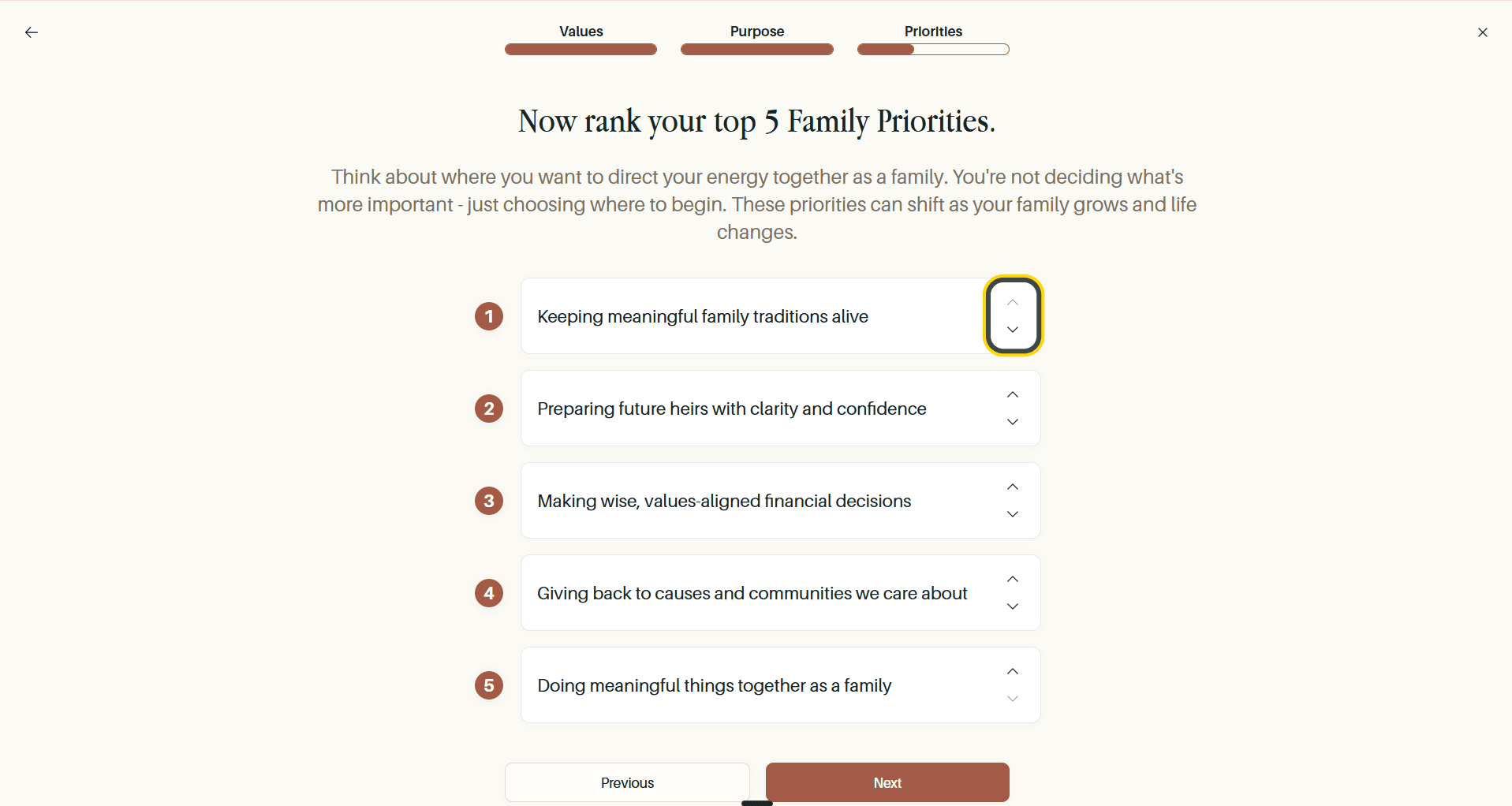
Tip Ranking is not a judgement about what matters more. The screen is explicit that you are choosing where to begin. Priorities shift as your family grows.
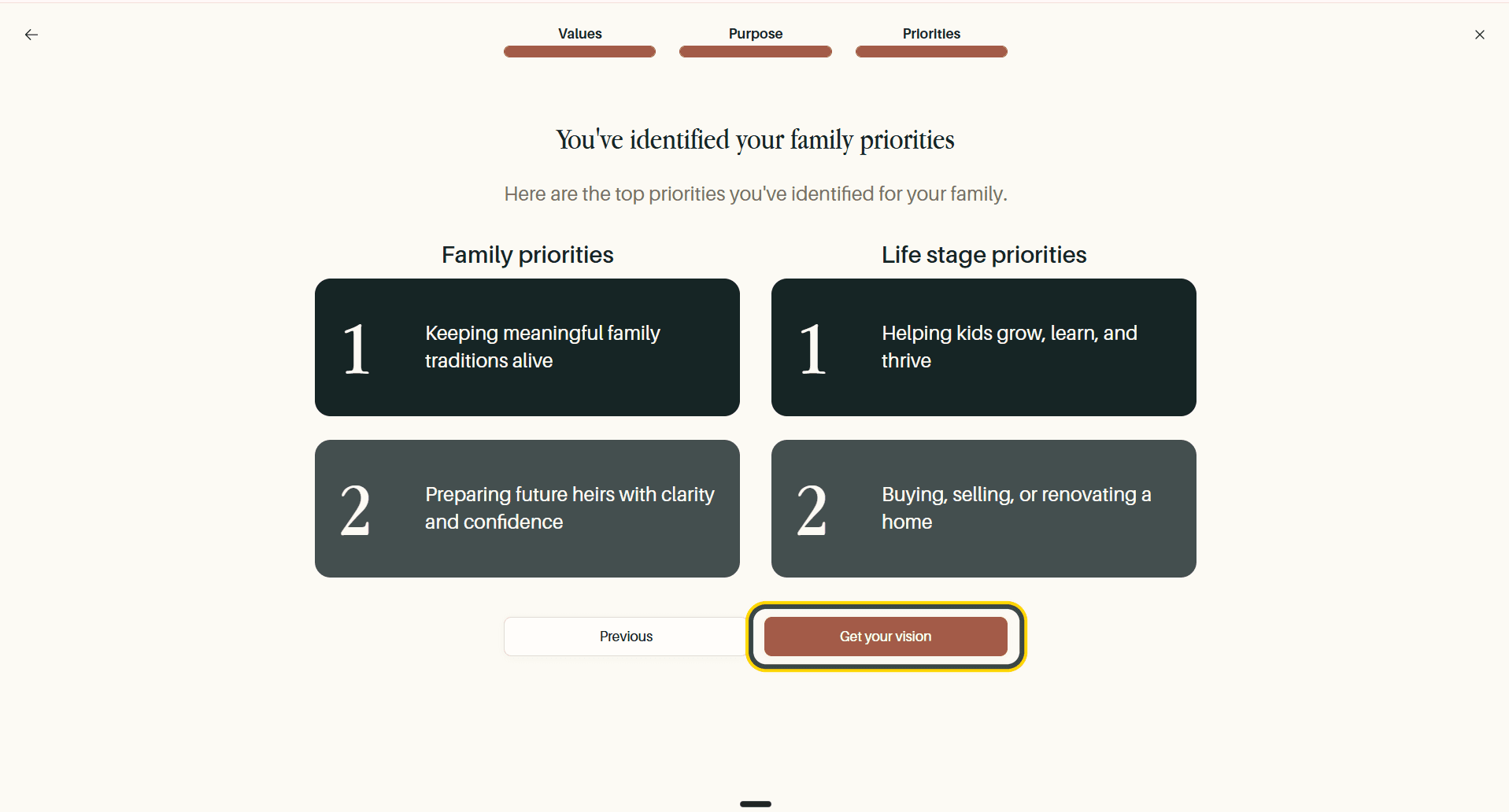
Both ranked lists are then shown side by side. Select Get your vision.
Your Family Vision Is Complete
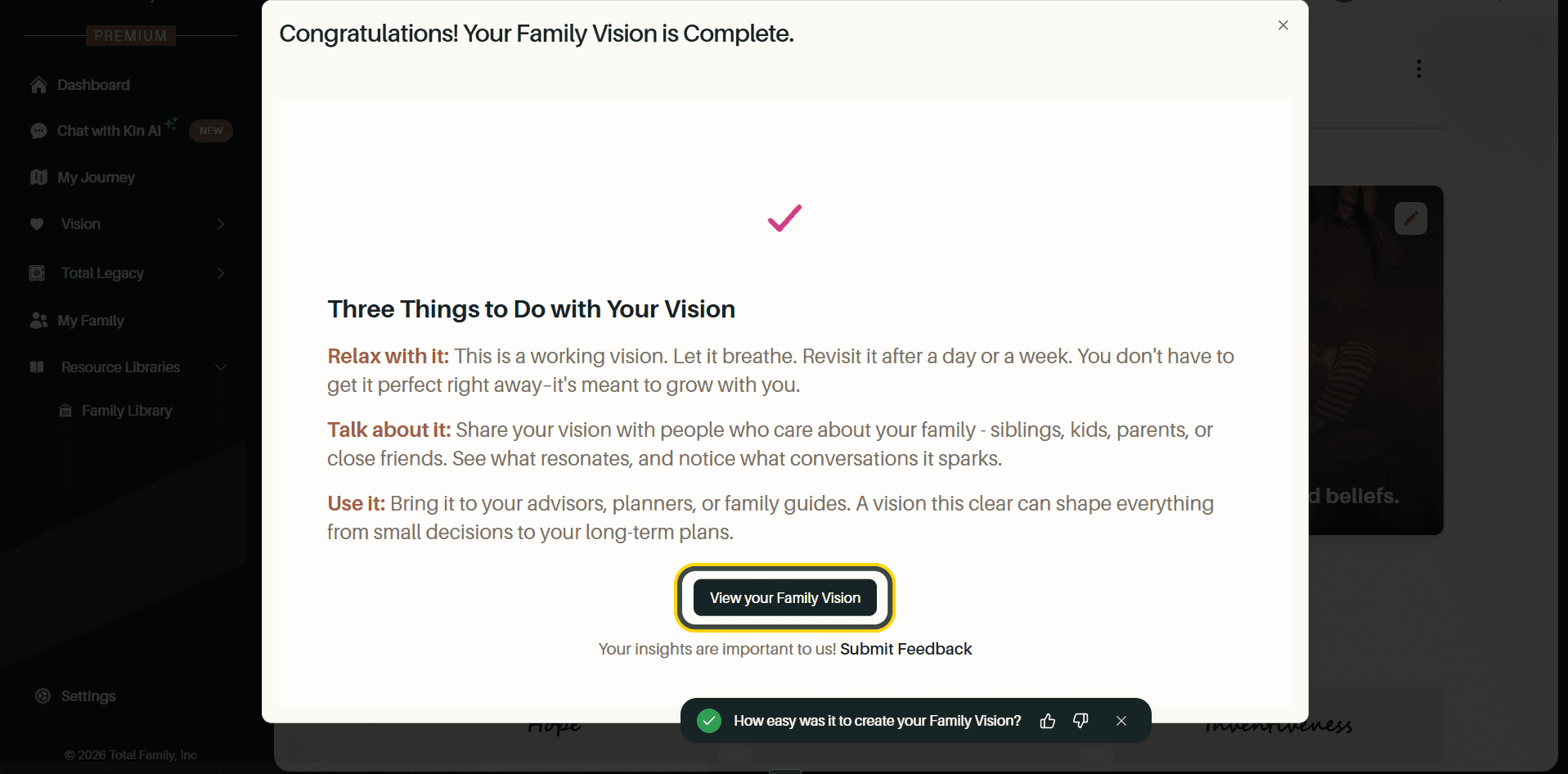
A confirmation appears with three suggestions for what to do next: let the vision breathe, talk about it with people who care about your family, and bring it to your advisors or planners. Select View your Family Vision.
Your Family Vision Board
Everything you agreed on now lives on one page.
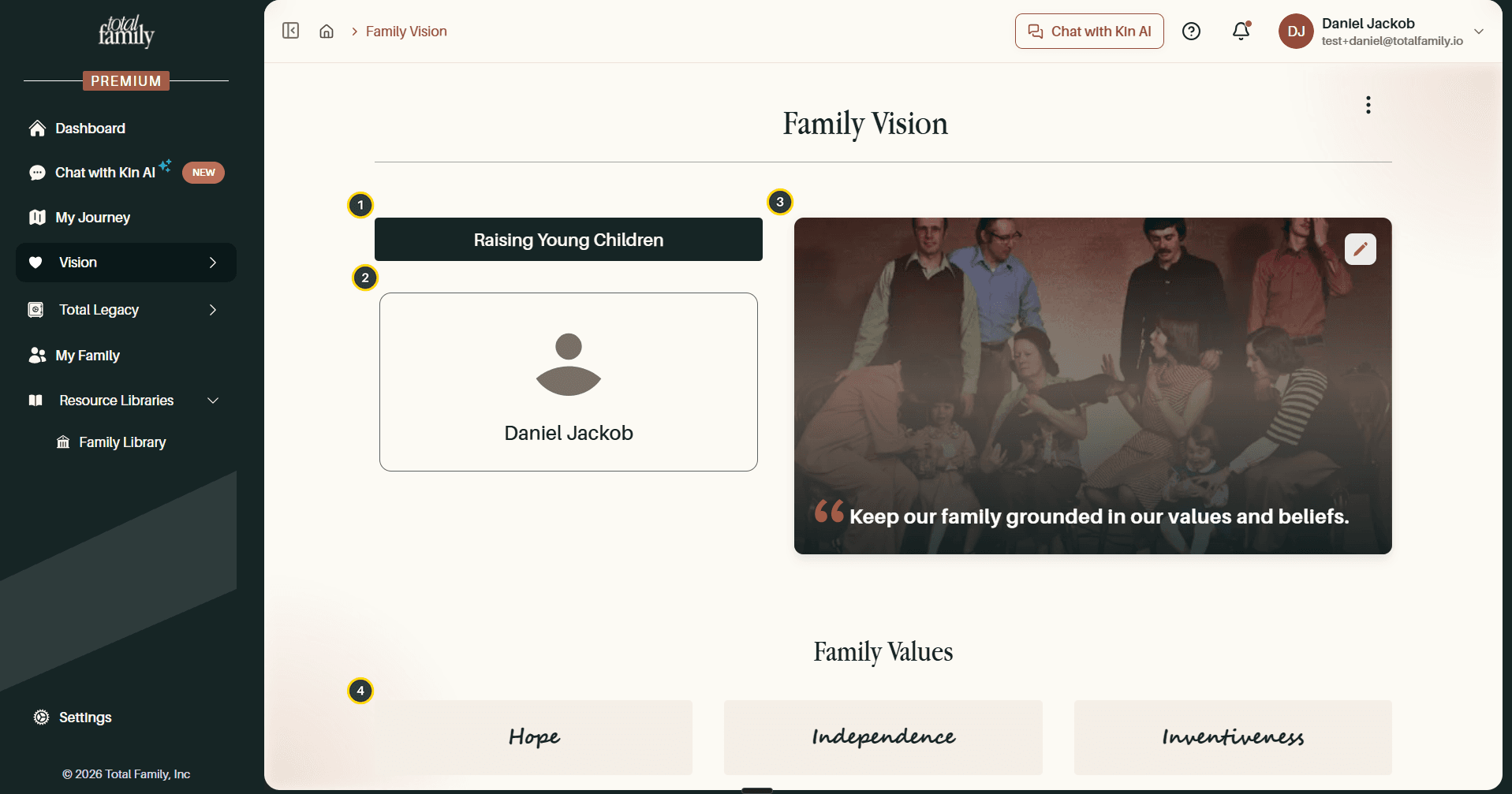
- Life phase: the stage your family is in.
- Family members: everyone who has contributed a vision so far.
- Purpose statement: your statement over your family photo. Use the pencil icon to change the image.
- Family Values: the five you chose together.
Scroll down for the priorities.
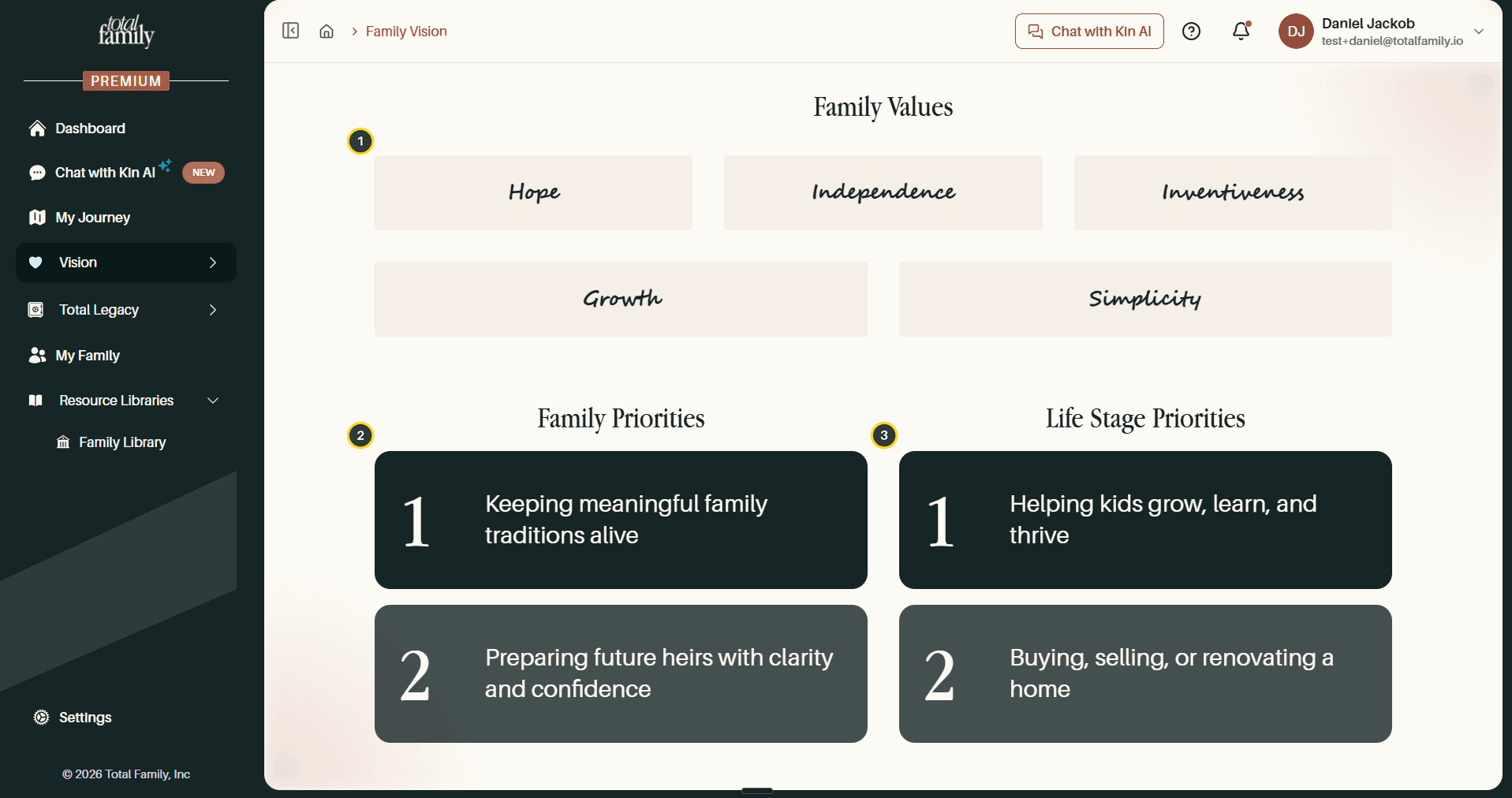
- Family Values: all five, in full.
- Family Priorities: your long-term focus, in the order you ranked them.
- Life Stage Priorities: what matters in this season, ranked the same way.
Your family values and purpose statement also appear on the Family Dashboard, so what you set here shows up on your home screen.
Changing Your Family Vision Later
The ⋮ menu in the top right of the Family Vision page holds three options: Export PDF to download your vision as a designed document, Edit Vision to change one section or redo the whole thing, and Version History to see every saved version and who saved it. All three are covered in Living Vision.
Write the first draft together. It is meant to be argued with.