
Quotes
Capture the things your family says and keep them together on one board.
Families repeat things. A line your grandmother always said, the piece of advice a parent gave you at the right moment, something a child came out with that nobody has forgotten. Quotes is where those go: short, attributed to whoever said them, and tagged so you can find them again.
Add Your First Quote
Open Total Legacy > Quotes. Until you have saved one, the page is empty. Select Add a quote.
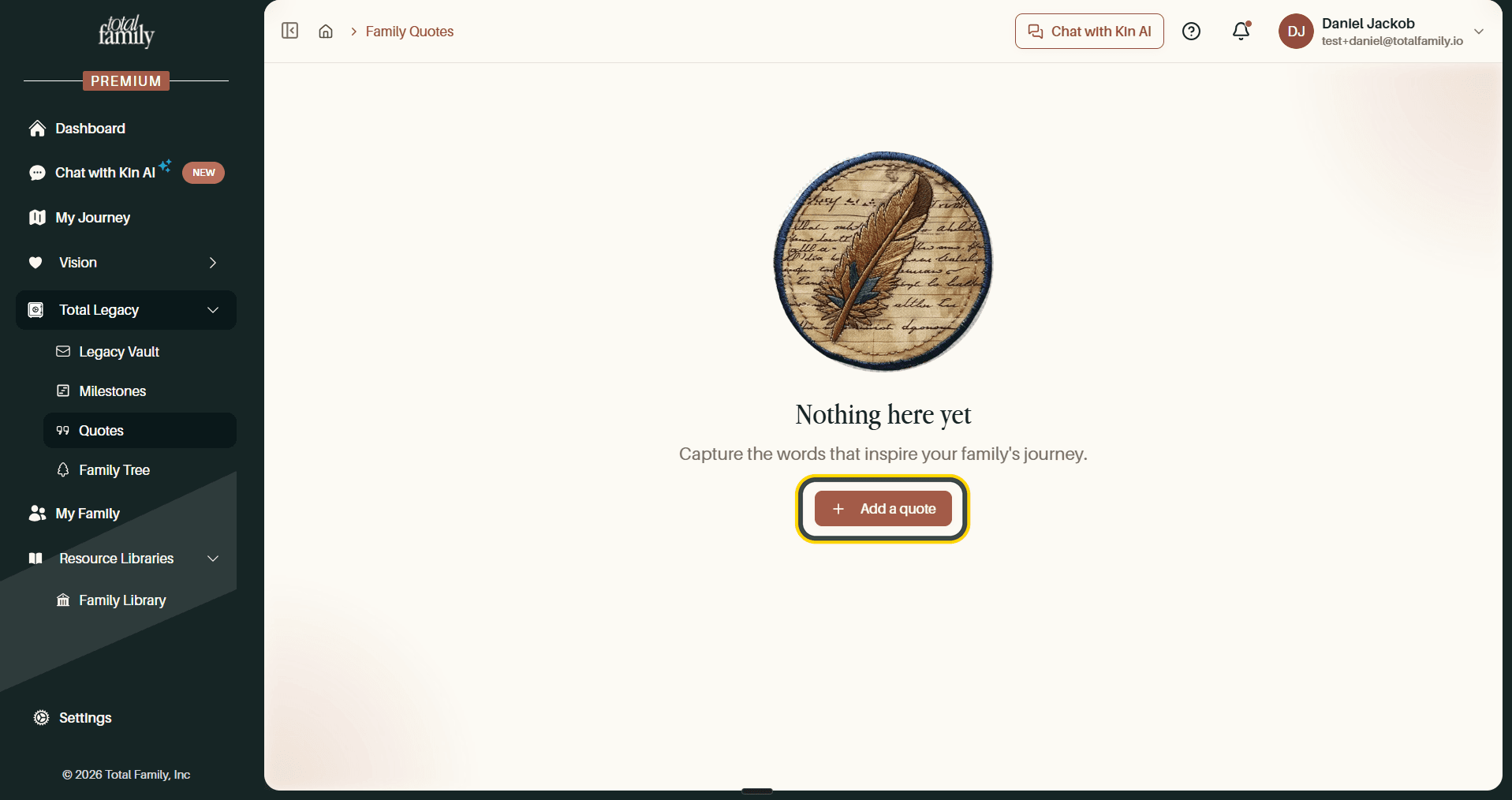
The same button sits at the top right of the board once you have quotes, so this is how you add every one of them.
Fill In the Quote
A short dialog opens with four things to fill in.
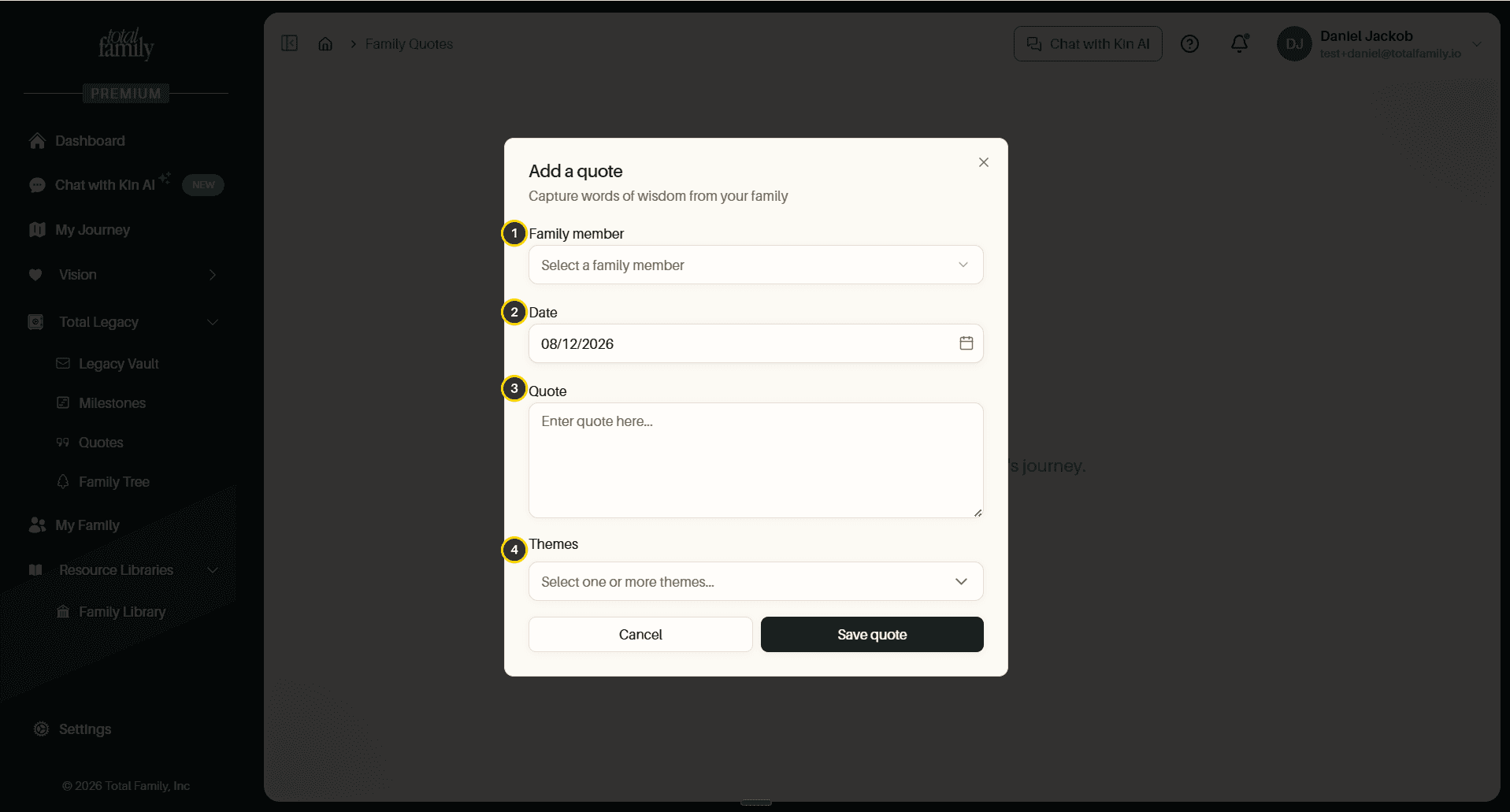
- Family member: who said it.
- Date: when they said it, or when you are recording it. Today's date is filled in already.
- Quote: the words themselves.
- Themes: how you want it tagged.
Tip Keep it to what was actually said. The power of a quote in a few years is that it sounds like the person. Context can go in a milestone or a Legacy Letter instead.
Choose Themes
Open Themes and you get a searchable list: Gratitude, Family, Growth, Wisdom, and others, including any your family has added before.
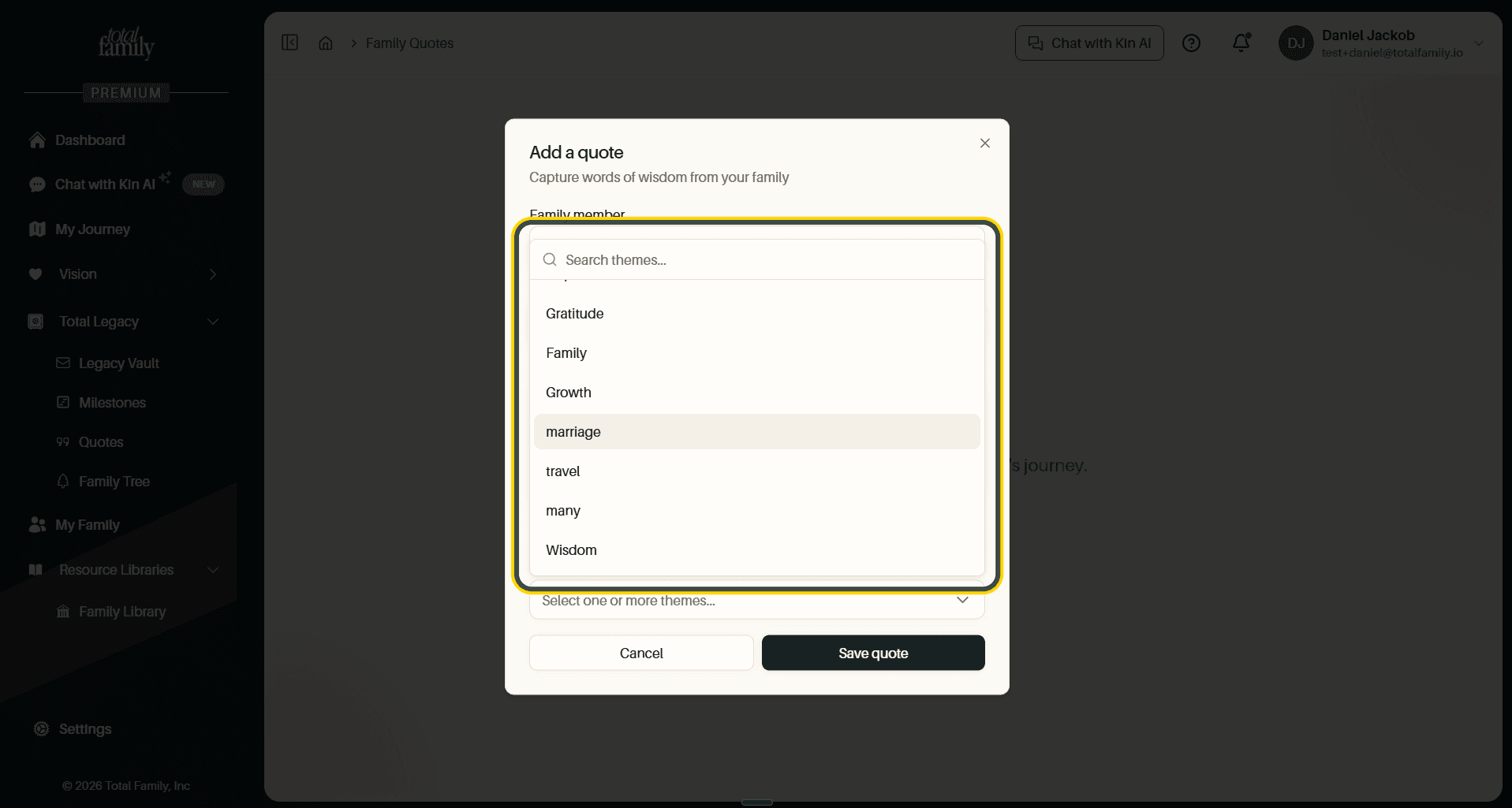
You can pick more than one. Each theme you choose appears as a chip above the selector, and the ✕ on a chip removes it.
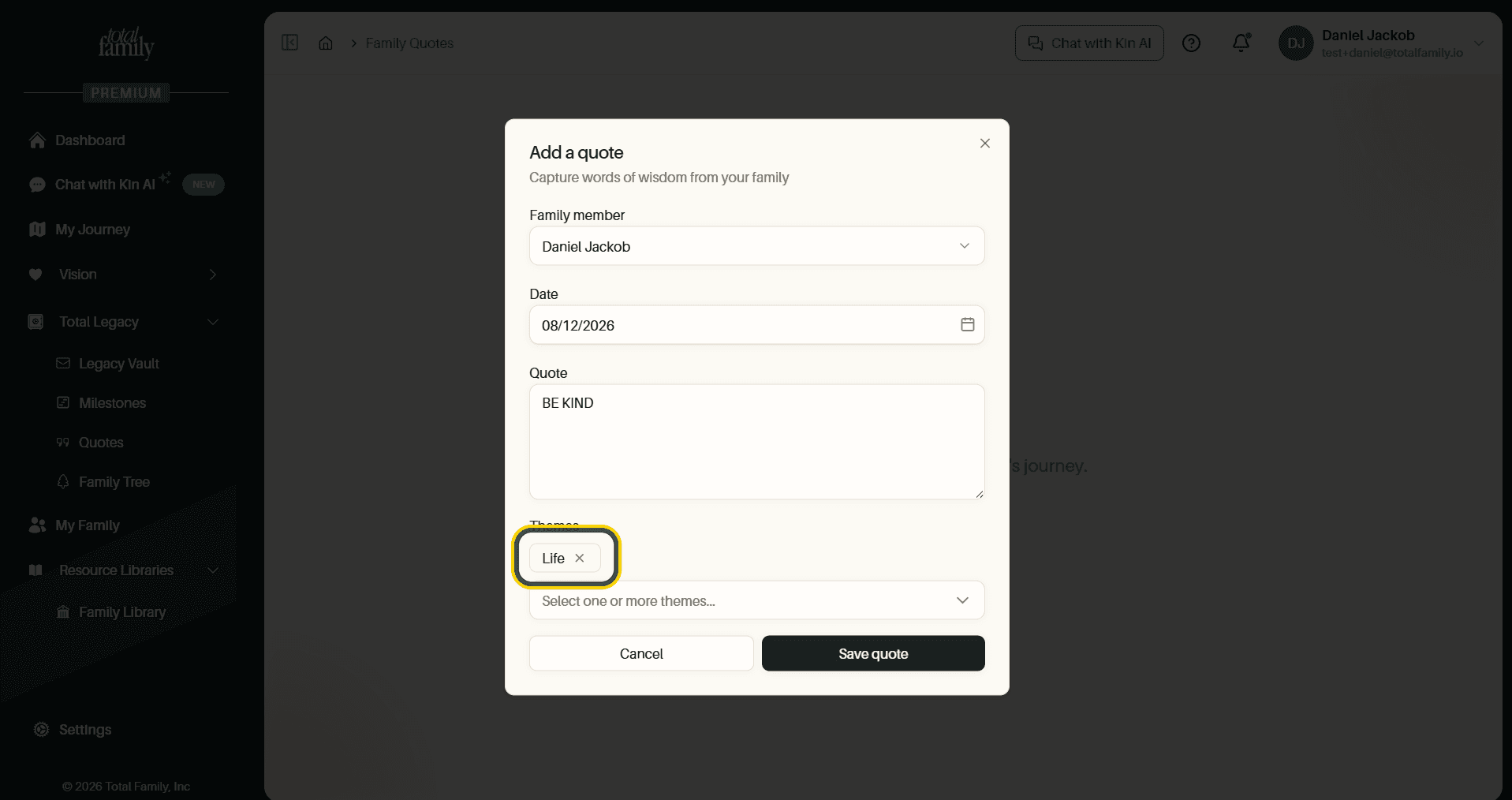
Themes are what make the board searchable later, so it is worth tagging as you go rather than promising yourself you will tidy up afterwards.
Save It
Select Save quote. The quote appears on the board straight away.
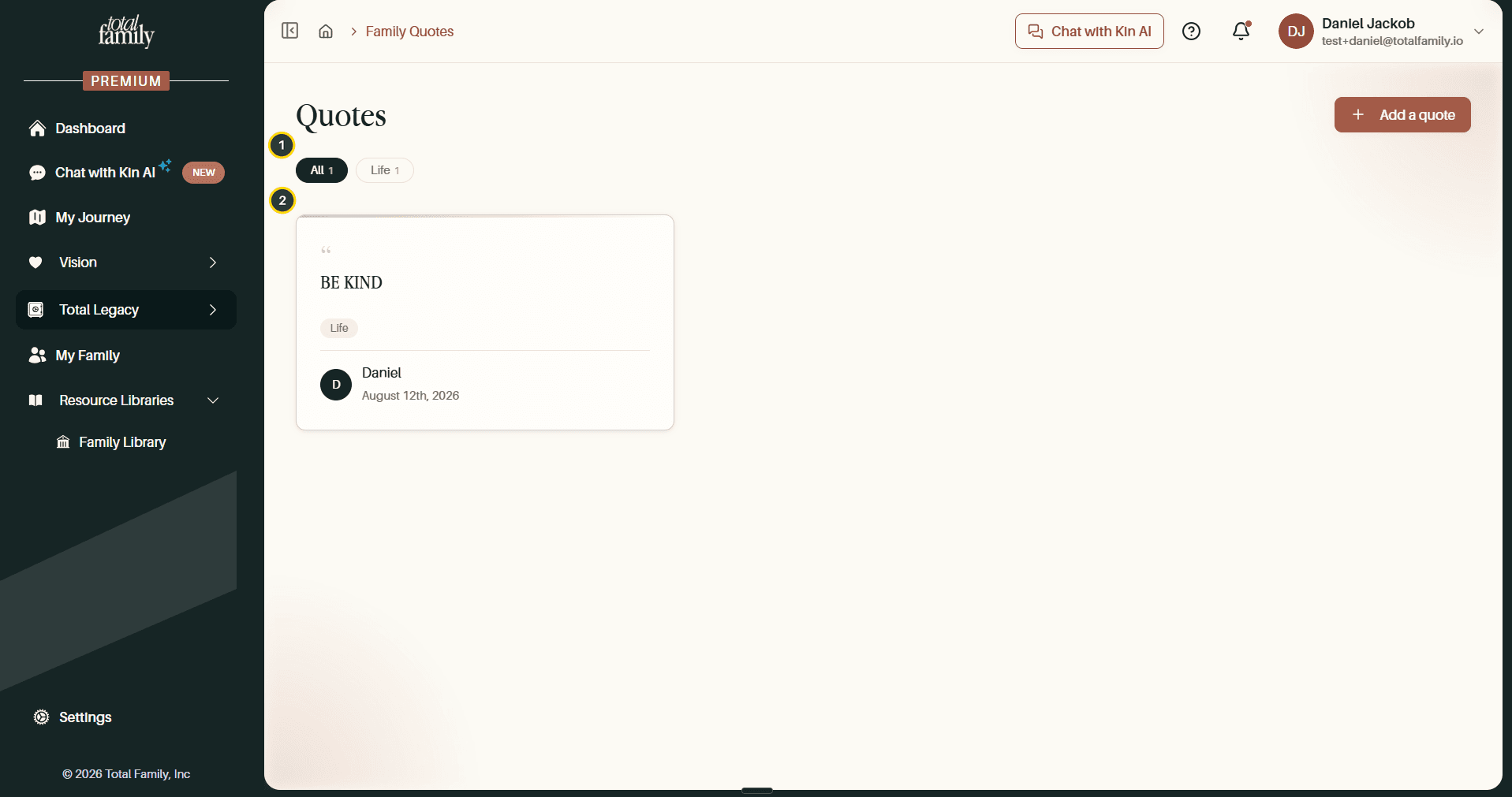
- Theme filters: one chip per theme in use, each with a count. All shows everything.
- The quote card: the words, its themes, and who said it with the date.
The Quote Board
As you add more, they fill the board newest first, and the filter row grows with them.
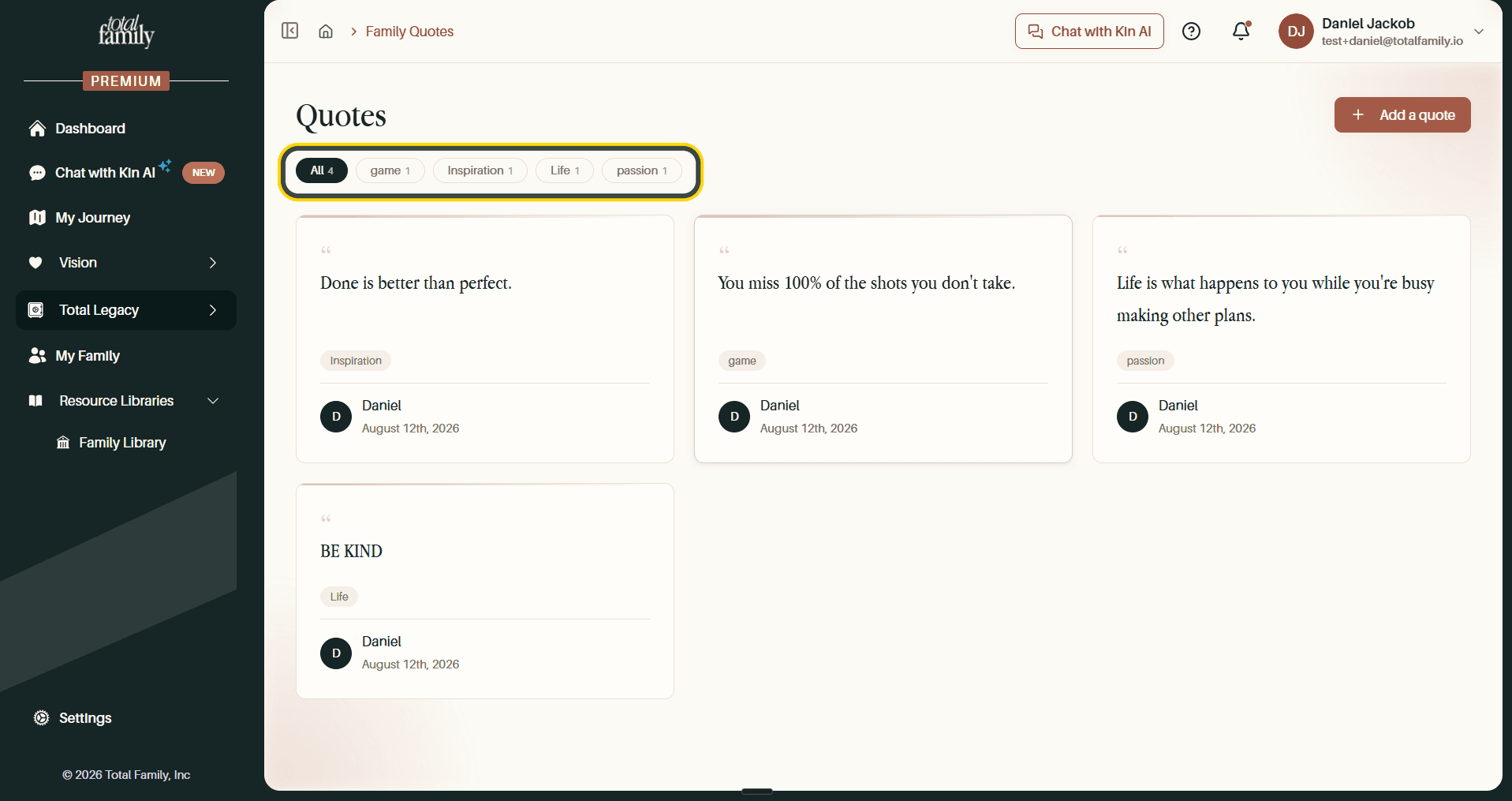
Every theme anyone has used appears as a filter, with a count beside it, so the row doubles as a summary of what your family tends to talk about.
Filter by Theme
Select any theme to see only the quotes tagged with it.
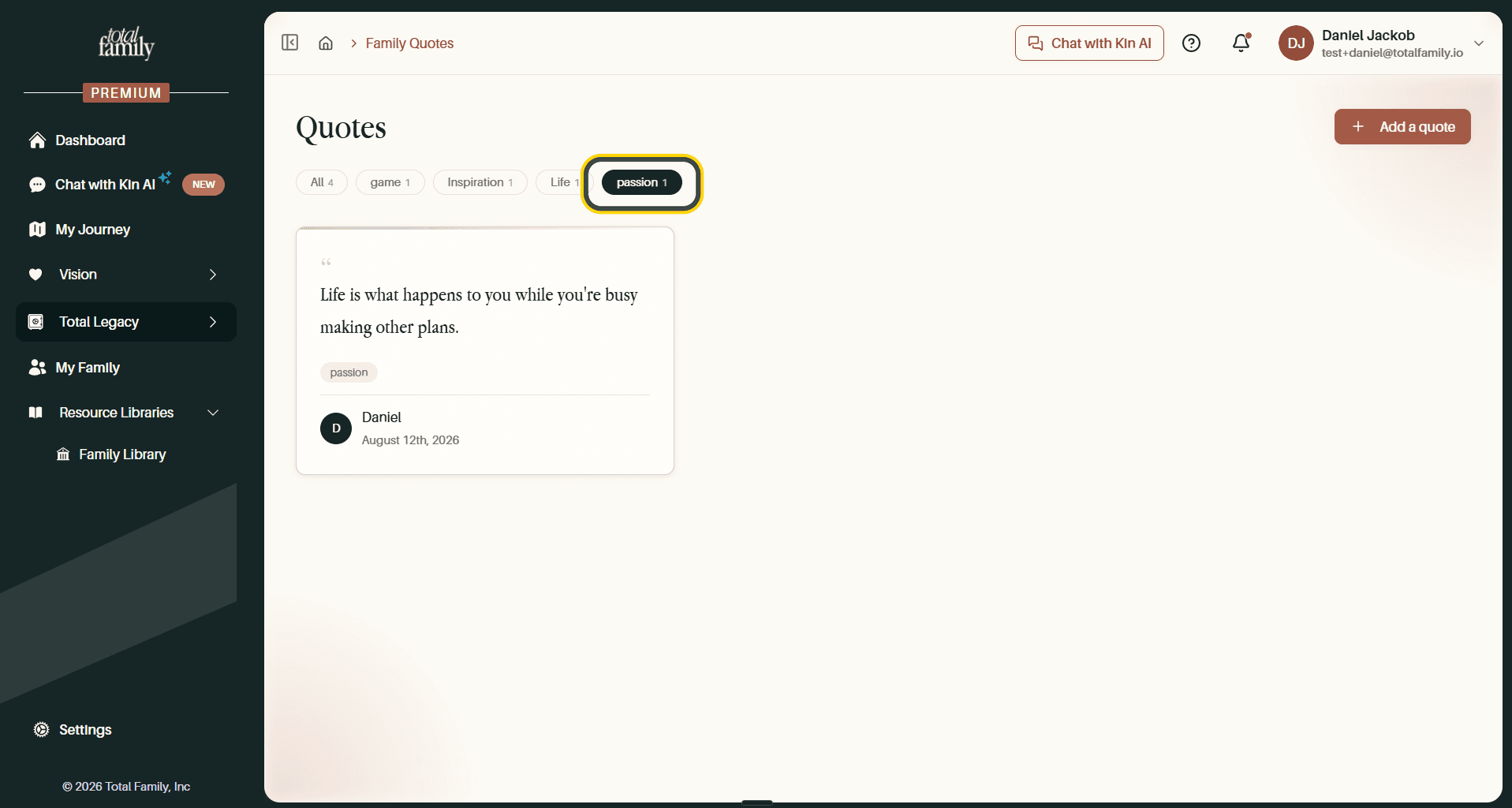
The selected filter is highlighted, and the board shows just those quotes. Select All to clear the filter and see everything again.
Write down the one you can already hear in their voice.